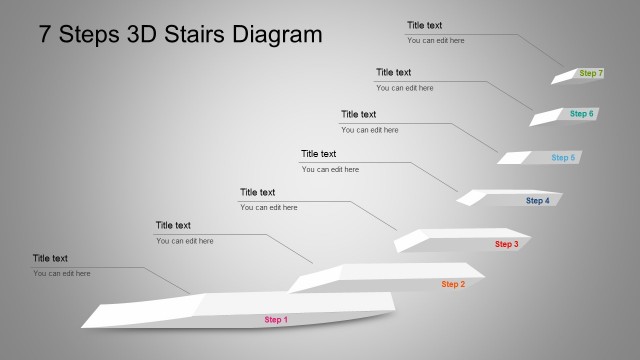
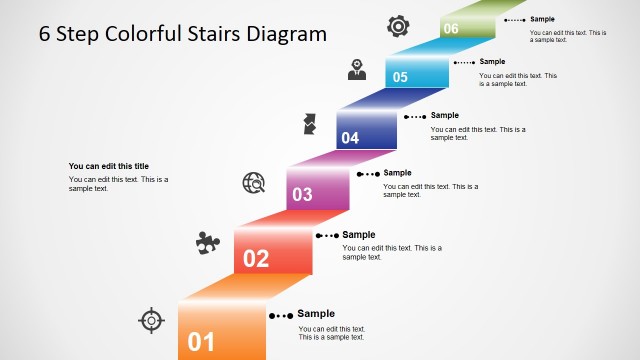
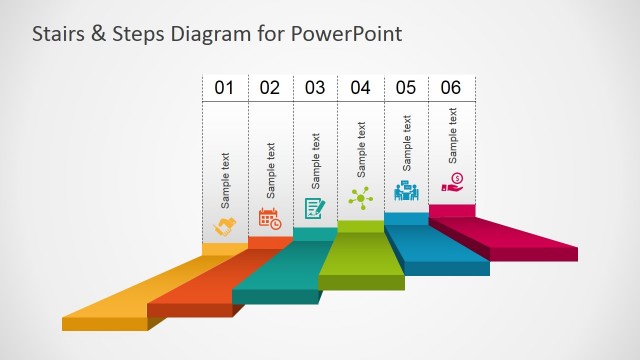
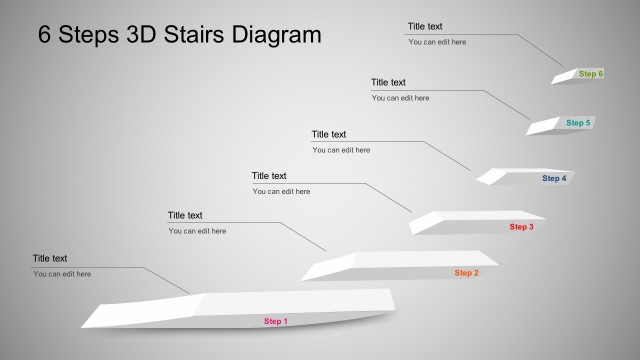
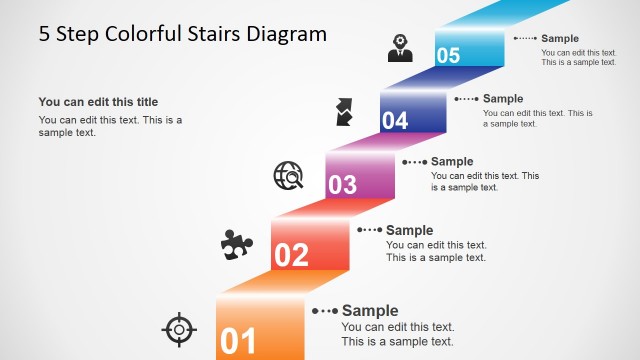
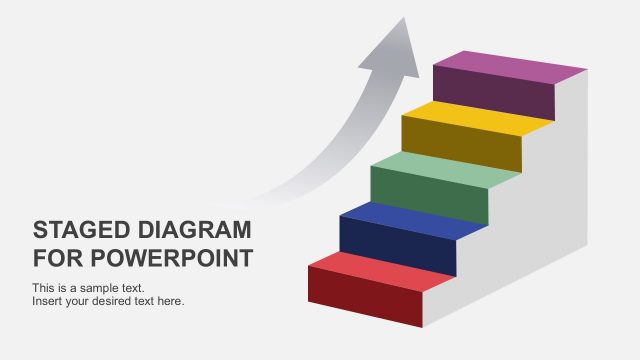
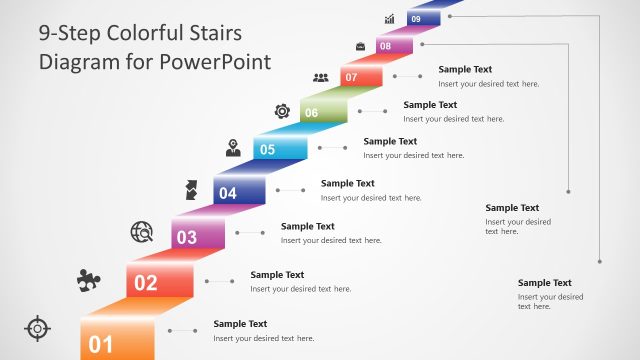
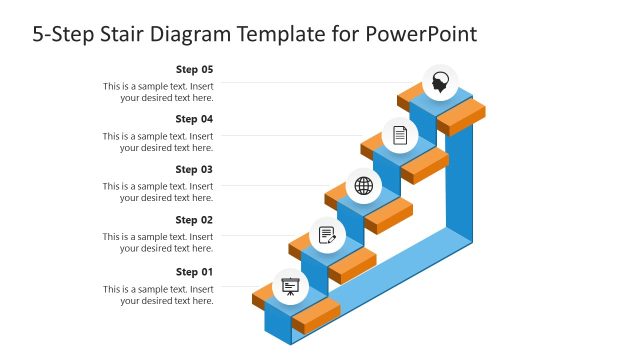
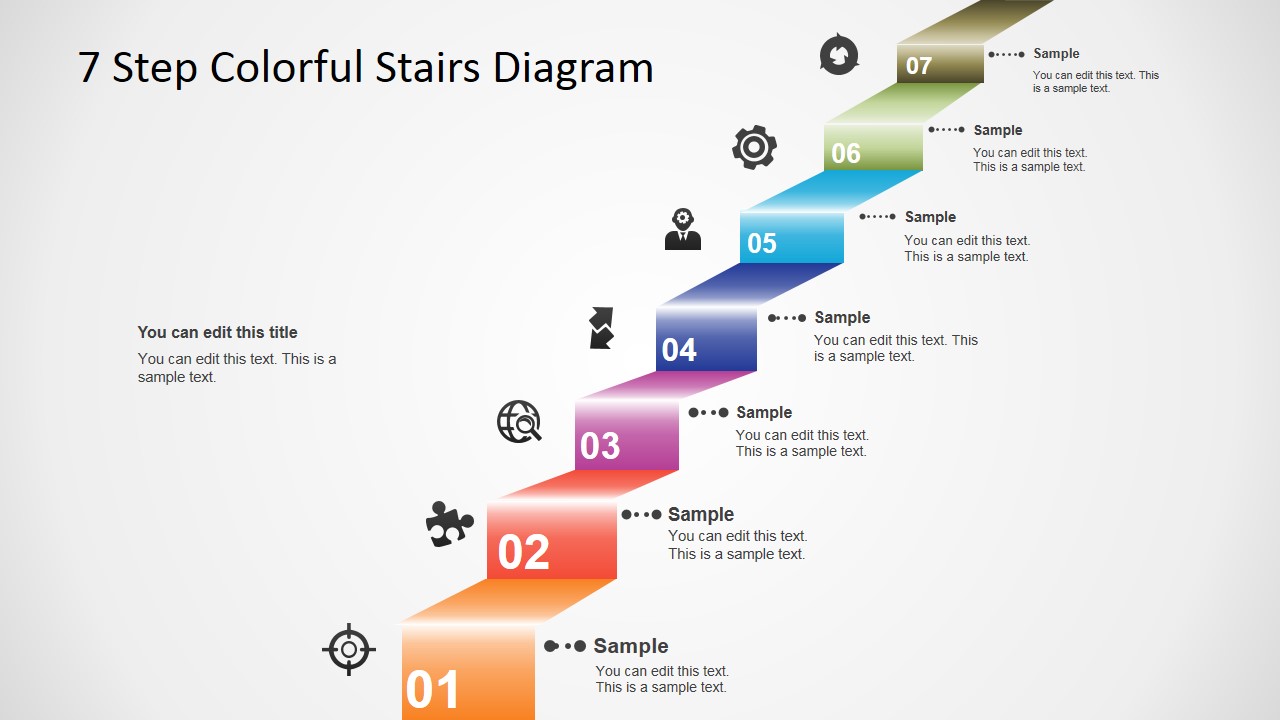
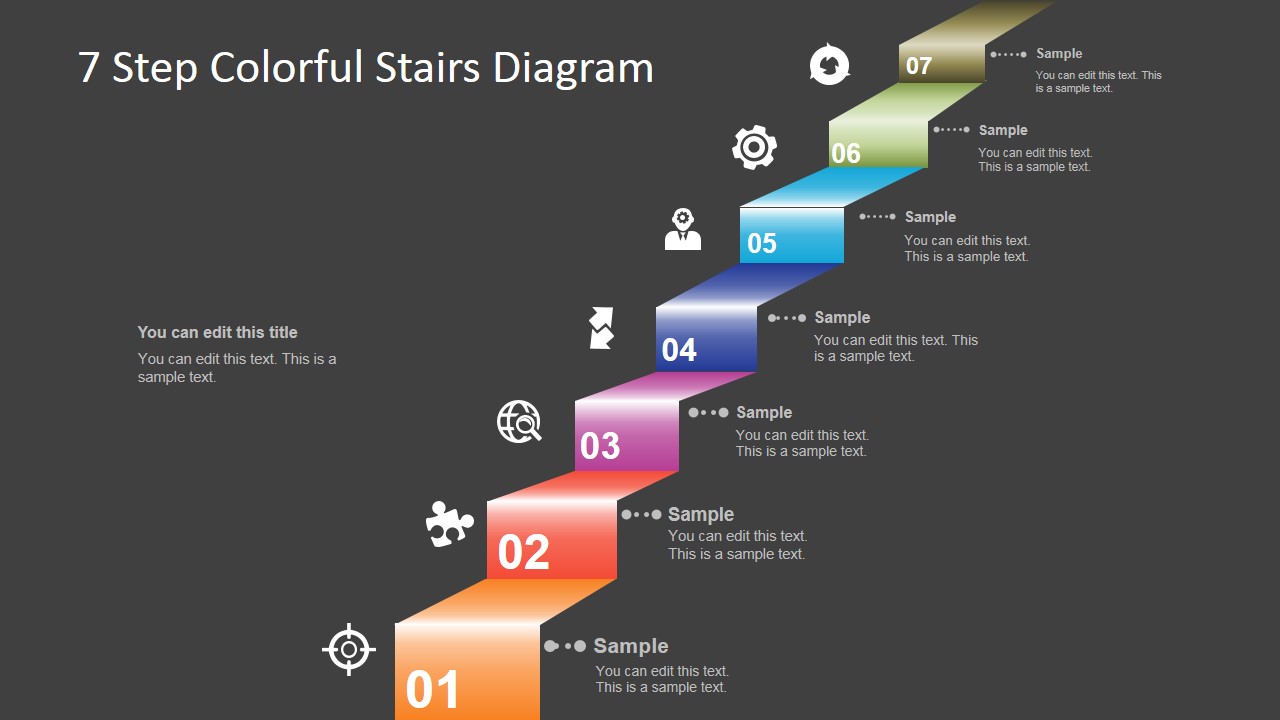
The 7 Step Colorful Stairs Diagram for PowerPoint is a creative PowerPoint Diagram, created with individual PowerPoint Shapes, simulating a 3D stair with depth. Each step contains a number and a references to a PowerPoint Icon. The PowerPoint Diagram is provided in gradient grey and dark backgrounds. Each steps is 100% editable by the user.
What’s inside this template
Example presentation scenarios
- A project manager can explain an implementation roadmap by assigning each milestone to a numbered stair step and using the icon callouts for responsibilities or checkpoints.
- A trainer can introduce a seven-part learning path by placing each module on the stair progression and using the short text areas to describe expected outcomes.
- A consultant can present a maturity model to executives by using the rising stairs to show movement from a basic level toward an advanced target state.
- A sales presenter can outline a customer onboarding journey by labeling each step with an action and using the adjacent icons to make the sequence easier to scan.
Features
- 100% editable presentation template
- Compatible with Microsoft PowerPoint and Google Slides
- 16:9 aspect ratio slides
- Scalable vector shapes, icons and illustrations
- AI-Ready for Microsoft Copilot and Claude
- Instant access and download
Frequently asked questions
Q: How should a presenter write content for a seven-step stair diagram without overcrowding it?
A: Keep each stair label to a short action, phase name, or level title, then use the adjacent callout for one supporting line. The design works best when the audience can read the path from step 01 to step 07 quickly. Put detailed explanations in speaker notes or follow-up slides rather than filling the stair area.
Q: When is this stair diagram a better choice than a timeline or checklist?
A: Choose this template when the message is about advancement, increasing capability, or a sequence that builds toward a higher state. A timeline stresses time; a checklist stresses completion. The stair metaphor stresses upward movement, so it fits maturity models, adoption paths, certification stages, and phased improvement plans.
Q: Why does the stair metaphor help communicate a multi-step business process?
A: The 3D stairs give the audience an immediate visual cue that each level follows the previous one and moves the subject upward. Numbered blocks create order, color shifts separate stages, and icons act as anchors. Together, they reduce the effort needed to understand a seven-part progression.
7 Step Colorful Stairs Diagram for PowerPoint
2-slide presentation template with 7-step stairs diagram, numbered levels, and icon callouts
The 7 Step Colorful Stairs Diagram for PowerPoint is a 2-slide diagram template for presenting sequential levels or staged progress. It includes a 3D stair progression, numbered step blocks, icon markers, and short text callouts on dark and light backgrounds for Microsoft PowerPoint and Google Slides.
- Category
- Diagrams
- Rating


 Loading...
- Aspect ratio
- 16:9, 4:3
- Item ID
- 8331-01
- Colors
 Microsoft PowerPoint
  Microsoft Copilot
  Claude for PowerPoint
 Other formats supported
Subscribe today and get immediate
access to download our PowerPoint templates.