Slide 1 of 3 from 7 Step Circular Arrow Diagram for PowerPoint
6231-02-circular-arrow-1
7 Step Circular Arrow Diagram for Presentations
- Diagram
- Circular Cycle
- Process Slide
- 16:9
- 100% Editable
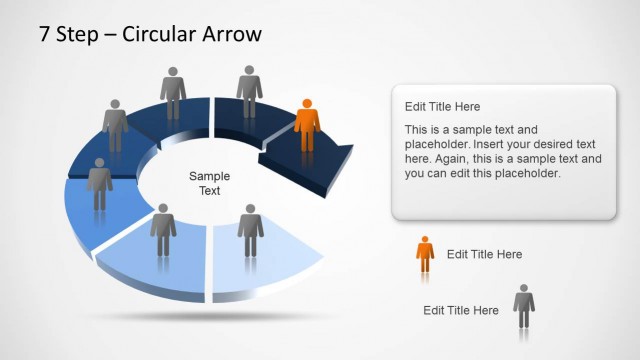
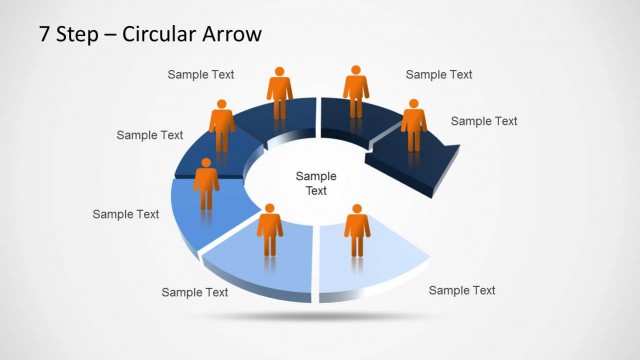
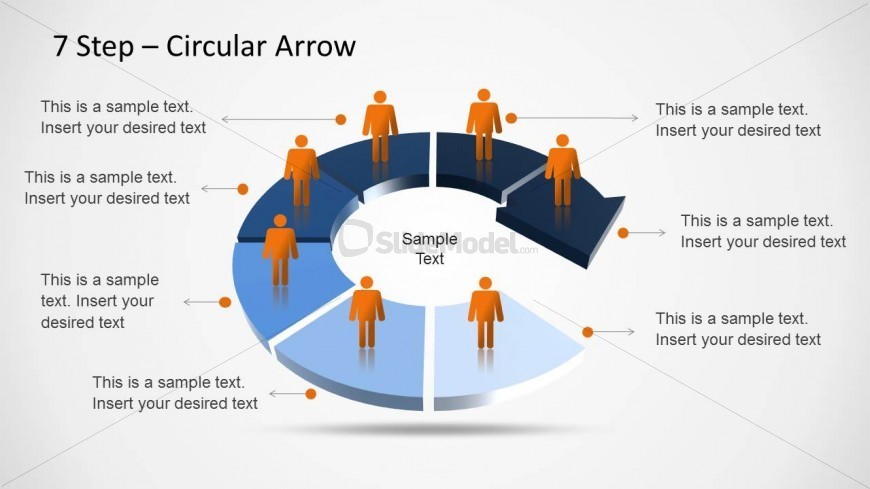
The 7 Step Circular Arrow Diagram slide from the 7 Step Circular Arrow Diagram for PowerPoint template offers a clear visual of cyclical processes, ideal for business presentations. This slide template includes editable shapes and vector icons to represent each stage, making it suitable for workflow explanations and training overviews within corporate presentations or pitch deck templates.
What’s on This Slide
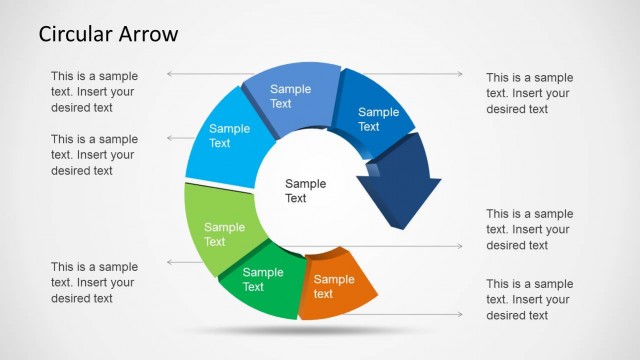
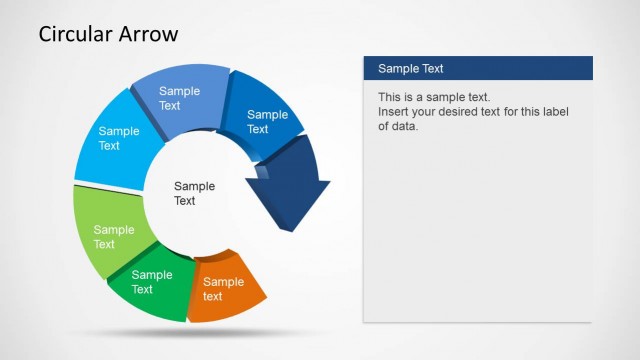
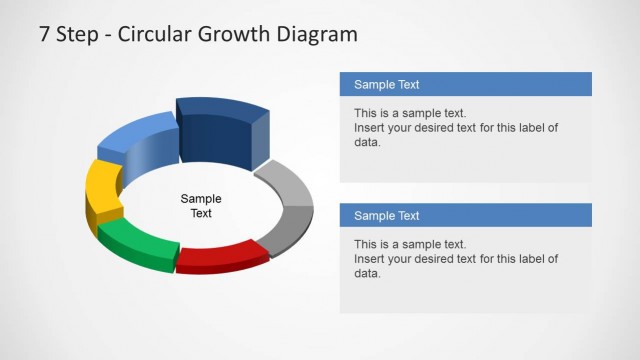
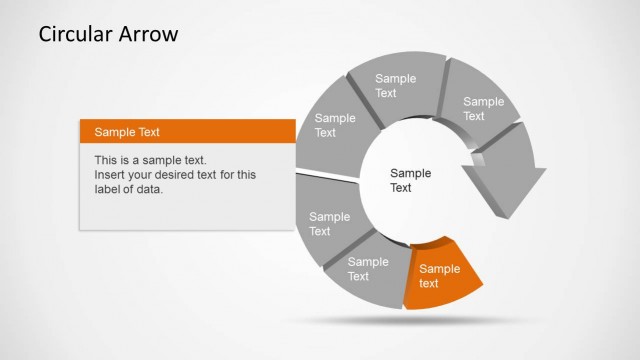
The layout features a segmented circular arrow diagram with seven distinct sections. Each segment is labeled and includes a placeholder for text, positioned to the left and right of the segments. Central to the diagram is a circular area labeled 'Sample Text.' Icons of individuals are placed above each segment, visually representing participants in the process. The color scheme includes shades of blue and gray, with a gradient effect in the segments. The overall composition is circular, emphasizing the cyclical nature of the process being illustrated.
How to Use It
This layout serves as a visual representation of a cyclical process with seven stages. It is suitable for presentations that explain workflows, processes, or cycles. The diagram can be effectively used in business contexts such as project management, product development, or training sessions. It fits well in the introduction of a presentation, providing an overview of the steps involved in a process, and can be followed by detailed explanations of each step in subsequent slides.
Text Placeholders & Capacity
Keep your copy within these limits so it fits without resizing. Node body slots can hold roughly 10 words each.
| Placeholder | Count | Max characters (approx.) |
|---|---|---|
| Slide title | 1 | 30 |
| Item body | 7 | 50 |
| Item heading | 7 | 20 |
| Body paragraph | 1 | 30 |