Slide 2 of 3 from 7 Step Circular Arrow Diagram for PowerPoint
6231-02-circular-arrow-2
7 Step Circular Arrow Diagram for Presentations
- Diagram
- Circular Cycle
- Process Slide
- 16:9
- 100% Editable
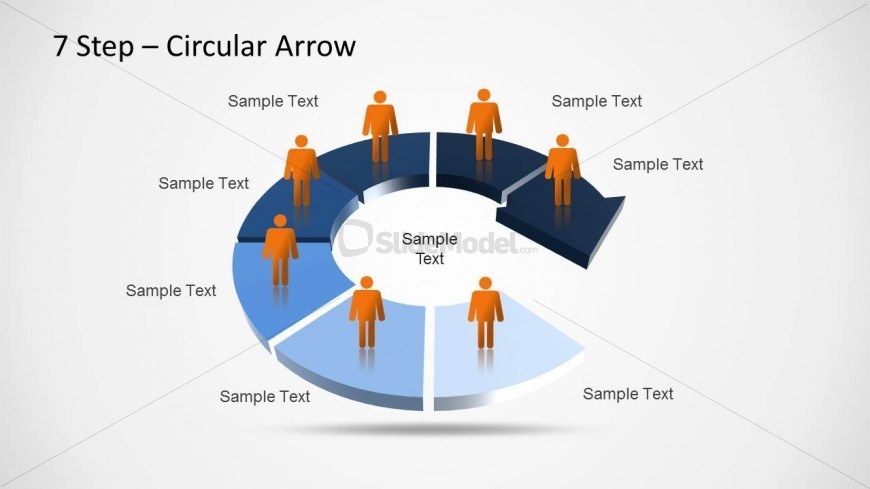
The 7 Step Circular Arrow Diagram slide from the 7 Step Circular Arrow Diagram for PowerPoint template offers a clear visual process flow ideal for business presentations. This editable slide features a segmented circular arrow design with vector icons, making it suitable for illustrating project phases, product development steps, or training processes within a corporate presentation or pitch deck template.
What’s on This Slide
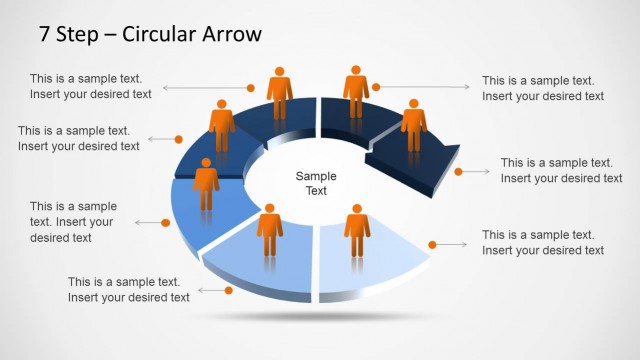
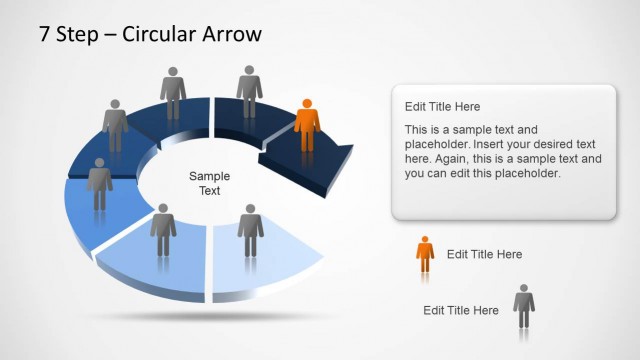
The layout features a segmented circular arrow diagram with seven sections. Each segment is labeled with 'Sample Text' and includes an icon of a person positioned above it. The segments alternate in color, with darker shades on the top and lighter shades on the bottom. The central area contains a larger 'Sample Text' placeholder. The overall composition is circular, emphasizing a cyclical process. The visual hierarchy is clear, with the title at the top and the segments organized around the central text, creating a structured flow.
How to Use It
This layout serves as a process flow diagram, effectively illustrating a cyclical workflow with seven distinct stages. It is suitable for presentations that require a visual representation of processes, such as project management, product development, or training programs. The circular format allows for easy understanding of the relationship between stages. It fits well after a problem-framing slide and before a detailed roadmap, providing a clear overview of the steps involved in a process.
Text Placeholders & Capacity
Keep your copy within these limits so it fits without resizing. Node labels can hold about 15 characters each.
| Placeholder | Count | Max characters (approx.) |
|---|---|---|
| Slide title | 1 | 25 |
| Item heading | 7 | 15 |
| Item body | 1 | 25 |