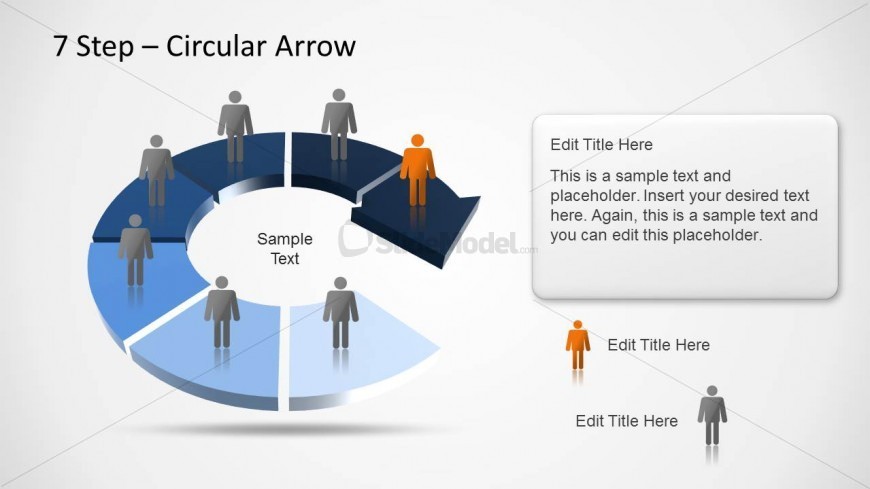
Slide 3 of 3 from 7 Step Circular Arrow Diagram for PowerPoint
6231-02-circular-arrow-3
7 Step Circular Arrow Diagram for Presentations
- Diagram
- Circular Cycle
- Process Slide
- 16:9
- 100% Editable
The 7 Step Circular Arrow Diagram slide from the 7 Step Circular Arrow Diagram for PowerPoint template offers a clear visual for illustrating cyclical processes and workflows. This slide layout uses editable shapes and vector icons arranged in a segmented circular arrow, making it suitable for business presentations and project development discussions. It enhances understanding of sequential stages within a slide deck, compatible with both PowerPoint templates and Google Slides templates.
What’s on This Slide
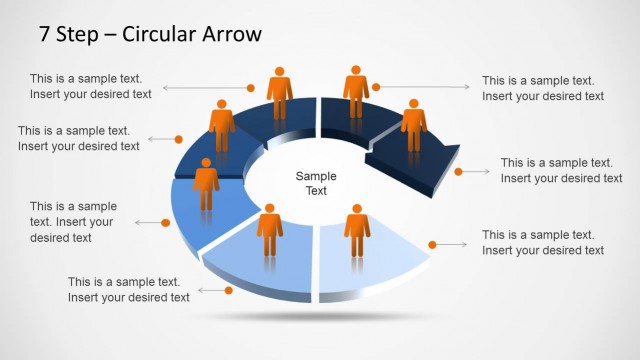
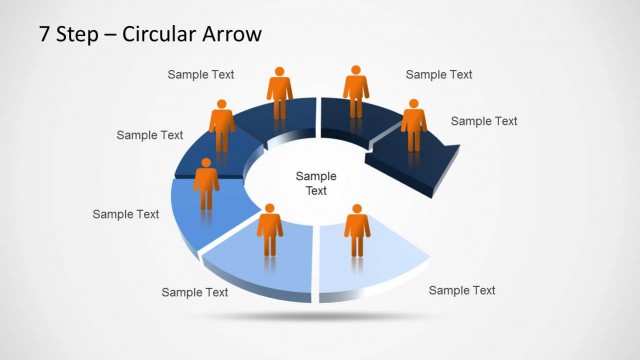
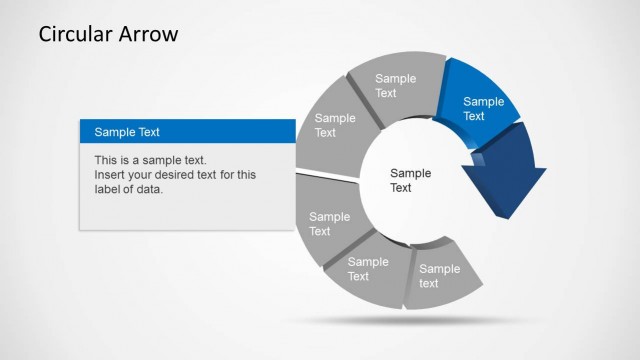
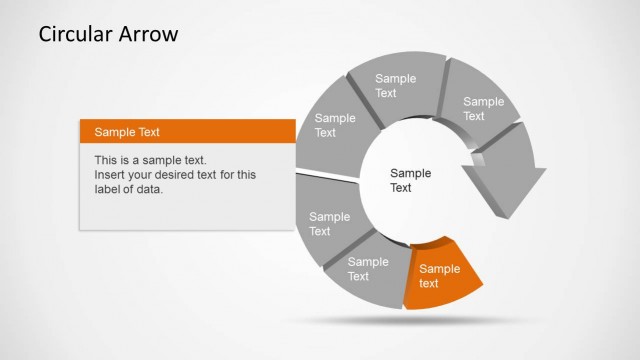
The layout features a segmented circular arrow divided into seven sections, with alternating blue and light blue segments. Each segment contains a human icon positioned above it, with one segment highlighted in dark blue. A central circle contains sample text, while additional text placeholders are located to the right and below the circular diagram. The title is positioned at the top center. The overall composition is balanced, with a clear visual hierarchy emphasizing the highlighted segment and the central text area.
How to Use It
This layout serves as a cyclical process diagram, ideal for illustrating workflows or stages in a project. It fits well in presentations discussing processes, project management, or product development. Use it to visually represent a sequence of steps, making it easier for the audience to follow the flow of information. This slide is particularly effective in business contexts where clarity of process is essential.
Text Placeholders & Capacity
Keep your copy within these limits so it fits without resizing. Node slots can hold concise text, roughly 5-7 words each.
| Placeholder | Count | Max characters (approx.) |
|---|---|---|
| Slide title | 1 | 30 |
| Item body | 7 | 25 |
| Body paragraph | 2 | 150 |