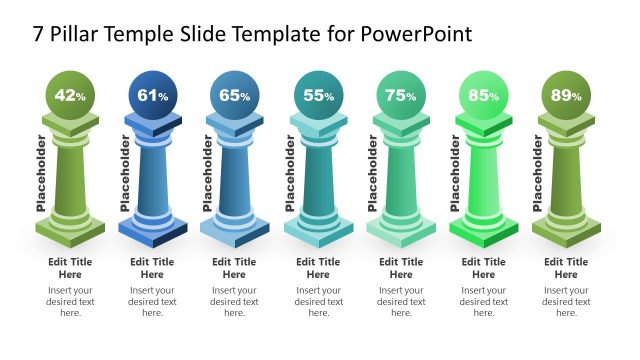
Slide 2 of 3 from 7-Pillar Temple Slide Template for PowerPoint
7 Pillar Diagram Slide for PowerPoint
7-Pillar Diagram for Presentations
- Diagram
- Matrix Quadrant
- Strategic Analysis Slide
- 16:9
- 100% Editable
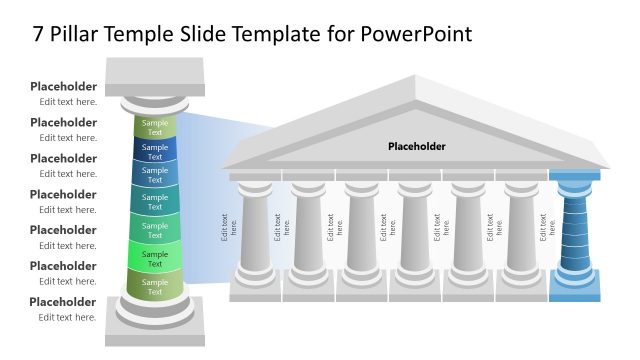
The 7-Pillar Diagram with Placeholders slide from the 7-Pillar Temple Slide Template for PowerPoint offers a structured layout for business presentations, enabling clear depiction of core values and strategic frameworks. This slide design includes editable shapes and placeholders arranged around a central pillar, facilitating detailed explanation of organizational principles within a corporate presentation or pitch deck template.
What’s on This Slide
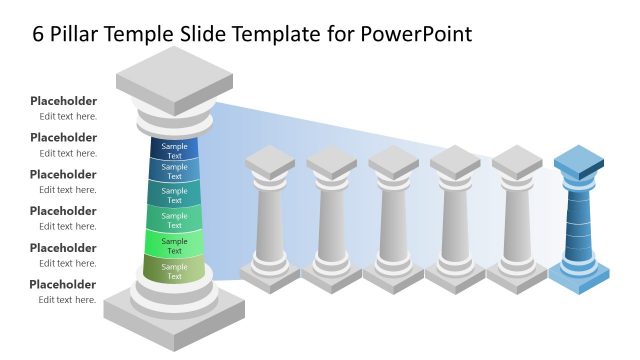
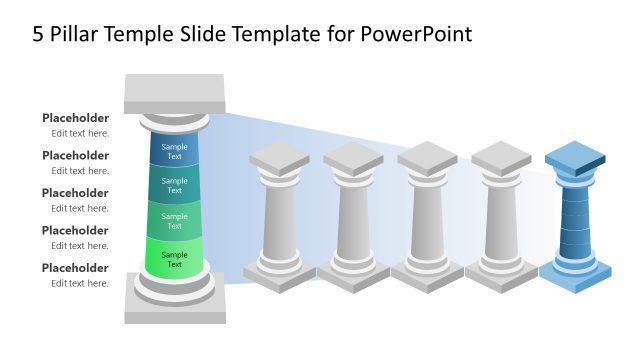
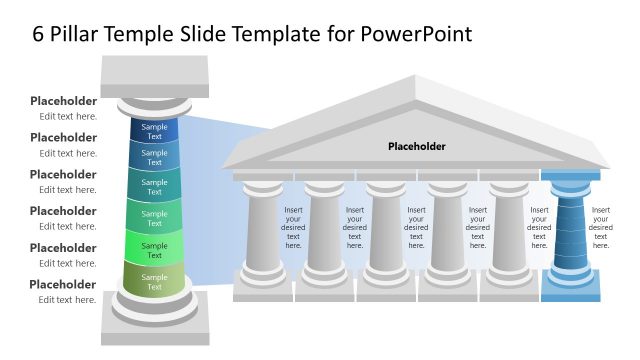
The layout features a central pillar with a rectangular top, flanked by six additional pillars. The central pillar is colored blue, while the others are in shades of gray. Each pillar has a placeholder for text, positioned vertically along the pillar's side. The background transitions from white to a light gradient, enhancing the visual hierarchy. The central pillar is larger than the others, emphasizing its importance. The placeholders are aligned to the left of the pillars, maintaining a consistent spacing and structure throughout the design.
How to Use It
This layout serves as a multi-segment diagram, ideal for presenting core values or key concepts. It fits well in a presentation sequence after introducing a problem or context, leading into a detailed exploration of each pillar. This structure is useful in business scenarios such as value proposition discussions, strategic frameworks, or organizational principles, allowing for clear communication of essential elements.
Text Placeholders & Capacity
Keep your copy within these limits so it fits without resizing. Each pillar can hold about 50 characters of text.
| Placeholder | Count | Max characters (approx.) |
|---|---|---|
| Item body | 7 | 50 |
| Slide title | 1 | 40 |
Slide Keywords
Download unlimited PowerPoint templates, charts and graphics for your presentations with our annual plan.
DOWNLOAD