6-Vertical Split Arrows PowerPoint Template
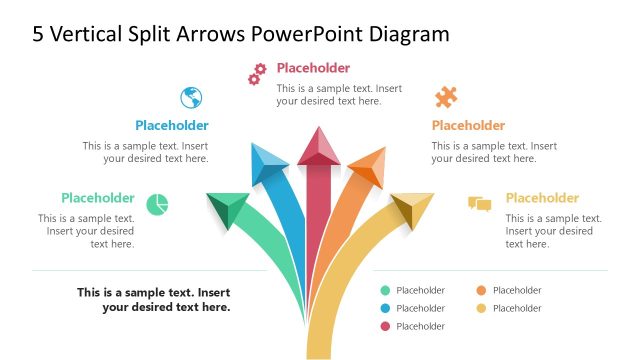
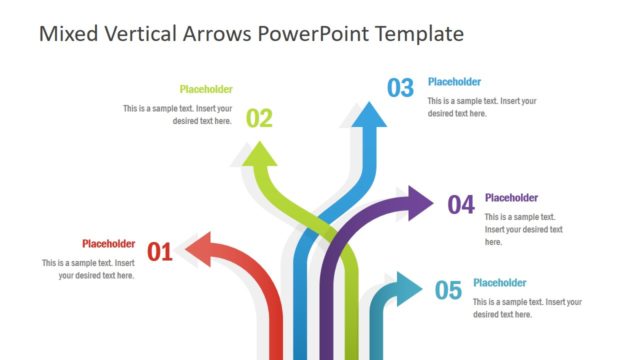
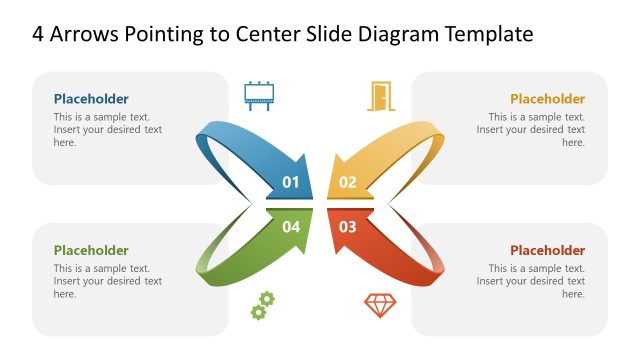
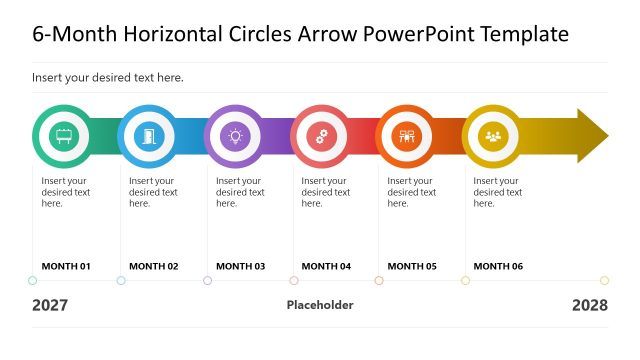
Present the components of a business growth strategy with our 6-Vertical Split Arrows PowerPoint Template. The arrow diagram is useful for indicating the direction of a process or roadmap. The arrows clearly illustrate what the main objective is and how to get there. Professionals can use these arrow diagrams in their business meetings to pinpoint the vision, mission, and SMART goals. In team meetings, this vertical split-arrow diagram is useful for presenting the six different angles of project execution. They can visualize how strong efforts can lead to attaining different outcomes crucial for the company’s success. This vertical split arrow template is 100% editable and can be edited in Google Slides.
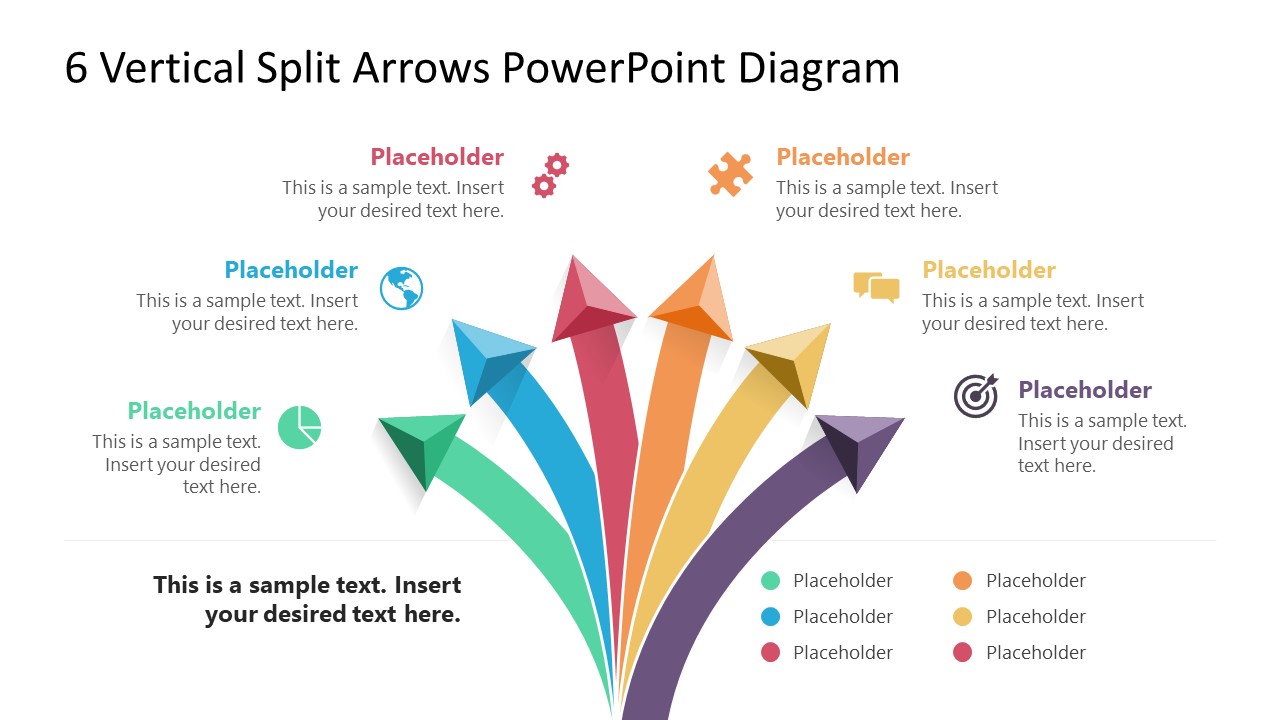
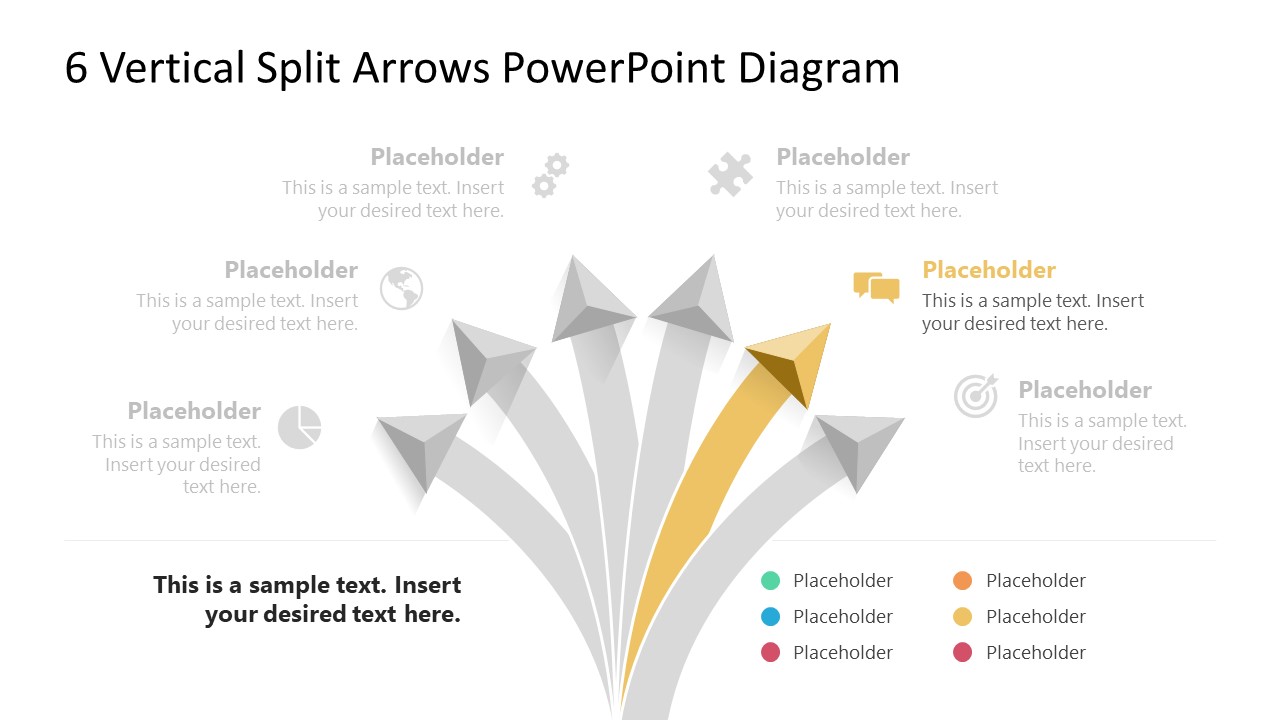
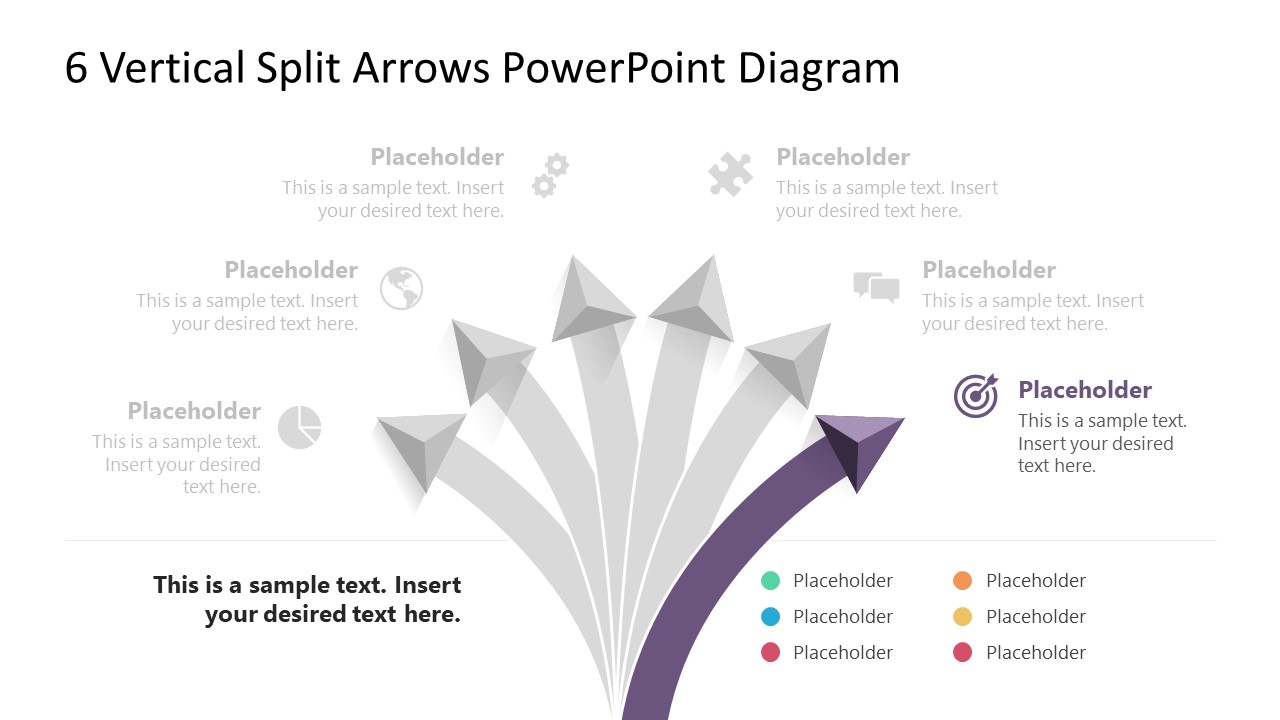
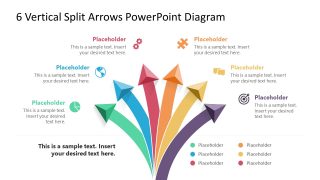
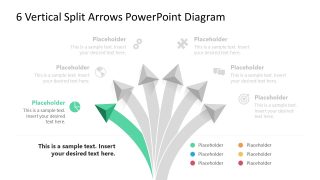
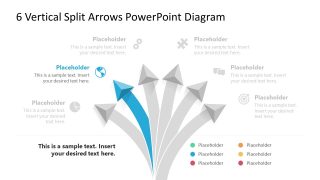
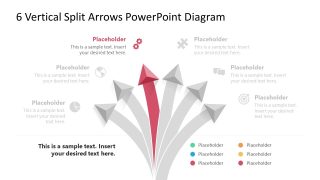
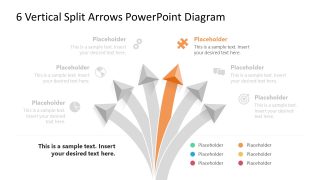
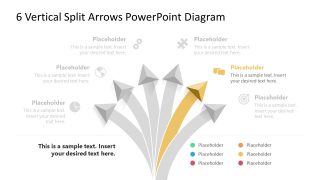
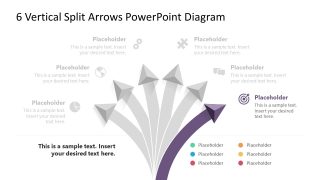
The 6-Vertical Split Arrows PowerPoint Template features a central diagram with six arrows. The arrows emerge from a common base, then split and move outward. A small, pyramid-shaped arrowhead with a 3D appearance is used. The six arrows point to the six infographic icons at the end of each. We have provided the corresponding text sections for each graphical icon so users can include the title and description of each point. Below the line bar, there are six color labels that professionals can adjust to match the points or headings in their presentation. Then, in the subsequent slides, you can present one single arrow, i.e., one heading at a time, with a focus effect. The focus point is highlighted in color, while all other parts of the diagram are grey.
Professionals can change the colors, number of arrows, icons, and effects used in the presentation. They can also repurpose it to fit their domain. Download the 6 vertical arrows PPT layout or check our collection of arrow diagram templates to choose the perfect design for your presentation. Grab it now!


You must be logged in to download this file.
DOWNLOAD- Category
- Multi-purpose
- Rating

 Loading...
- Size
- 16x9
- Item ID
- 23111-01
Subscribe today and get immediate
access to download our PowerPoint templates.