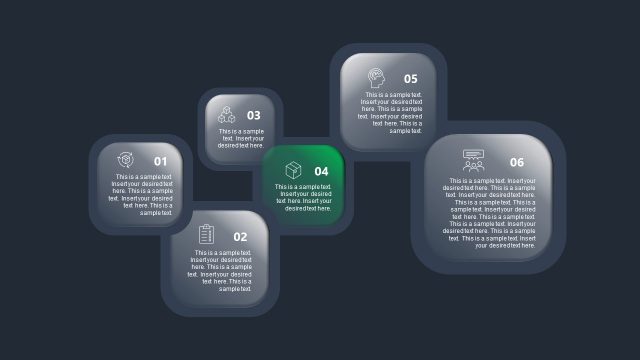
Slide 6 of 7 from 6 Steps Gradient Squares PowerPoint Diagram
Step 5 of Gradient Squares PowerPoint
6 Steps Gradient Squares Diagram Overview
- Diagram
- Matrix Grid
- Process Slide
- 16:9
- 100% Editable
The 6 Steps Gradient Squares Diagram from the 6 Steps Gradient Squares PowerPoint Diagram template offers a clear and visually engaging process layout. This slide uses gradient squares to represent sequential steps, making it suitable for project management and strategic planning presentations. It integrates well with business presentation slide decks that require editable shapes and a structured flow, enhancing communication of methodologies or phased tasks.
What’s on This Slide
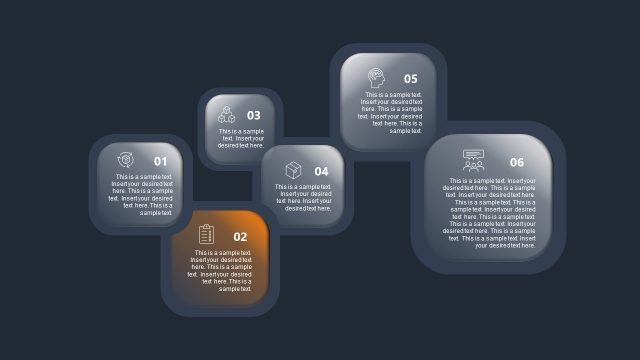
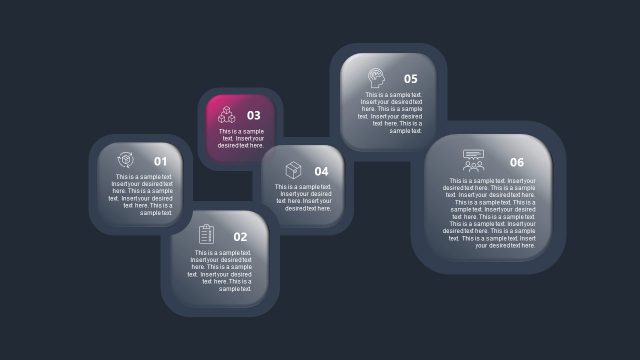
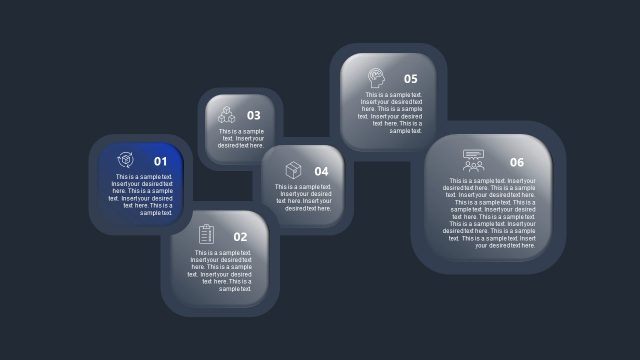
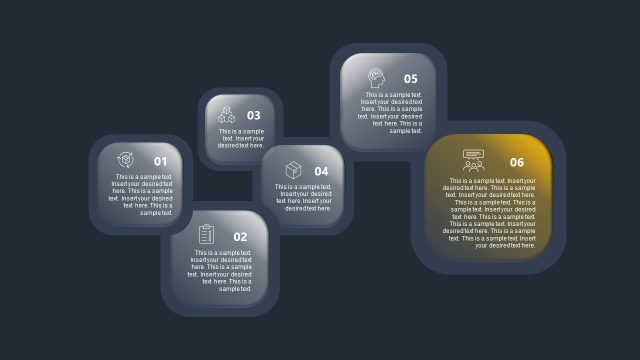
The layout features six gradient squares arranged in a non-linear pattern against a dark background. Each square contains a number from 01 to 06, indicating a sequence, and includes a text placeholder for descriptions. The squares vary in size and are visually distinct, with the fifth square highlighted to emphasize its importance. The text placeholders are centered within each square, providing a clear hierarchy. The overall composition is balanced, with squares grouped closely but maintaining separation to enhance readability.
How to Use It
This layout serves as a step-by-step process diagram, ideal for outlining sequential actions or phases in a project. It fits well in presentations that require a clear visual representation of a process or methodology. Common scenarios include project management updates, strategic planning sessions, or educational content where steps need to be clearly communicated. This structure effectively guides the audience through the progression of ideas or tasks.
Text Placeholders & Capacity
Keep your copy within these limits so it fits without resizing. Node body slots can hold approximately 30-35 words each.
| Placeholder | Count | Max characters (approx.) |
|---|---|---|
| Item heading | 6 | 30 |
| Item body | 6 | 150 |
Slide Keywords
Download unlimited PowerPoint templates, charts and graphics for your presentations with our annual plan.
DOWNLOADReturn to 6 Steps Gradient Squares PowerPoint Diagram.