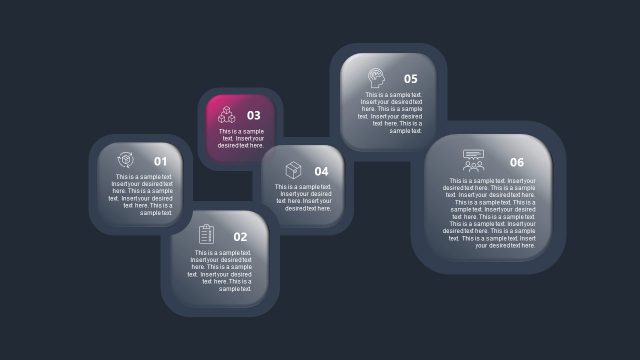
Slide 5 of 7 from 6 Steps Gradient Squares PowerPoint Diagram
Step 4 of Gradient Squares PowerPoint
6 Steps Gradient Squares Diagram Overview
- Diagram
- Other
- Process Slide
- 16:9
- 100% Editable
The 6 Steps Gradient Squares Diagram slide from the 6 Steps Gradient Squares PowerPoint Diagram template offers a clear visual process layout ideal for project management and strategic planning presentations. This slide features editable shapes arranged non-linearly with a central highlighted square, enhancing focus on key steps. It integrates smoothly into business presentation slide decks, providing a structured way to communicate sequential stages using professional slide templates.
What’s on This Slide
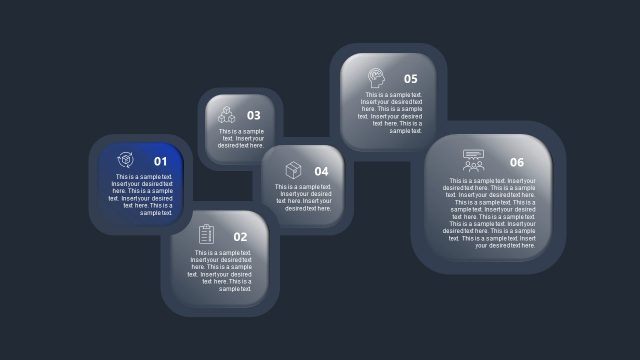
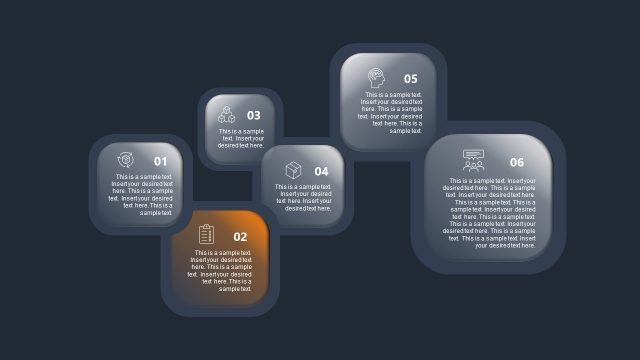
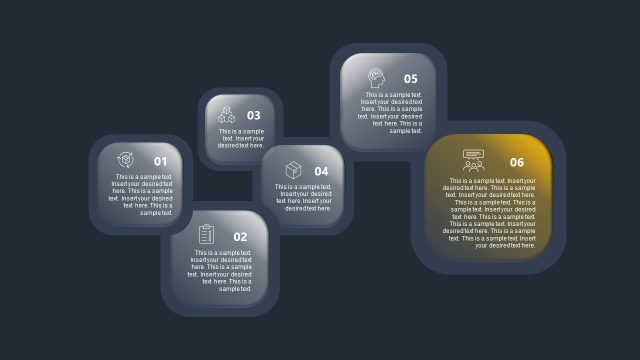
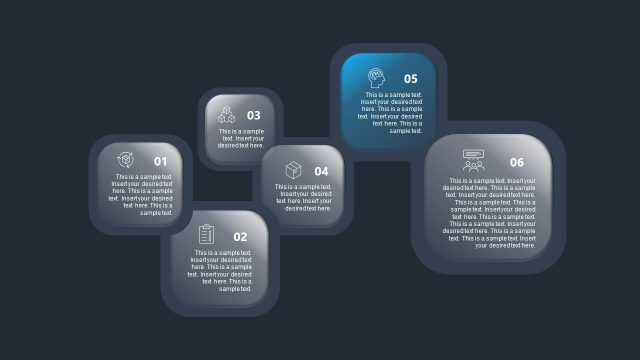
The layout features six rounded square shapes arranged in a non-linear pattern. The shapes are positioned with one at the center, highlighted in green, and the others surrounding it. Each shape contains a number and a text placeholder, aligned centrally. The background is dark, enhancing the visibility of the shapes. The visual hierarchy is established by the central shape's color and size, which is slightly larger than the others. Text placeholders are present in each shape, indicating where descriptive content can be inserted.
How to Use It
This layout serves as a step-by-step process diagram, ideal for illustrating sequential actions or stages in a project. It fits well in a presentation sequence following an introduction or problem statement, providing clarity on the steps involved. Business scenarios include project management, product development, or strategic planning, where clear, structured communication of steps is essential. This layout can be used to guide audiences through complex processes in a visually engaging manner.
Text Placeholders & Capacity
Keep your copy within these limits so it fits without resizing. Body slots can hold approximately 30-40 words each.
| Placeholder | Count | Max characters (approx.) |
|---|---|---|
| Item heading | 6 | 30 |
| Item body | 6 | 150 |
Slide Keywords
Download unlimited PowerPoint templates, charts and graphics for your presentations with our annual plan.
DOWNLOADReturn to 6 Steps Gradient Squares PowerPoint Diagram.