Slide 3 of 7 from 6 Steps Gradient Squares PowerPoint Diagram
Step 2 of Gradient Squares PowerPoint
6 Steps Gradient Squares Diagram Overview
- Diagram
- Process Flow
- Process Slide
- 16:9
- 100% Editable
The 6 Steps Gradient Squares Diagram from the 6 Steps Gradient Squares PowerPoint Diagram template offers a clear process flow layout ideal for project management and training sessions. This slide uses editable shapes and vector icons arranged in a staggered formation to visually guide audiences through sequential steps, making it a practical choice for business presentations and workflow explanations within slide decks.
What’s on This Slide
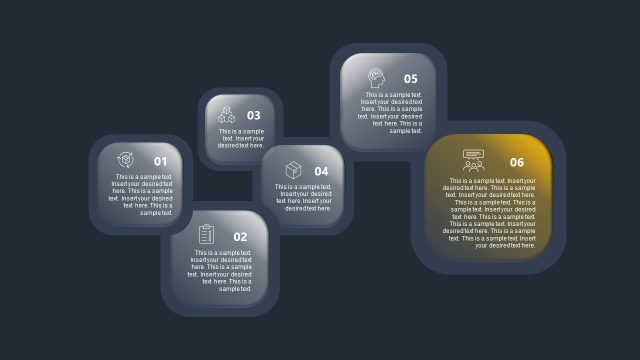
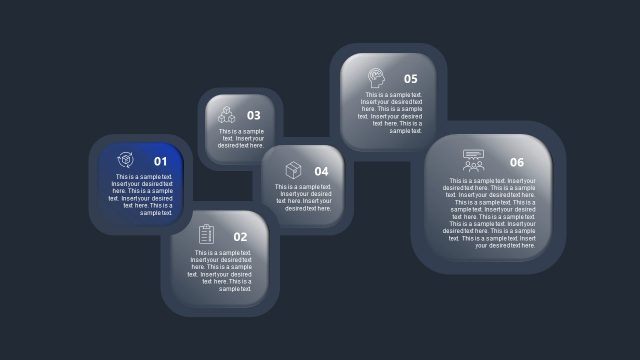
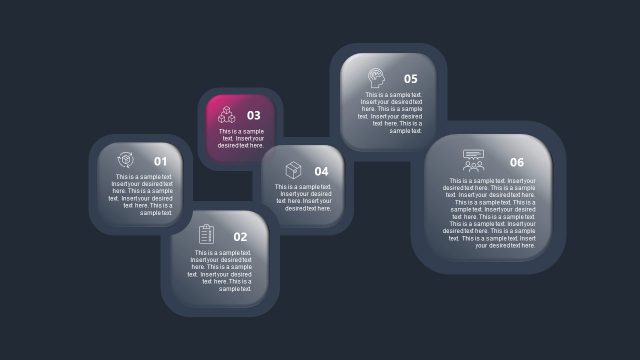
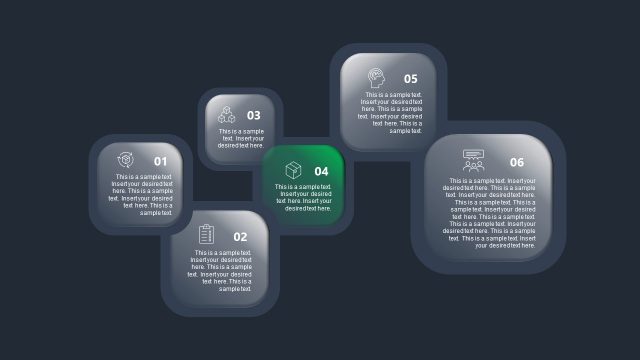
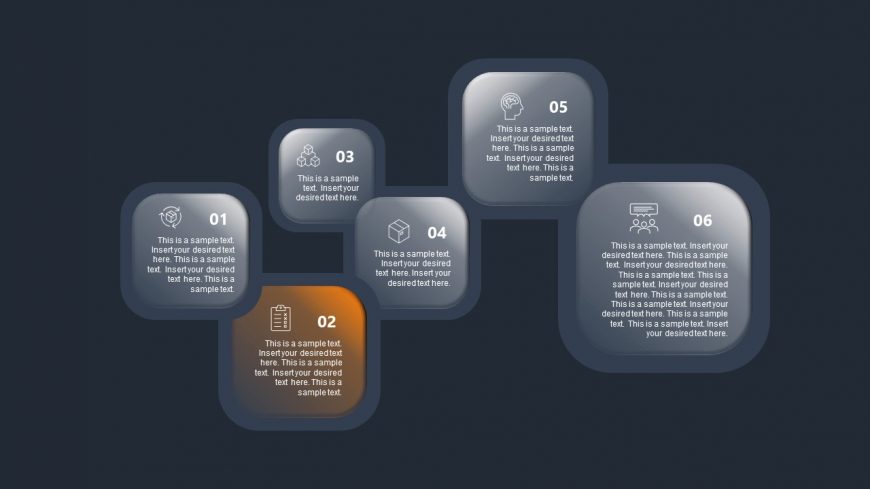
The layout features six rounded square nodes arranged in a staggered formation across a dark background. Each node contains a number and a text placeholder, with the second node highlighted in orange. The nodes are visually distinct, with icons representing different concepts inside some squares. The text placeholders are centered within each node, providing space for descriptive content. The overall composition emphasizes the flow from one node to the next, creating a clear visual hierarchy that guides the viewer's attention through the steps.
How to Use It
This layout serves as a step-by-step process diagram, ideal for illustrating sequential actions or stages in a project. It fits well within a presentation that outlines methodologies, workflows, or strategic plans. Suitable scenarios include project management updates, training sessions, or product development processes. The layout's clear structure aids in conveying complex information in a digestible format, making it useful for both team meetings and client presentations.
Text Placeholders & Capacity
Keep your copy within these limits so it fits without resizing. Node body slots can hold roughly 25-30 words each.
| Placeholder | Count | Max characters (approx.) |
|---|---|---|
| Item heading | 6 | 20 |
| Item body | 6 | 150 |
Slide Keywords
Download unlimited PowerPoint templates, charts and graphics for your presentations with our annual plan.
DOWNLOADReturn to 6 Steps Gradient Squares PowerPoint Diagram.