Slide 1 of 2 from 6 Steps Circular Slices PowerPoint Diagram
6 Steps Infographic PowerPoint Diagram
6-Step Infographic Circle Diagram for PowerPoint
- Diagram
- Circular Cycle
- Process Slide
- 16:9
- 100% Editable
The 6-Step Infographic Circle Diagram from the 6 Steps Circular Slices PowerPoint Diagram template offers a clear visual process flow ideal for project management and marketing strategies. This slide layout uses editable shapes and vector icons arranged in a circular cycle to illustrate sequential phases effectively. It supports business presentations and training sessions by providing a structured, easy-to-follow slide template that enhances audience understanding of complex methodologies.
What’s on This Slide
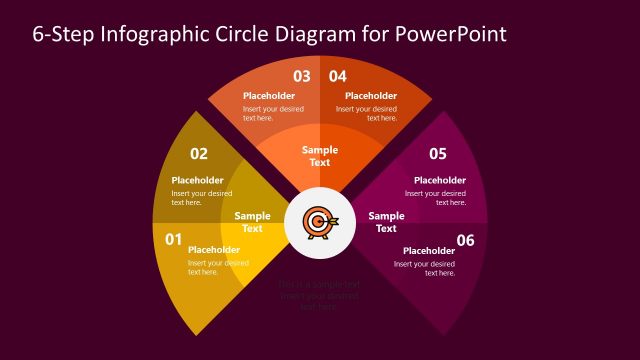
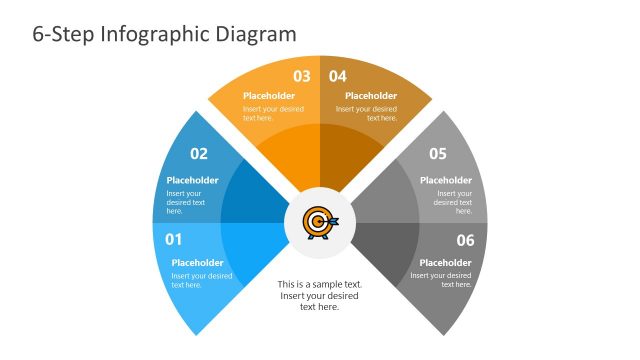
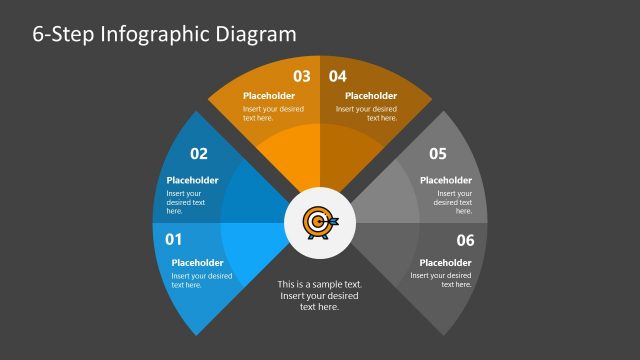
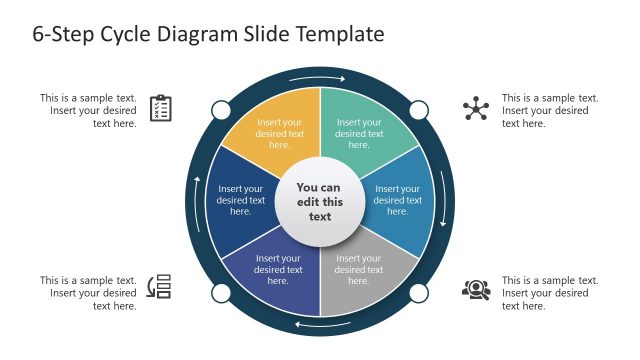
The layout features a circular diagram divided into six segments, each labeled with numbers 01 to 06. The segments are arranged in a fan shape, with alternating colors of yellow, orange, purple, and gray. Each segment contains a text placeholder for titles and a central circular node with a target icon. The placeholders are aligned centrally within their respective segments. The background is light, enhancing visibility. The overall composition is balanced, with a clear visual hierarchy emphasizing the central node and segment labels.
How to Use It
This layout serves as a process flow diagram, ideal for illustrating sequential steps or phases. It fits well in presentations discussing methodologies, project plans, or strategic initiatives. The circular arrangement allows for easy comprehension of interconnected steps. It is suitable for business scenarios such as project management, marketing strategies, or training sessions where a clear, structured approach is needed. Use it to guide audiences through complex processes in a visually engaging manner.
Text Placeholders & Capacity
Keep your copy within these limits so it fits without resizing. Node body slots are tight, roughly 10-15 words each.
| Placeholder | Count | Max characters (approx.) |
|---|---|---|
| Item heading | 6 | 30 |
| Item body | 6 | 50 |
| Body paragraph | 1 | 100 |
Slide Keywords
Download unlimited PowerPoint templates, charts and graphics for your presentations with our annual plan.
DOWNLOADReturn to 6 Steps Circular Slices PowerPoint Diagram.