Slide 1 of 6 from 5 Step Circular Diagram Design for PowerPoint
5 Step PowerPoint Circular Design
5 Step Circular Diagram for Presentations
- Diagram
- Circular Cycle
- Process Slide
- 16:9
- 100% Editable
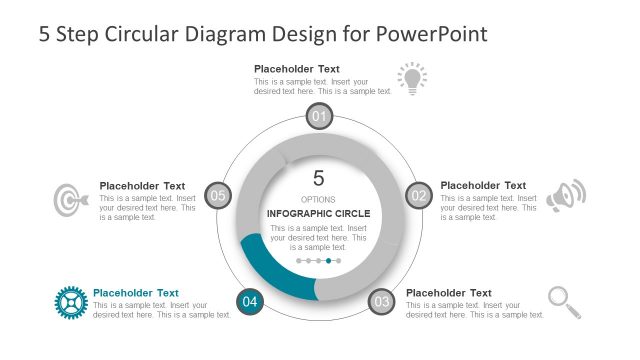
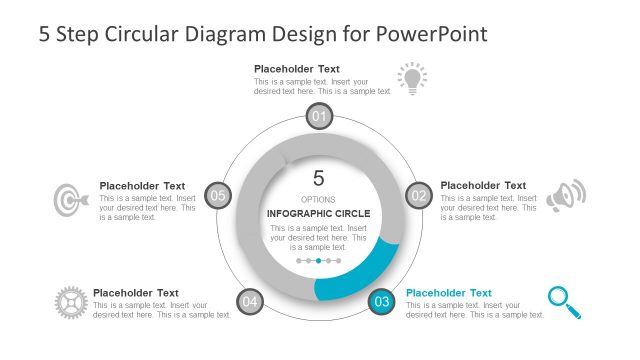
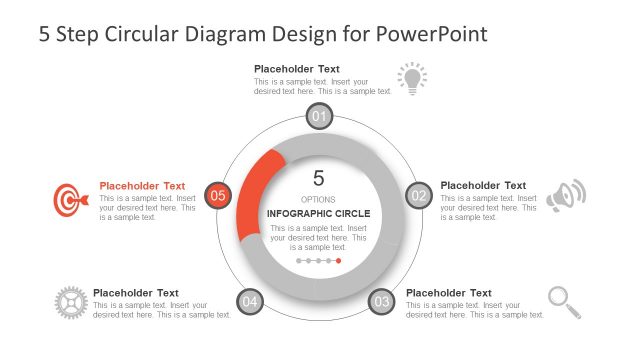
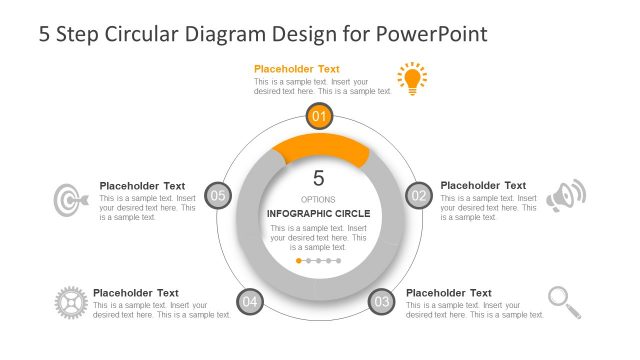
The 5 Step Circular Diagram slide from the 5 Step Circular Diagram Design for PowerPoint template offers a clear visual process representation ideal for management presentations. This slide layout uses editable shapes and vector icons arranged in a circular flow to illustrate sequential steps, making it suitable for business presentations and step-by-step guides. Its design supports effective communication of complex processes within professional slide decks.
What’s on This Slide
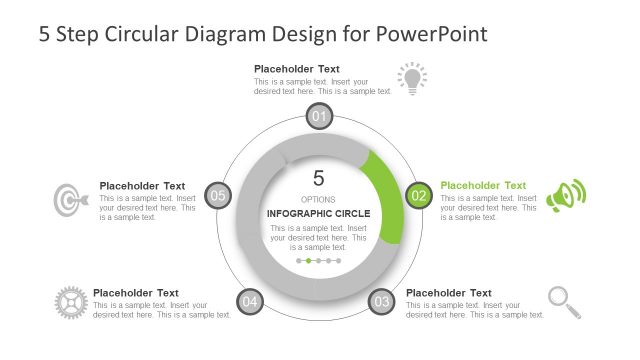
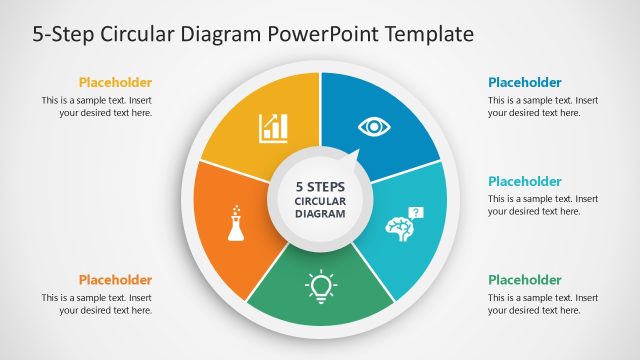
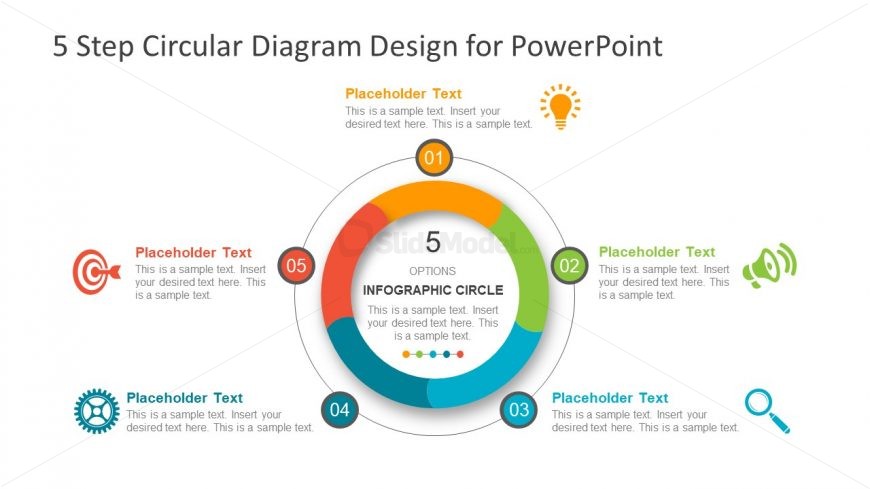
The layout features a central circular diagram divided into five segments, each containing a number and an icon. The segments are arranged in a circular flow, with a central label stating '5 OPTIONS.' Each segment includes a placeholder for text, positioned around the circle. Icons are placed adjacent to the text placeholders, enhancing visual clarity. The color scheme includes vibrant hues for each segment, contributing to visual differentiation. The overall composition emphasizes a circular flow, guiding the viewer's eye around the diagram.
How to Use It
This layout serves as a circular diagram to illustrate processes or concepts divided into five distinct steps. It is suitable for presentations that require a clear visual representation of sequential options or stages. This structure fits well in a management or strategy context, helping to convey complex information in a simplified manner. It can be used in business meetings, training sessions, or educational settings to present structured information effectively.
Text Placeholders & Capacity
Keep your copy within these limits so it fits without resizing. Node body slots can accommodate roughly 15-20 words each.
| Placeholder | Count | Max characters (approx.) |
|---|---|---|
| Item heading | 5 | 20 |
| Item body | 5 | 100 |
| Chart title | 1 | 30 |
Slide Keywords
Download unlimited PowerPoint templates, charts and graphics for your presentations with our annual plan.
DOWNLOAD