Slide 6 of 8 from 6 Steps Chevron Shadow Blocks PowerPoint Diagram
6 Steps Chevron Shadow Blocks Diagram Presentation Template
6 Steps Chevron Shadow Blocks Diagram
- Diagram
- Chevron Sequence
- Process Slide
- 16:9
- 100% Editable
What’s on This Slide
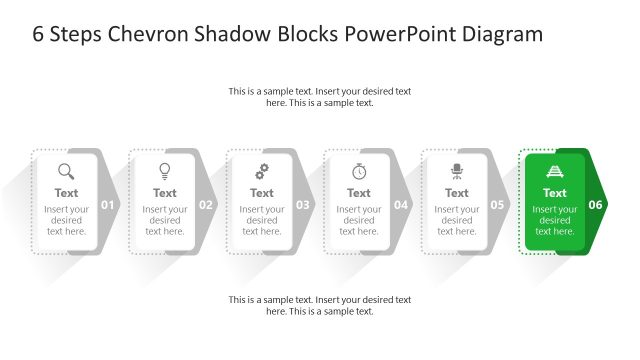
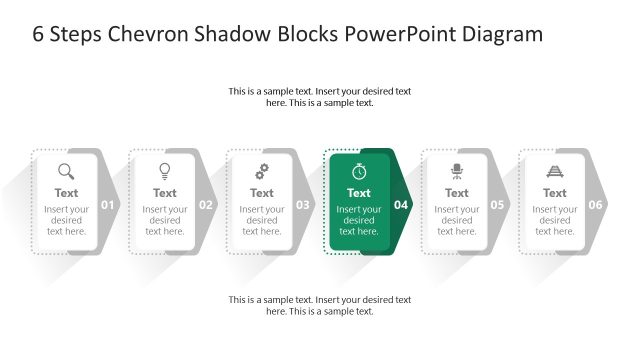
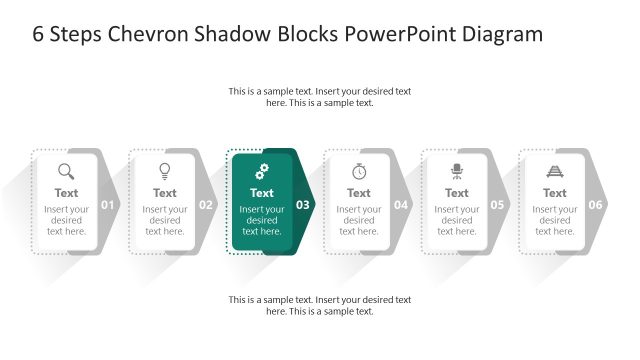
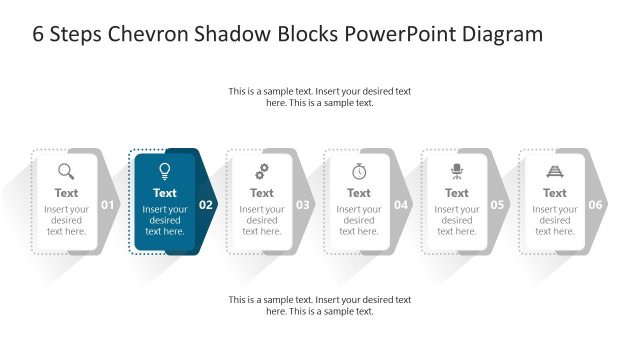
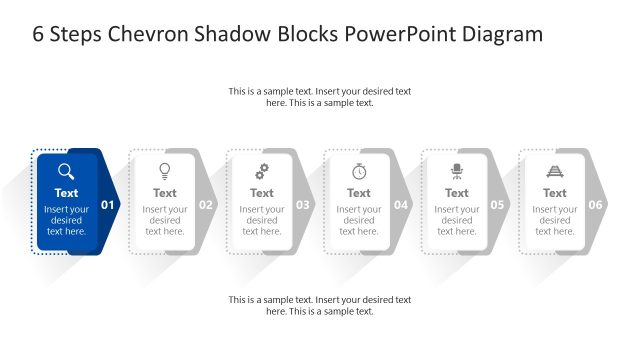
The slide features a horizontal arrangement of six chevron-shaped blocks, each containing a number and text placeholder. The blocks are positioned in a row from left to right, with the fifth block highlighted in green to indicate focus. Each block has a shadow effect, enhancing depth. The first four blocks are labeled 01 to 04, while the fifth is labeled 05 and the sixth 06. Text placeholders are centrally aligned within each block. A title is positioned at the top, with additional text placeholders below the blocks, providing space for supplementary information.
How to Use It
This layout serves as a step-by-step process diagram, ideal for illustrating sequential actions or stages in a project. It fits well in presentations discussing workflows, project timelines, or strategic plans. This slide can be effectively used to highlight key phases in a business process, making it suitable for project management, training sessions, or operational overviews. It is best positioned after introductory slides that outline the problem or context, leading into detailed discussions of each step.
Text Placeholders & Capacity
Keep your copy within these limits so it fits without resizing. Body slots can accommodate roughly 25-30 words each.
| Placeholder | Count | Max characters (approx.) |
|---|---|---|
| Slide title | 1 | 50 |
| Body paragraph | 1 | 150 |
| Item heading | 6 | 10 |
| Item body | 6 | 50 |
Slide Keywords
Download unlimited PowerPoint templates, charts and graphics for your presentations with our annual plan.
DOWNLOAD