Slide 3 of 8 from 6 Steps Chevron Shadow Blocks PowerPoint Diagram
6 Steps Chevron Shadow Blocks Diagram PowerPoint Template
6 Steps Chevron Shadow Blocks PowerPoint Diagram
- Diagram
- Chevron Sequence
- Process Slide
- 16:9
- 100% Editable
What’s on This Slide
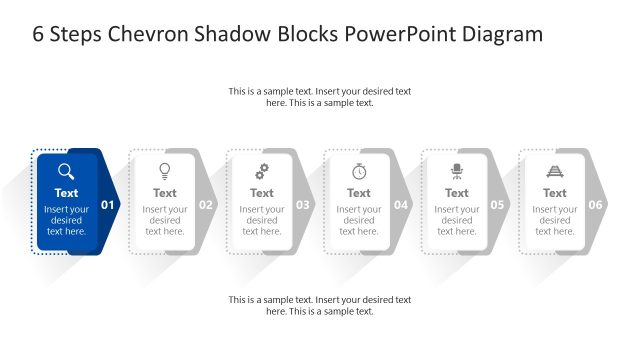
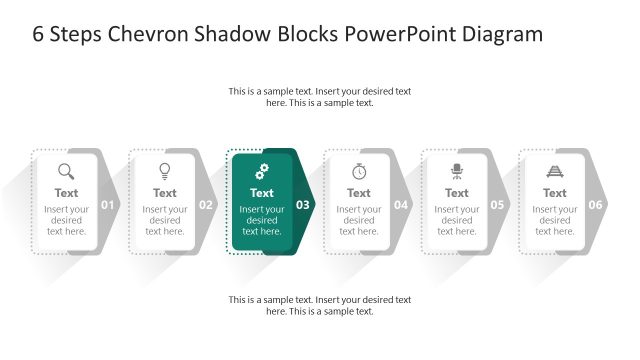
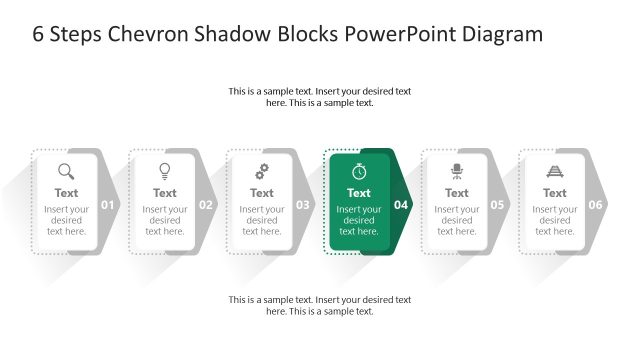
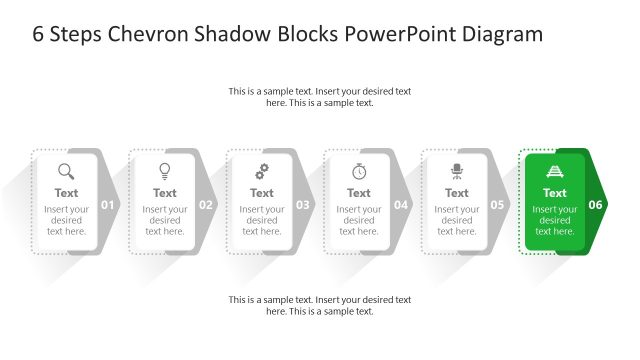
The layout features six chevron-shaped blocks arranged horizontally. Each block contains a number and an icon, with the second block highlighted in blue. The blocks have a shadow effect for depth and are bordered with dotted lines. Text placeholders are present in each block, with the main title positioned at the top center and a subtitle below it. The overall composition emphasizes the flow from left to right, guiding viewers through each step. The background is light, enhancing visibility.
How to Use It
This layout serves as a process flow diagram, ideal for illustrating sequential steps in a business process. It fits well in presentations that require a clear visual representation of steps, such as project timelines or operational workflows. This structure is useful in training sessions, project updates, or strategic planning meetings to convey processes effectively. It can be used individually to highlight specific steps in a larger framework.
Text Placeholders & Capacity
Keep your copy within these limits so it fits without resizing. Node body slots can hold about 10-15 words each.
| Placeholder | Count | Max characters (approx.) |
|---|---|---|
| Slide title | 1 | 50 |
| Subtitle | 1 | 100 |
| Item heading | 6 | 15 |
| Item body | 6 | 50 |
Slide Keywords
Download unlimited PowerPoint templates, charts and graphics for your presentations with our annual plan.
DOWNLOAD