Slide 7 of 8 from 6 Steps Chevron Shadow Blocks PowerPoint Diagram
6 Steps Chevron Shadow Blocks Diagram PowerPoint Presentation Template
6 Steps Chevron Shadow Blocks PowerPoint Diagram
- Diagram
- Chevron Sequence
- Process Slide
- 16:9
- 100% Editable
What’s on This Slide
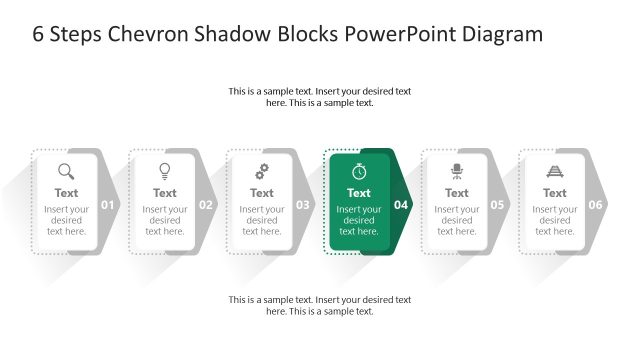
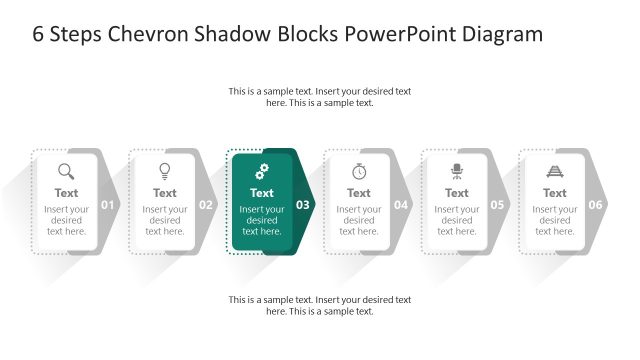
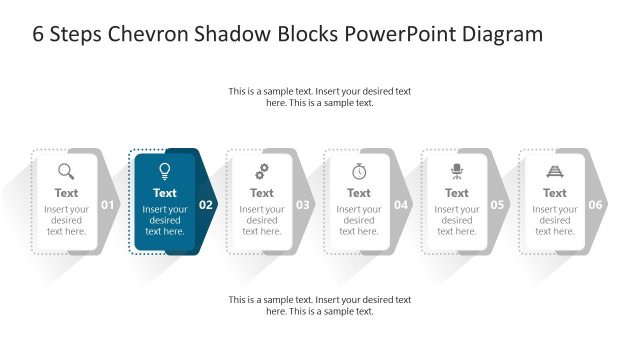
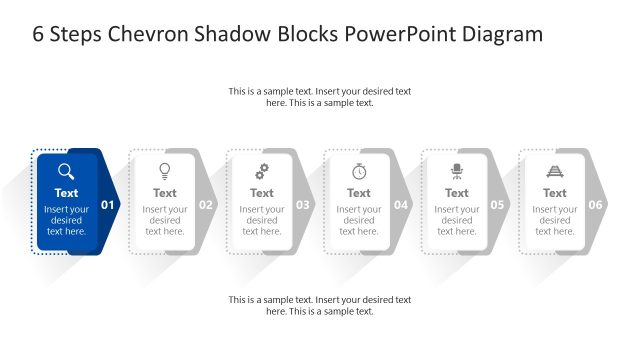
The layout features a horizontal arrangement of six chevron-shaped blocks, each containing a number and text placeholder. The blocks are aligned in a row, with the first five blocks in a light color and the sixth block highlighted in green. Each block has a shadow effect, enhancing depth. Below the blocks, a text placeholder spans the width of the slide, providing space for additional information. The blocks are evenly spaced, creating a clear visual flow from left to right. Icons accompany some blocks, indicating specific themes.
How to Use It
This layout serves as a sequential process diagram, ideal for illustrating steps in a workflow or project. It fits well in a presentation that outlines a process or strategy, especially after introducing a problem or context. This structure is useful in business scenarios such as project management, product development, or training sessions where clear step-by-step guidance is necessary. It can be used to highlight key actions or milestones in a process.
Text Placeholders & Capacity
Keep your copy within these limits so it fits without resizing. Node body slots can hold roughly 10-15 words each.
| Placeholder | Count | Max characters (approx.) |
|---|---|---|
| Item heading | 6 | 20 |
| Item body | 6 | 50 |
| Body paragraph | 1 | 200 |
Slide Keywords
Download unlimited PowerPoint templates, charts and graphics for your presentations with our annual plan.
DOWNLOAD