Slide 2 of 8 from 6 Steps Chevron Shadow Blocks PowerPoint Diagram
6 Steps Chevron Shadow Blocks Diagram PPT Template
6 Steps Chevron Shadow Blocks PowerPoint Diagram
- Diagram
- Chevron Sequence
- Process Slide
- 16:9
- 100% Editable
What’s on This Slide
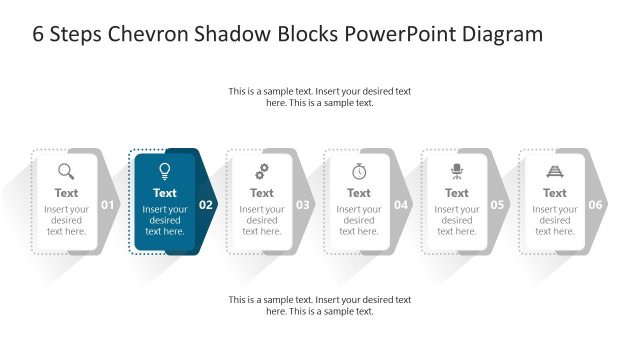
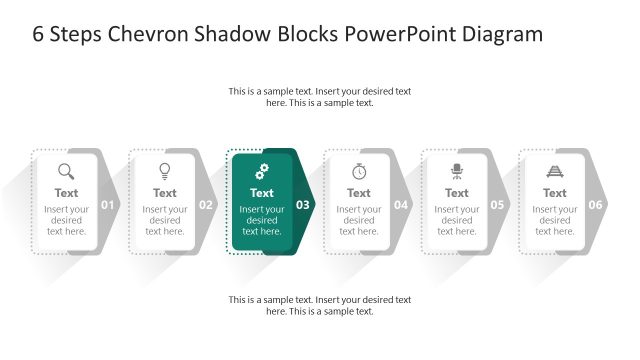
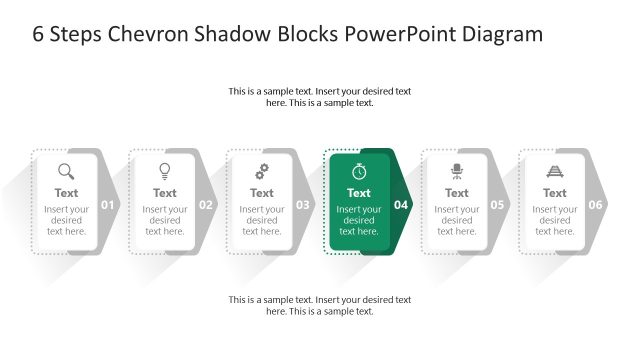
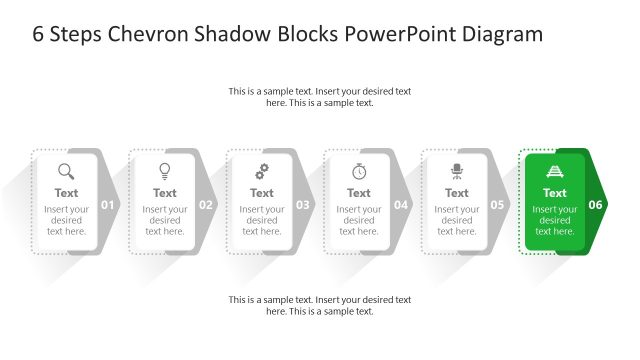
The layout features six chevron-shaped blocks arranged horizontally. The first block is highlighted in blue, while the others are in shades of gray. Each block contains a number and a text placeholder, aligned centrally within the shape. Below the blocks, there is a larger text placeholder for additional information, centered on the slide. The blocks have a shadow effect, creating a layered appearance. The overall color scheme includes blue and gray tones, with a clean, professional design. Visual hierarchy is established through size and color differentiation.
How to Use It
This layout serves as a step-by-step process diagram, ideal for illustrating sequential actions or stages. It fits well in presentations that require clarity in process flows, such as project management or operational workflows. This structure is useful for business scenarios like training sessions, strategy presentations, or process improvement discussions. It effectively communicates the progression of tasks or concepts, making it suitable for both internal and external stakeholder engagements.
Text Placeholders & Capacity
Keep your copy within these limits so it fits without resizing. Node body slots can hold about 10-12 words each, while the body paragraph can accommodate more detailed text.
| Placeholder | Count | Max characters (approx.) |
|---|---|---|
| Item heading | 6 | 20 |
| Item body | 6 | 50 |
| Body paragraph | 1 | 200 |
Slide Keywords
Download unlimited PowerPoint templates, charts and graphics for your presentations with our annual plan.
DOWNLOAD