Slide 1 of 1 from 6 Step Presentation Agenda Diagram for PowerPoint
6 Steps PowerPoint Diagram Agenda
6 Step Presentation Agenda Diagram Overview
- Diagram
- Arrow Sequence
- Agenda Slide
- 16:9
- 100% Editable
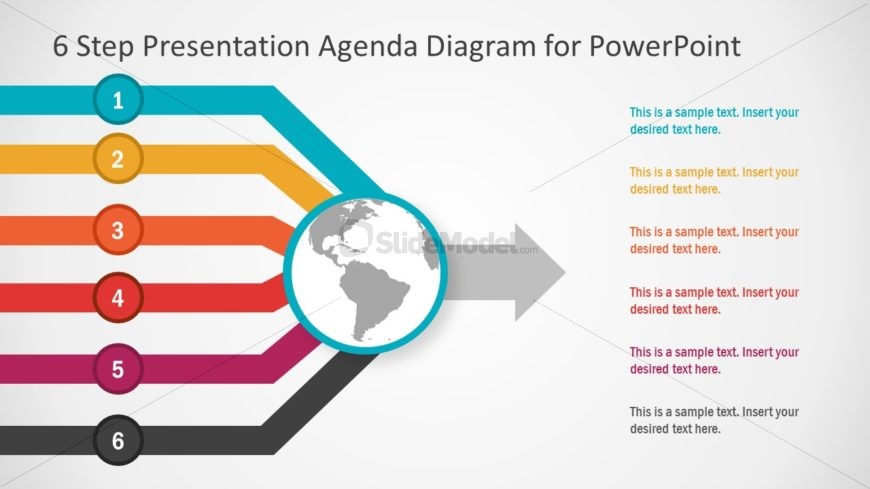
The 6 Step Presentation Agenda Diagram slide from the 6 Step Presentation Agenda Diagram for PowerPoint template offers a clear and structured agenda layout ideal for business presentations and project overviews. This slide features editable shapes and vector icons arranged in a horizontal arrow sequence, facilitating a smooth flow of information. It is designed to enhance corporate presentations by providing a visually engaging roadmap that supports audience understanding and focus.
What’s on This Slide
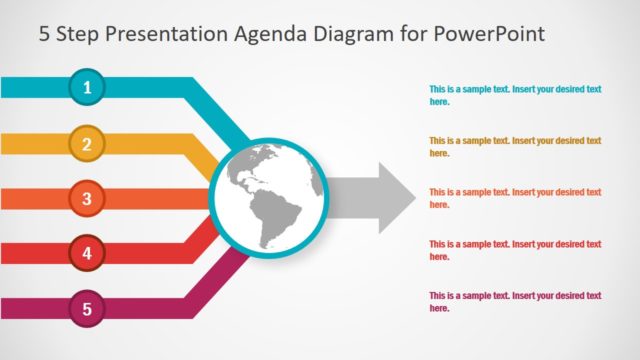
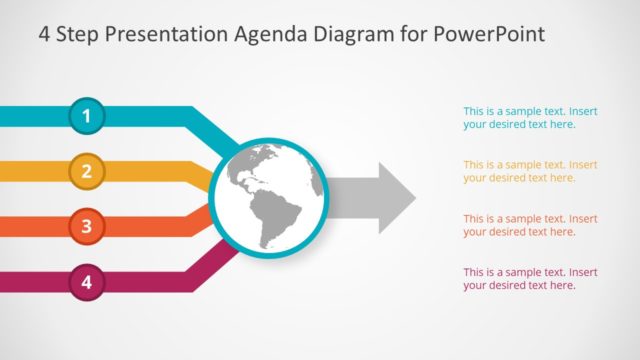
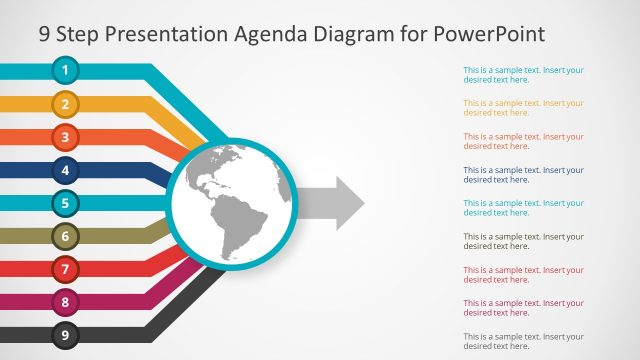
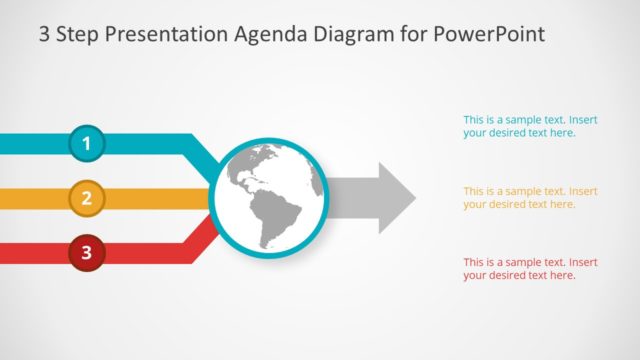
The layout features a horizontal agenda diagram with six colored steps aligned on the left side. Each step is represented by a circular node with a connecting line leading to the right. A central globe icon is positioned in the middle, directing attention to the right side. Text placeholders are arranged vertically to the right of the globe, with each placeholder aligned and spaced evenly. The background is light, enhancing the visibility of the colored steps and text. The overall composition emphasizes a clear flow from the steps to the globe and the accompanying text.
How to Use It
This layout serves as a structured agenda or overview for presentations, outlining six key steps or topics. It fits well at the beginning of a presentation to provide a roadmap for the audience. This format is suitable for business meetings, project updates, or educational sessions where a clear agenda is essential. It helps in guiding the audience through the presentation's main points, ensuring clarity and focus throughout the discussion.
Text Placeholders & Capacity
Keep your copy within these limits so it fits without resizing. Text slots can accommodate roughly 6-8 words each.
| Placeholder | Count | Max characters (approx.) |
|---|---|---|
| Item heading | 6 | 30 |
| Body paragraph | 6 | 50 |
Slide Keywords
Download unlimited PowerPoint templates, charts and graphics for your presentations with our annual plan.
DOWNLOADReturn to 6 Step Presentation Agenda Diagram for PowerPoint.