Slide 1 of 1 from 4 Step Presentation Agenda Diagram for PowerPoint
4 Steps Agenda PowerPoint Diagram
4 Step Presentation Agenda Diagram Overview
- Diagram
- Arrow Sequence
- Agenda Slide
- 16:9
- 100% Editable
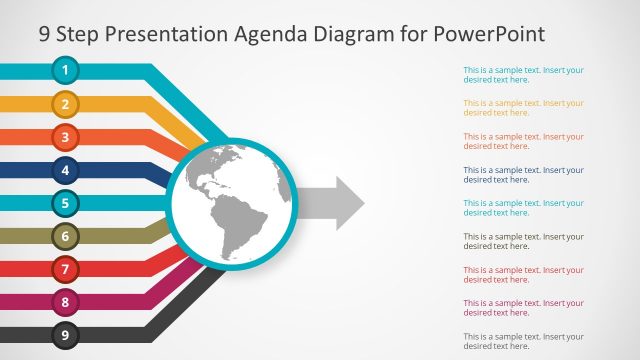
The 4 Step Presentation Agenda Diagram from the 4 Step Presentation Agenda Diagram for PowerPoint template offers a clear sequential layout ideal for business presentations. This slide template features editable shapes and vector icons arranged in an arrow sequence pointing to a central globe, making it effective for project overviews, strategic plans, or meeting agendas. It integrates smoothly into corporate presentations and pitch deck templates, providing a structured flow that enhances audience engagement.
What’s on This Slide
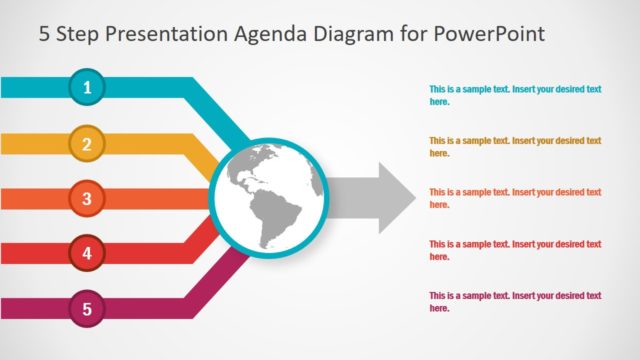
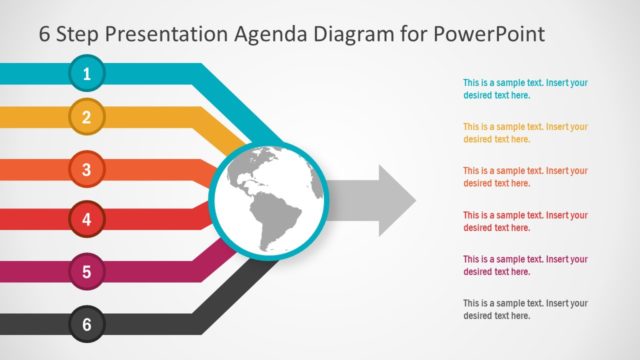
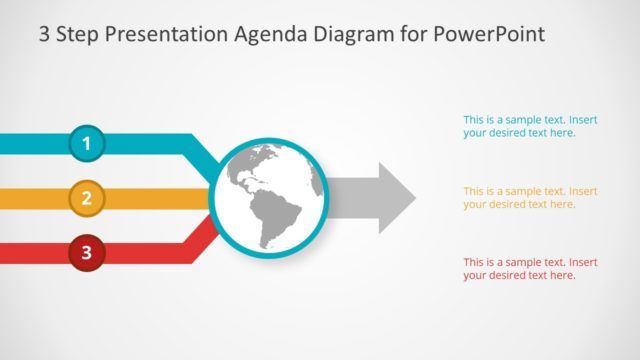
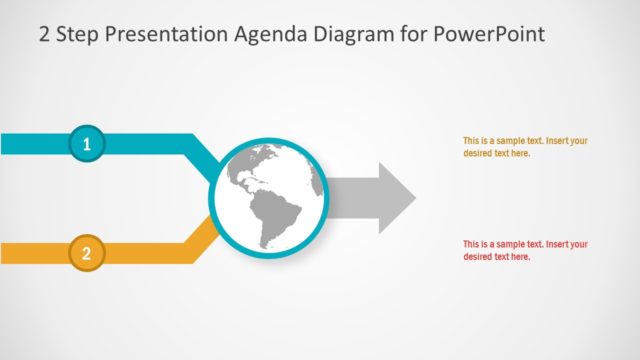
The layout features a central circular globe icon, flanked by four horizontal colored arrows. Each arrow points towards the globe, indicating a flow of information. The arrows are labeled with numbers one through four, positioned from top to bottom. Text placeholders are aligned to the right of the globe, with each placeholder corresponding to a numbered arrow. The placeholders are vertically stacked and allow for multiple lines of text. The background is light, enhancing the visibility of the colored elements, which include turquoise, orange, red, and purple.
How to Use It
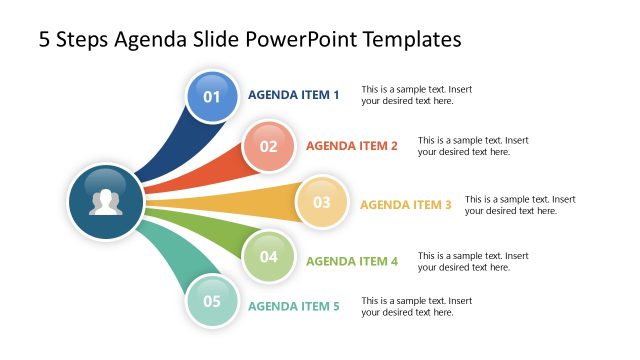
This layout serves as a sequential agenda diagram, ideal for outlining four key points or steps in a presentation. It fits well at the beginning of a presentation to introduce topics or goals. In business contexts, it can be used for project overviews, strategic plans, or meeting agendas. The clear flow from the arrows to the globe helps guide the audience's attention to the main themes of the presentation, making it suitable for both formal and informal settings.
Text Placeholders & Capacity
Keep your copy within these limits so it fits without resizing. Node body slots can hold roughly 15-20 words each.
| Placeholder | Count | Max characters (approx.) |
|---|---|---|
| Item heading | 4 | 30 |
| Item body | 4 | 100 |
Slide Keywords
Download unlimited PowerPoint templates, charts and graphics for your presentations with our annual plan.
DOWNLOADReturn to 4 Step Presentation Agenda Diagram for PowerPoint.