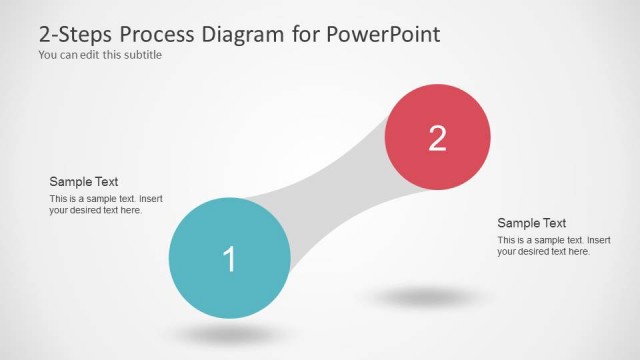
Slide 1 of 1 from 2 Step Presentation Agenda Diagram for PowerPoint
2 Steps Agenda PowerPoint Diagram
2 Step Presentation Agenda Diagram for PowerPoint
- Diagram
- Arrow Sequence
- Agenda Slide
- 16:9
- 100% Editable
What’s on This Slide
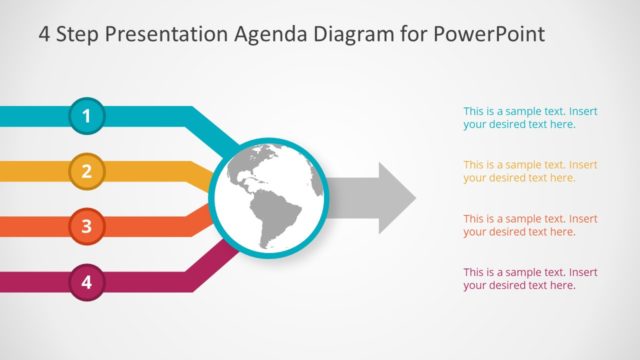
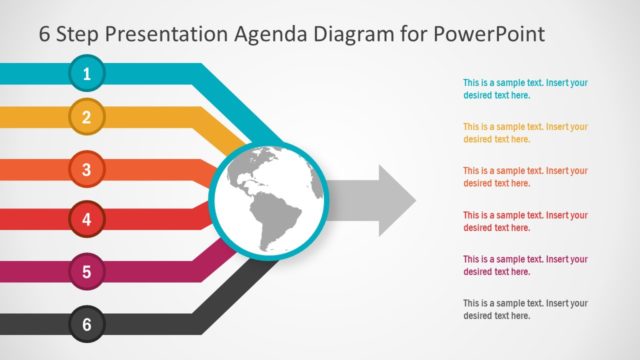
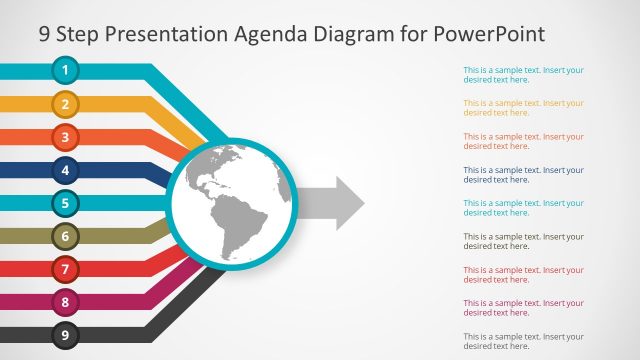
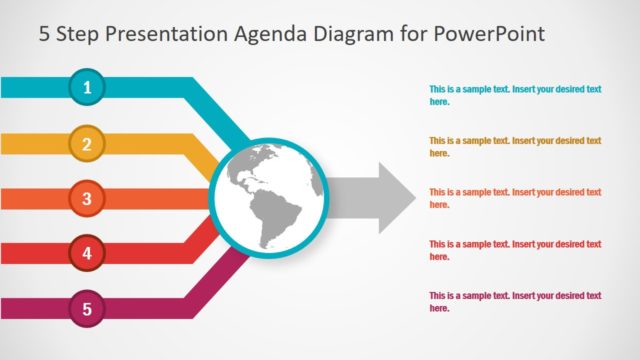
The layout features a central circular globe icon, flanked by two horizontal arrows. The left arrow is turquoise and labeled with a circular node marked '1', while the right arrow is orange with a node labeled '2'. Each arrow leads toward the globe, indicating a flow of information. To the right of the globe, there are three text placeholders: one at the top and two below, aligned vertically. The background is light gray, creating a neutral backdrop that emphasizes the colorful arrows and globe. The visual hierarchy is clear, with the globe as the focal point.
How to Use It
This layout serves as a two-step agenda diagram, ideal for outlining key points in a presentation. It fits well at the beginning of a presentation to provide an overview of the topics to be discussed. In business contexts, it can be used to summarize project phases, highlight strategic initiatives, or present a roadmap. The clear flow from the arrows to the globe visually guides the audience through the agenda, making it suitable for various presentation scenarios where clarity is essential.
Text Placeholders & Capacity
Keep your copy within these limits so it fits without resizing. Body slots can hold roughly 10-12 words each.
| Placeholder | Count | Max characters (approx.) |
|---|---|---|
| Slide title | 1 | 40 |
| Item heading | 2 | 10 |
| Body paragraph | 3 | 50 |
Slide Keywords
Download unlimited PowerPoint templates, charts and graphics for your presentations with our annual plan.
DOWNLOADReturn to 2 Step Presentation Agenda Diagram for PowerPoint.