Slide 7 of 7 from 6 Step Brain Machinery Circular Diagram for PowerPoint
Infographic Machinery Gear and Brain PPT
6 Step Creative Circular Diagram for PowerPoint
- Diagram
- Circular Cycle
- Process Slide
- 16:9
- 100% Editable
What’s on This Slide
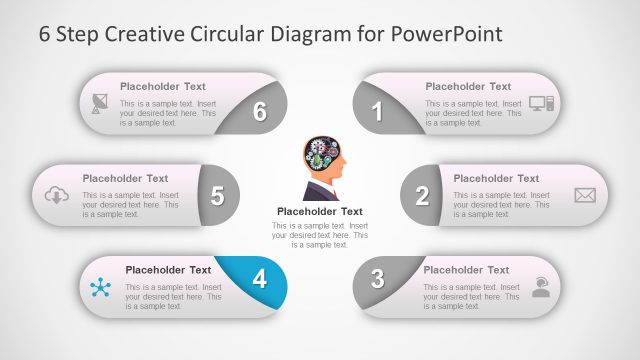
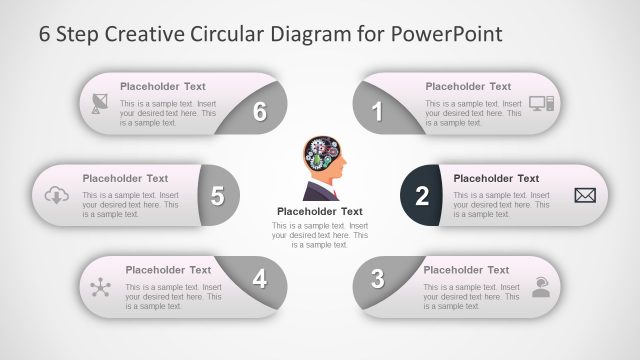
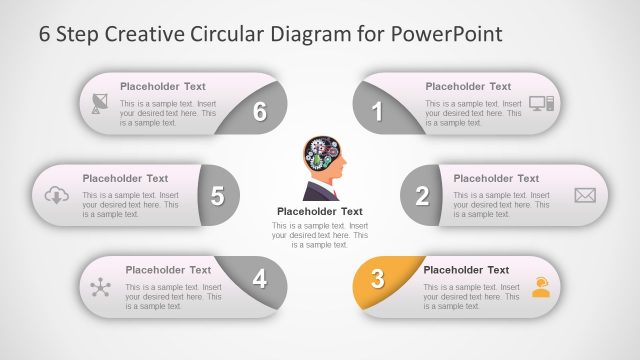
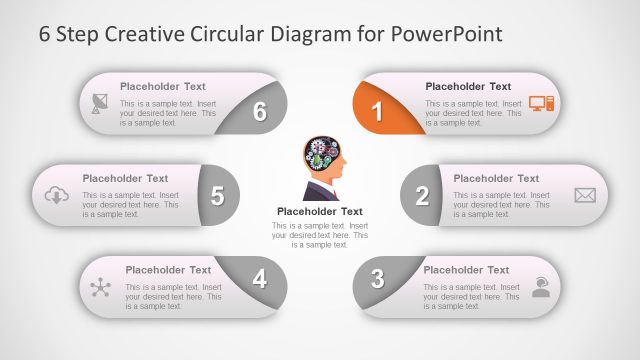
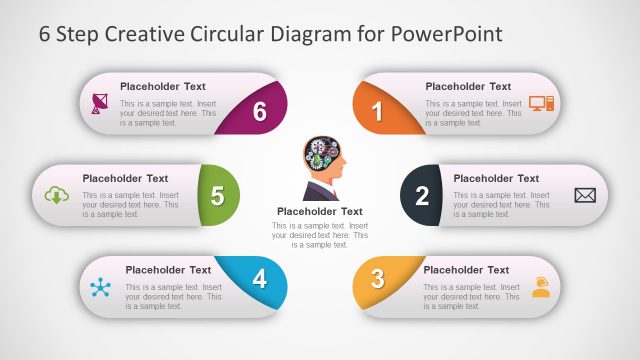
The layout features a circular diagram with six segments arranged in a circular format. Each segment contains a placeholder for text, with the numbers one through six indicating their order. The segments are visually distinct, with varying shapes such as circles and rounded rectangles. The central area includes an icon of a human head with gears, emphasizing the brain theme. The background is light with a subtle gradient, enhancing the visual hierarchy. Text placeholders are aligned centrally within each segment, allowing for clear content insertion.
How to Use It
This layout serves as a process flow diagram, ideal for illustrating sequential steps in a brainstorming or planning session. It fits well at the conclusion of a presentation to summarize key points or steps. In business contexts, it can be used to outline project phases, training steps, or strategic initiatives. The circular design emphasizes continuity and connection between steps, making it suitable for discussions on iterative processes or cyclical workflows.
Text Placeholders & Capacity
Keep your copy within these limits so it fits without resizing. Node body slots can hold approximately 15-20 words each.
| Placeholder | Count | Max characters (approx.) |
|---|---|---|
| Item heading | 6 | 30 |
| Item body | 6 | 100 |
Slide Keywords
Download unlimited PowerPoint templates, charts and graphics for your presentations with our annual plan.
DOWNLOADReturn to 6 Step Brain Machinery Circular Diagram for PowerPoint.