Slide 2 of 7 from 6 Step Brain Machinery Circular Diagram for PowerPoint
Gear Brain Machinery Template Infographic
6 Step Circular Diagram for PowerPoint
- Diagram
- Circular Cycle
- Process Slide
- 16:9
- 100% Editable
What’s on This Slide
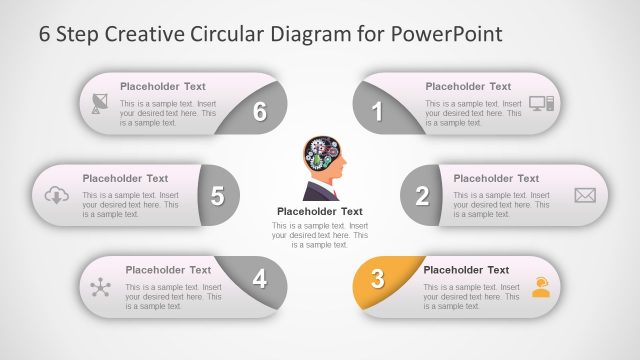
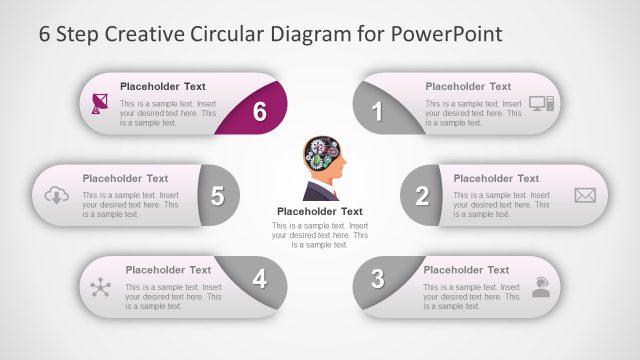
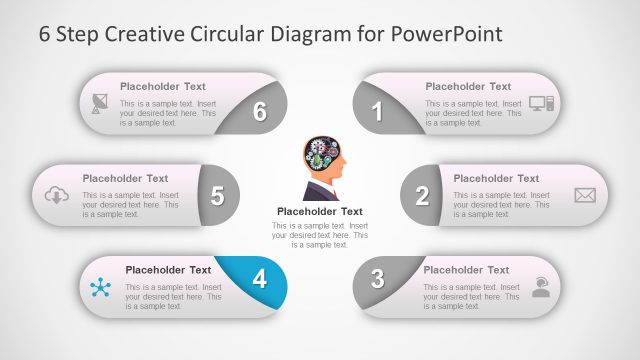
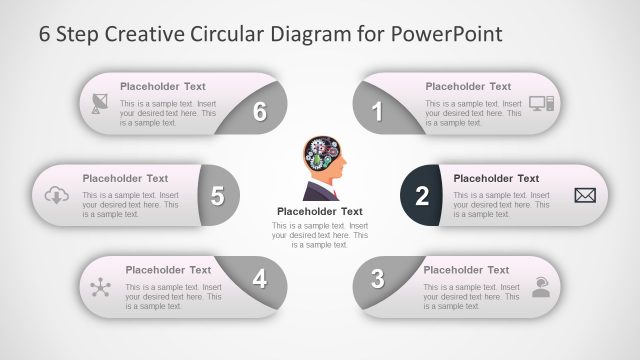
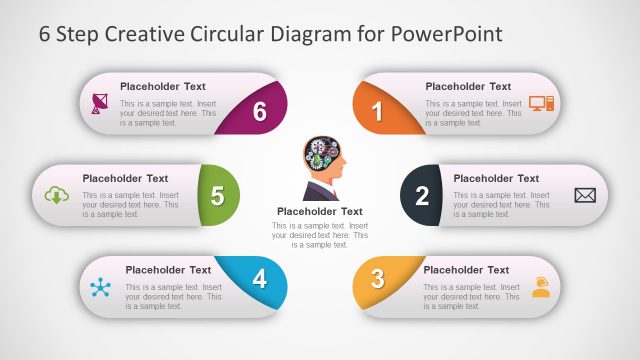
The layout features a circular diagram with six segments arranged in a circular pattern. Each segment contains a number and a placeholder for text, with the first segment highlighted in orange. The segments are visually distinct, using rounded shapes with icons representing different concepts. The central area includes an illustration of a human head with gears, symbolizing a brain. Text placeholders are aligned centrally within each segment. The background is a light gradient, enhancing the visual appeal and focus on the diagram.
How to Use It
This layout serves as a step-by-step process diagram, ideal for illustrating sequential ideas or phases. It fits well in presentations discussing methodologies, project workflows, or brainstorming sessions. The circular arrangement emphasizes continuity and interconnectedness, making it suitable for topics that require a holistic view. This structure can be effectively used in business meetings, educational settings, or strategic planning discussions to convey complex ideas clearly and concisely.
Text Placeholders & Capacity
Keep your copy within these limits so it fits without resizing. Node body slots can hold approximately 15-20 words each.
| Placeholder | Count | Max characters (approx.) |
|---|---|---|
| Item heading | 6 | 20 |
| Item body | 6 | 100 |
Slide Keywords
Download unlimited PowerPoint templates, charts and graphics for your presentations with our annual plan.
DOWNLOADReturn to 6 Step Brain Machinery Circular Diagram for PowerPoint.