Slide 4 of 4 from 6-Row Decision Matrix PowerPoint Template
6-Row Decision Matrix Template Layout
6-Row Decision Matrix for Decision Making
- Table
- Comparison Table
- Evaluation Slide
- 16:9
- 100% Editable
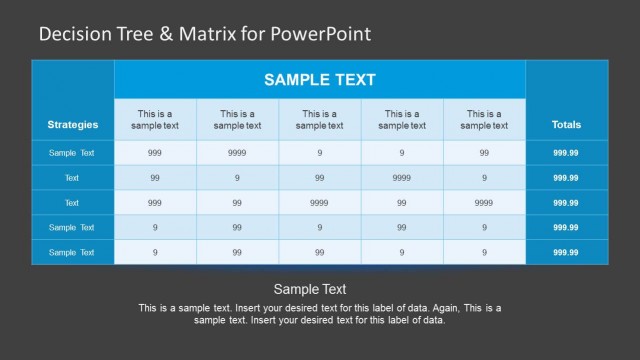
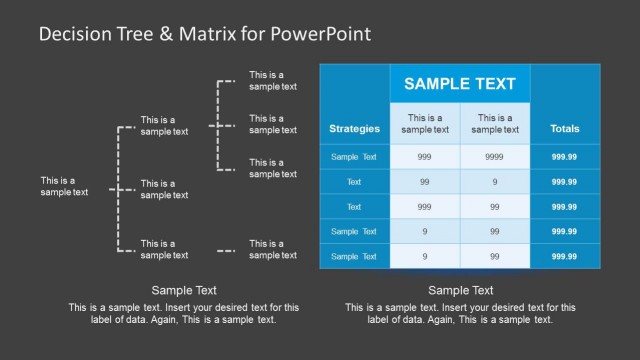
The 6-Row Decision Matrix slide from the 6-Row Decision Matrix PowerPoint Template offers a structured table layout ideal for project evaluations and strategic decision making. This slide template features editable shapes and clear headers to compare multiple alternatives with weighted criteria, making it suitable for business presentations and pitch deck templates requiring precise evaluation tools.
What’s on This Slide
The layout features a table with six rows and four columns. The first column lists criteria, while the second column displays corresponding weights. The next three columns represent alternatives, each containing rating and total score sections. Each cell is rectangular, with headers bolded for clarity. The bottom row summarizes the total score, emphasizing the overall percentage. Text placeholders exist for criteria, weights, ratings, and totals, aligned centrally within their respective cells. The background is dark blue, contrasting with light-colored text and table borders.
How to Use It
This layout serves as a decision-making tool, allowing users to evaluate multiple alternatives against defined criteria. It fits well in presentations discussing project evaluations, product comparisons, or strategic decisions. The matrix format enables clear visual representation of weighted scores, facilitating informed choices. This slide can be used in business meetings, strategic planning sessions, or project assessments to summarize evaluations effectively.
Text Placeholders & Capacity
Keep your copy within these limits so it fits without resizing. Cell slots are tight, roughly 5-7 words each.
| Placeholder | Count | Max characters (approx.) |
|---|---|---|
| Row label | 6 | 20 |
| Column header | 4 | 15 |
| Cell | 18 | 10 |
| Footer | 1 | 10 |
Slide Keywords
Download unlimited PowerPoint templates, charts and graphics for your presentations with our annual plan.
DOWNLOADReturn to 6-Row Decision Matrix PowerPoint Template.