Slide 2 of 4 from 6-Row Decision Matrix PowerPoint Template
Creative 6-Row Decision Matrix Template Layout
6-Row Decision Matrix PowerPoint Template
- Table
- Comparison Table
- Evaluation Slide
- 16:9
- 100% Editable
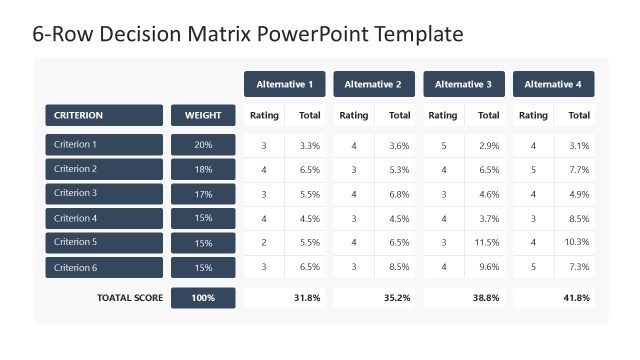
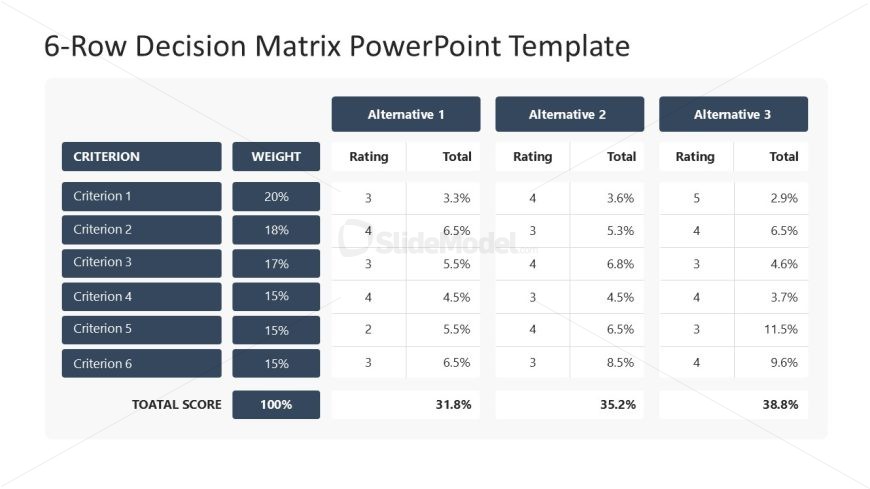
The 6-Row Decision Matrix slide from the 6-Row Decision Matrix PowerPoint Template offers a clear, structured table layout ideal for business presentations and project evaluations. This slide template features editable shapes and vector icons to visualize weighted criteria and alternatives, supporting systematic decision-making in corporate presentations or pitch deck templates.
What’s on This Slide
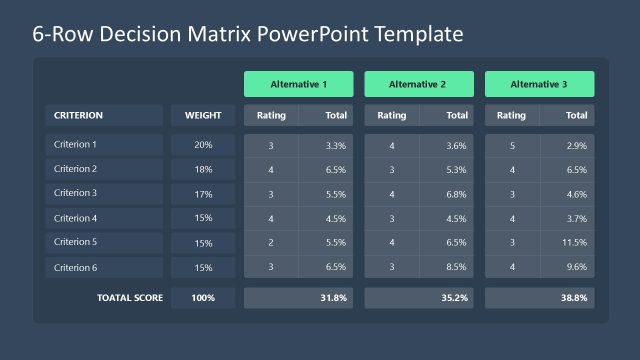
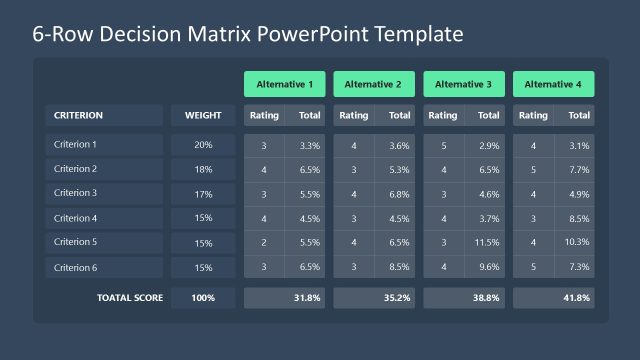
The layout features a structured table with six rows and four columns. The first column lists criteria, while the second column displays corresponding weights. The next three columns represent alternatives, each with rating and total score sections. Each row contains a label for the criterion, weight percentage, and ratings with totals. The table is bordered, with alternating background colors for clarity. Text placeholders exist for titles and labels, aligned to the left and centered, respectively. The overall composition is organized and clear.
How to Use It
This layout functions as a decision matrix, allowing for the evaluation of multiple alternatives against defined criteria. It is suitable for presentations focused on decision-making processes, project evaluations, or comparative analyses. This slide fits well after problem identification and before presenting solutions. It aids in visualizing weighted ratings and totals, making it effective for stakeholders needing to assess options systematically.
Text Placeholders & Capacity
Keep your copy within these limits so it fits without resizing. Row labels can hold about 20 characters each, while KPI values are tight at around 5 characters.
| Placeholder | Count | Max characters (approx.) |
|---|---|---|
| Row label | 6 | 20 |
| Column header | 4 | 10 |
| Kpi value | 18 | 5 |
| Kpi caption | 6 | 10 |
Slide Keywords
Download unlimited PowerPoint templates, charts and graphics for your presentations with our annual plan.
DOWNLOADReturn to 6-Row Decision Matrix PowerPoint Template.