Slide 2 of 6 from 6-Item Wheel PowerPoint Template
Item 2 Slide – Wheel PowerPoint Template
6-Item Wheel Slide for Presentations
- Diagram
- Circular Cycle
- Process Slide
- 16:9
- 100% Editable
What’s on This Slide
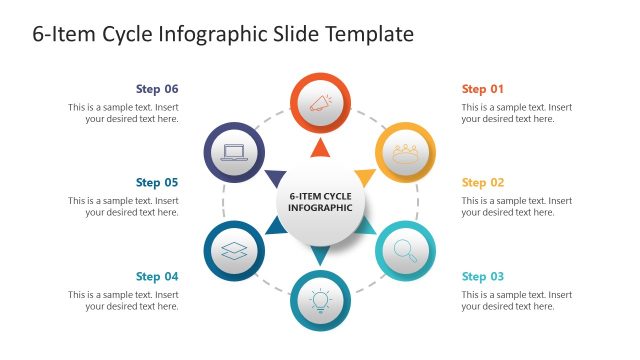
The slide features a circular arrangement of six colored segments, each containing an icon. The icons are placed evenly around the circle, with a central placeholder for text on the right side. The icons include various shapes, such as a cube, a ruler, and a door, each in distinct colors like red, blue, and yellow. The visual hierarchy emphasizes the circular flow, with a clear connection between the segments. The text placeholder is aligned to the right, allowing for detailed descriptions of each segment. The background is white, enhancing the colors of the icons.
How to Use It
This layout serves as a circular process diagram, ideal for illustrating six related items or stages. It fits well in a presentation sequence after introducing a topic and before detailing specific elements. Common scenarios include business management presentations, product features, or market segmentation discussions. The circular format aids in visualizing relationships and processes, making it suitable for both educational and corporate contexts.
Text Placeholders & Capacity
Keep your copy within these limits so it fits without resizing. Node labels can hold about 15 characters each, while the body can accommodate roughly 150 characters.
| Placeholder | Count | Max characters (approx.) |
|---|---|---|
| Item heading | 6 | 15 |
| Body paragraph | 1 | 150 |
Slide Keywords
Download unlimited PowerPoint templates, charts and graphics for your presentations with our annual plan.
DOWNLOADReturn to 6-Item Wheel PowerPoint Template.