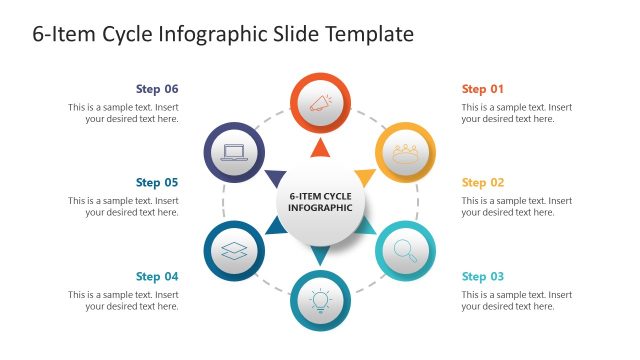
Slide 1 of 6 from 6-Item Wheel PowerPoint Template
Item 1- Wheel Presentation Slide
6-Item Circular Diagram for Presentations
- Diagram
- Circular Cycle
- Process Slide
- 16:9
- 100% Editable
What’s on This Slide
The layout features a circular arrangement with six evenly spaced segments, each containing an icon. The icons represent different concepts and are visually distinct with varying colors. A central placeholder is positioned on the right side, aligned vertically. The text placeholders are labeled 'ITEM 01' and include additional sample text below. The icons are circular, while the overall diagram is outlined with a thin gray line. The background is white, enhancing the visibility of the colorful elements. The visual hierarchy emphasizes the circular diagram as the primary focus.
How to Use It
This layout functions as a circular process diagram, suitable for illustrating six related concepts or steps in a sequence. It fits well in presentations that aim to explain processes, strategies, or product features. This structure is ideal for business management contexts, such as market segmentation or project phases. It can be used individually to highlight specific items or collectively in a series to present a comprehensive overview of a topic.
Text Placeholders & Capacity
Keep your copy within these limits so it fits without resizing. Node body slots can hold roughly 15-20 words each.
| Placeholder | Count | Max characters (approx.) |
|---|---|---|
| Item heading | 6 | 20 |
| Item body | 6 | 100 |
| Slide title | 1 | 50 |
| Footer | 1 | 150 |
Slide Keywords
Download unlimited PowerPoint templates, charts and graphics for your presentations with our annual plan.
DOWNLOADReturn to 6-Item Wheel PowerPoint Template.