Slide 4 of 6 from 6-Item Wheel PowerPoint Template
Editable 6-Item Wheel PPT Template
6-Item Circular Diagram for Presentations
- Diagram
- Circular Cycle
- Process Slide
- 16:9
- 100% Editable
What’s on This Slide
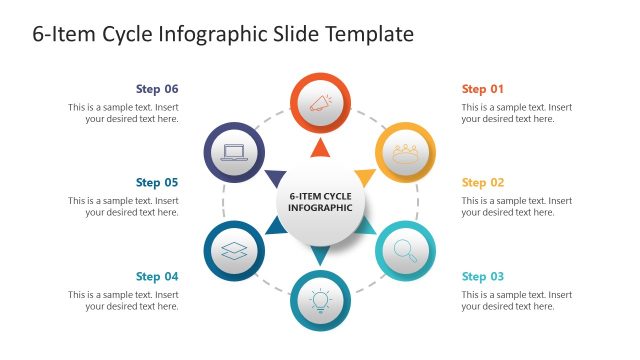
The layout features a circular arrangement of six colored segments, each containing an icon. The segments are evenly spaced around the circle, with a central area for text. The icons represent various themes and are visually distinct in color. A text placeholder is positioned to the right, labeled 'ITEM 04,' with another placeholder below for descriptive text. The overall composition emphasizes the circular flow, with a light background and a subtle connecting line between segments. The visual hierarchy prioritizes the central text area.
How to Use It
This layout serves as a process diagram, ideal for illustrating six related concepts or steps. It fits well in a presentation sequence after introducing a topic and before diving into detailed discussions. Suitable for business management, marketing strategies, or project phases, this structure allows for clear communication of interconnected ideas. It can be used to summarize key points or highlight specific features in a cohesive manner, enhancing audience understanding and engagement.
Text Placeholders & Capacity
Keep your copy within these limits so it fits without resizing. Body slots can hold about 25-30 words each.
| Placeholder | Count | Max characters (approx.) |
|---|---|---|
| Item heading | 6 | 20 |
| Body paragraph | 1 | 150 |
| Slide title | 1 | 30 |
Slide Keywords
Download unlimited PowerPoint templates, charts and graphics for your presentations with our annual plan.
DOWNLOADReturn to 6-Item Wheel PowerPoint Template.