Slide 5 of 7 from 6-Item Wheel Diagram PowerPoint Template
Wheel Diagram 6 Items PowerPoint
6-Item Circular Process Diagram Template
- Diagram
- Circular Cycle
- Process Slide
- 16:9
- 100% Editable
The 6-Item Circular Process Diagram from the 6-Item Wheel Diagram PowerPoint Template offers a clear visual of cyclical workflows and project phases. This slide layout features editable shapes arranged around a central node, making it suitable for business presentations and strategic planning. Its design supports illustrating interconnected steps in a process, enhancing clarity in corporate presentations and pitch decks using professional slide templates.
What’s on This Slide
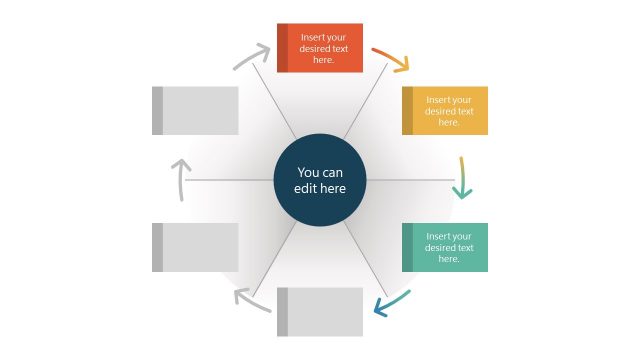
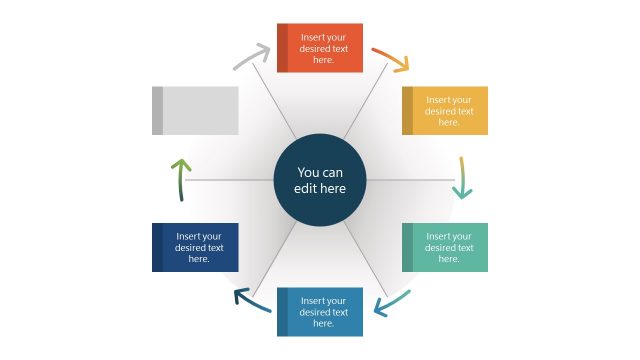
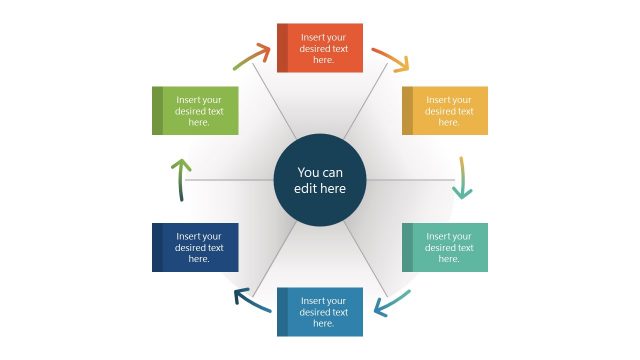
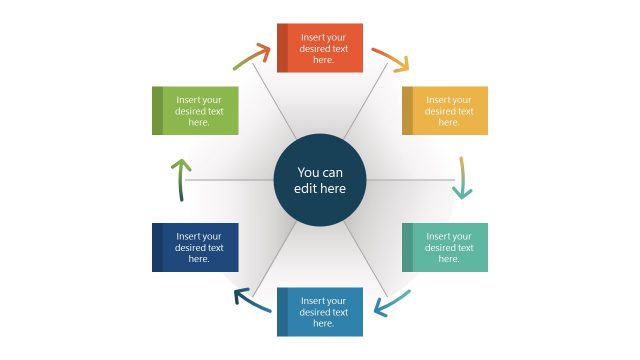
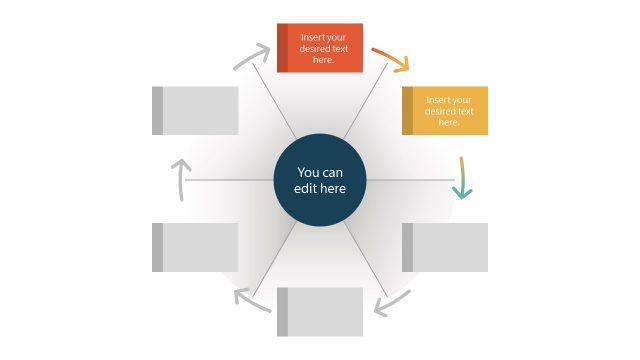
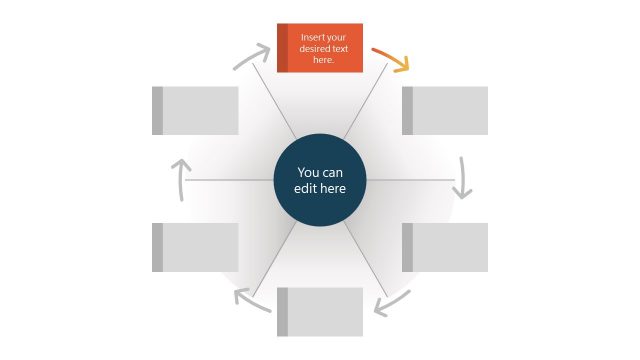
The layout features a central circle labeled 'You can edit here,' surrounded by six rectangular nodes. These nodes are positioned at equal intervals around the circle, with arrows indicating a flow direction between them. The nodes are colored in orange, yellow, green, blue, and gray, with placeholders for text. The central circle is larger than the surrounding nodes, establishing a visual hierarchy. The background is white, enhancing clarity. The overall structure emphasizes a circular process, with a clear flow indicated by the arrows connecting the nodes.
How to Use It
This layout serves as a circular process diagram, ideal for illustrating workflows or cyclical processes. It fits well in presentations discussing project phases, product development cycles, or strategic planning. This slide can be used to show relationships between different components of a process, making it suitable for business meetings or educational contexts. It is particularly effective when detailing steps that are interconnected, allowing for a clear visual representation of how each part contributes to the whole.
Text Placeholders & Capacity
Keep your copy within these limits so it fits without resizing. Node slots can hold about 30 characters each.
| Placeholder | Count | Max characters (approx.) |
|---|---|---|
| Item body | 6 | 30 |
| Slide title | 1 | 30 |
Slide Keywords
Download unlimited PowerPoint templates, charts and graphics for your presentations with our annual plan.
DOWNLOADReturn to 6-Item Wheel Diagram PowerPoint Template.