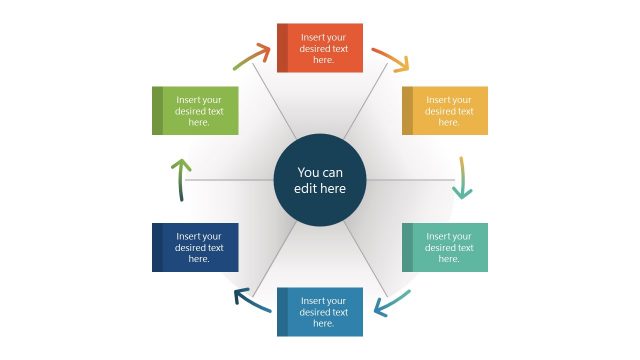
Slide 3 of 7 from 6-Item Wheel Diagram PowerPoint Template
PowerPoint Wheel Shape Diagram Template
6-Item Circular Process Diagram Template
- Diagram
- Circular Cycle
- Process Slide
- 16:9
- 100% Editable
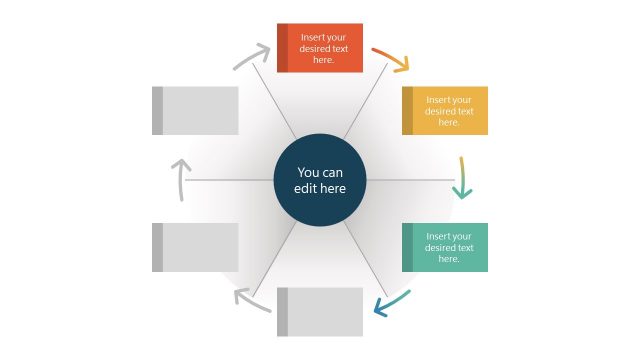
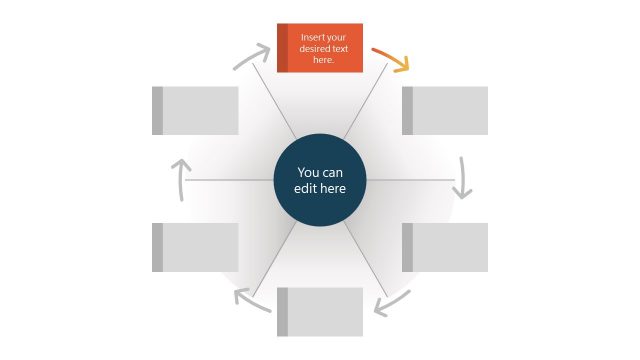
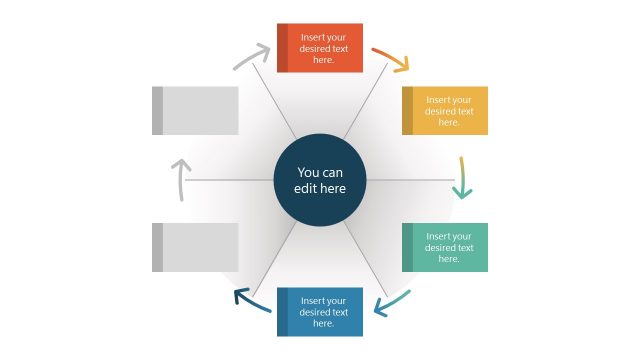
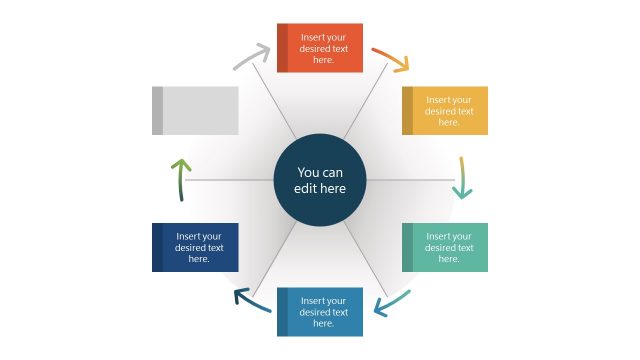
The 6-Item Circular Process Diagram from the 6-Item Wheel Diagram PowerPoint Template offers a clear visual for illustrating workflows and project stages. This slide layout uses editable shapes arranged in a circular flow, making it suitable for business presentations and corporate slide decks that require a structured depiction of cyclical processes.
What’s on This Slide
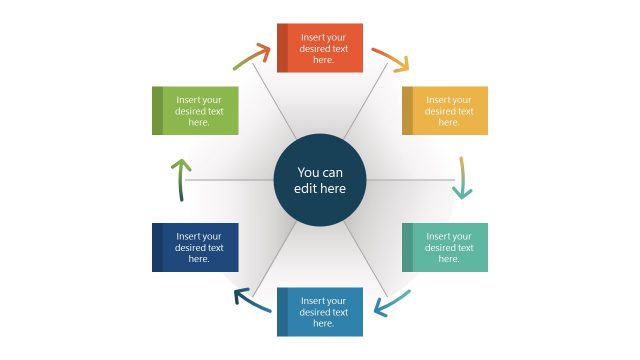
The layout features a central circular node labeled 'You can edit here,' surrounded by six rectangular placeholders positioned at equal intervals. Each placeholder is connected to the central node by arrows indicating a circular flow. The placeholders are arranged in a circular pattern, with three colored boxes at the top, right, and bottom, and three gray boxes on the left. The arrows are curved, pointing towards the placeholders, emphasizing the flow of information. The overall composition is symmetric, with a clean white background enhancing visibility.
How to Use It
This layout serves as a circular process diagram, ideal for illustrating cyclical processes or workflows. It can be effectively used in business presentations to depict stages of a project, product development cycles, or marketing strategies. This slide fits well in a sequence following a problem statement, leading into a detailed exploration of solutions or processes. It is suitable for scenarios where visual representation of interconnected steps is required, enhancing audience understanding.
Text Placeholders & Capacity
Keep your copy within these limits so it fits without resizing. Node slots can hold roughly 30 characters each.
| Placeholder | Count | Max characters (approx.) |
|---|---|---|
| Item body | 6 | 30 |
| Slide title | 1 | 30 |
Slide Keywords
Download unlimited PowerPoint templates, charts and graphics for your presentations with our annual plan.
DOWNLOADReturn to 6-Item Wheel Diagram PowerPoint Template.