Slide 4 of 7 from 6-Item Wheel Diagram PowerPoint Template
Editable Slides of Wheel Concept Diagram
6-Item Circular Process Diagram Template
- Diagram
- Circular Cycle
- Process Slide
- 16:9
- 100% Editable
The 6-Item Circular Process Diagram slide from the 6-Item Wheel Diagram PowerPoint Template offers a clear visual for mapping workflows and project steps. This slide layout uses editable shapes arranged in a circular flow to highlight interconnected processes, making it suitable for business presentations and corporate slide decks. Its design supports effective communication of cyclical processes within professional slide templates for PowerPoint and Google Slides.
What’s on This Slide
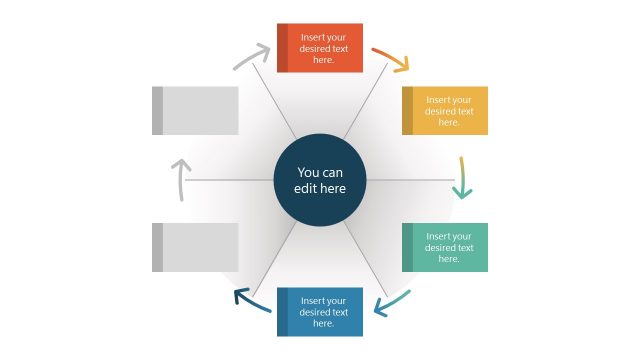
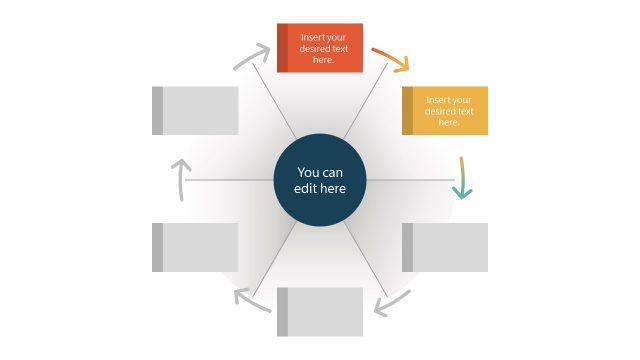
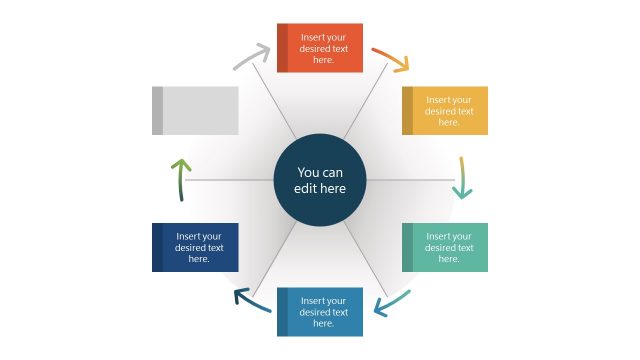
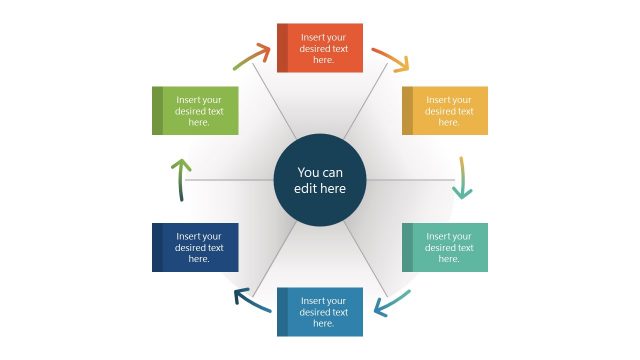
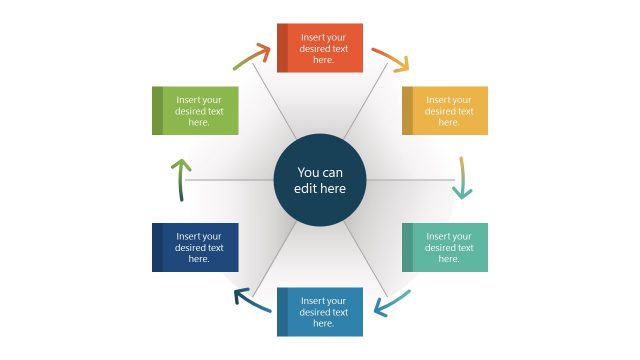
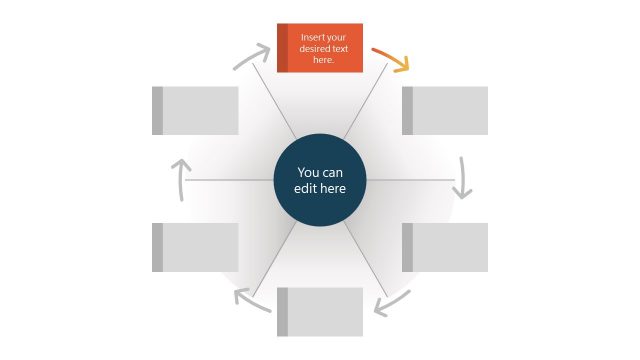
The layout features a central circular node labeled 'You can edit here,' surrounded by six rectangular placeholders for text. These placeholders are positioned at equal intervals around the central node, with arrows indicating a circular flow between them. The placeholders are in various colors, including orange, green, and gray, and are aligned to the left, right, top, and bottom of the central node. Each placeholder contains a text prompt for user input. The background is a light gradient, enhancing the central focus.
How to Use It
This layout serves as a circular process diagram, ideal for illustrating cyclical processes or workflows. It fits well in presentations that require a visual representation of interconnected steps or components. Use it to outline processes in project management, marketing strategies, or product development. This structure is particularly useful for demonstrating how different elements contribute to a central theme or goal.
Text Placeholders & Capacity
Keep your copy within these limits so it fits without resizing. Each node can hold about 30 characters comfortably.
| Placeholder | Count | Max characters (approx.) |
|---|---|---|
| Item body | 6 | 30 |
| Item body | 1 | 30 |
Slide Keywords
Download unlimited PowerPoint templates, charts and graphics for your presentations with our annual plan.
DOWNLOADReturn to 6-Item Wheel Diagram PowerPoint Template.