Slide 2 of 7 from 6-Item Presentation Progress PowerPoint Template
Editable 6-Item Presentation Progress Template
6-Item Presentation Progress Steps
- Diagram
- Arrow Sequence
- Process Slide
- 16:9
- 100% Editable
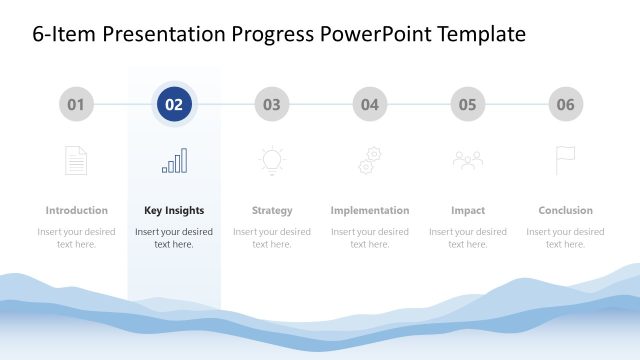
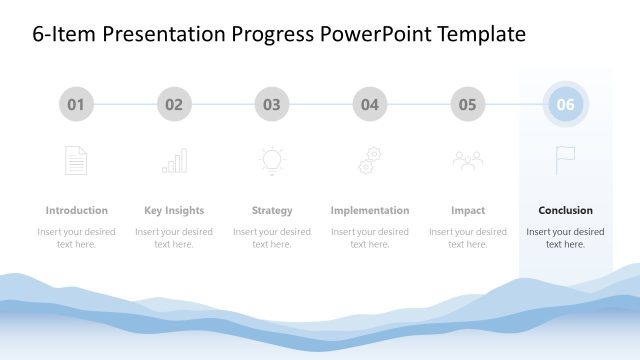
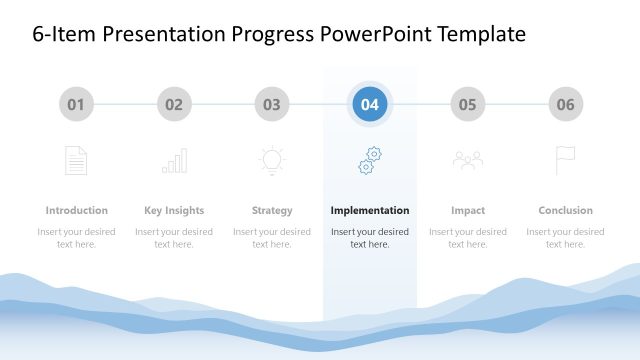
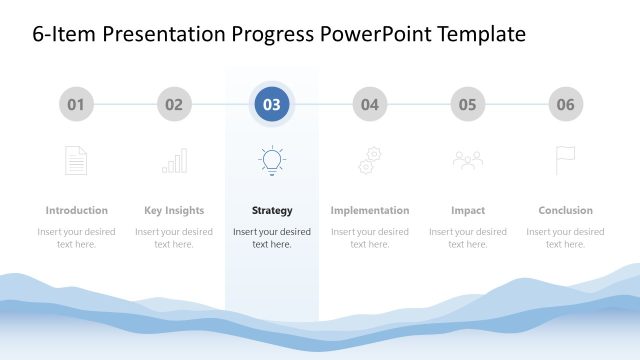
The Progress Steps with Icons slide from the 6-Item Presentation Progress PowerPoint Template offers a clear visual sequence ideal for project updates and strategic planning. This slide template uses editable shapes and vector icons arranged in a horizontal progression to depict process stages effectively. Its design supports business presentations that require a concise overview of progress steps, making it a practical choice for slide decks focused on process clarity and impact communication.
What’s on This Slide
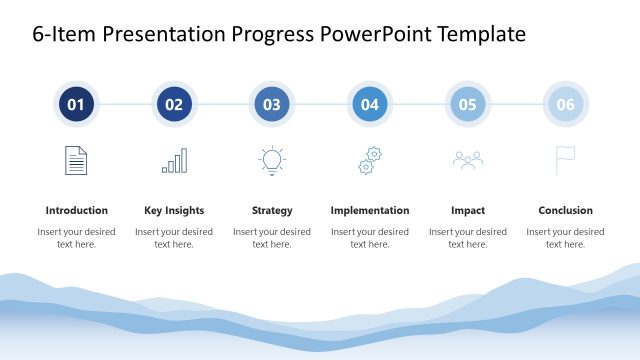
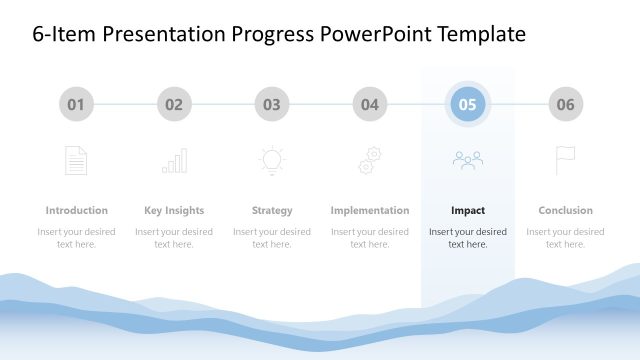
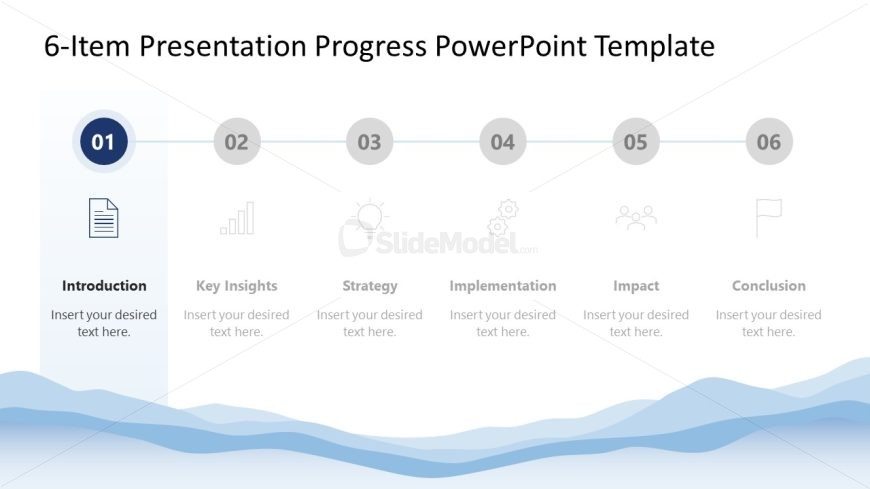
The layout features a horizontal progression of six steps, each represented by a circular icon and a label beneath. The first step is highlighted with a filled circle, while the others are outlined. Icons include a document, a bar chart, a light bulb, gears, people, and a flag. Text placeholders are aligned below each icon, indicating where to insert content. A wave pattern at the bottom adds visual interest. The background is light, enhancing the clarity of the icons and text.
How to Use It
This layout serves as a process diagram, illustrating a sequence of steps in a business strategy or project overview. It fits well after an introduction slide, guiding the audience through key insights, strategy, implementation, impact, and conclusion. It is suitable for presentations that require a clear visual representation of progress or stages in a process, such as project updates or strategic planning sessions.
Text Placeholders & Capacity
Keep your copy within these limits so it fits without resizing. Node labels can hold about 20 characters each, while body text can accommodate around 40 characters.
| Placeholder | Count | Max characters (approx.) |
|---|---|---|
| Item heading | 6 | 20 |
| Item body | 6 | 40 |
Slide Keywords
Download unlimited PowerPoint templates, charts and graphics for your presentations with our annual plan.
DOWNLOAD