Slide 4 of 7 from 6-Item Presentation Progress PowerPoint Template
6-Item Progress Diagram PPT Template with Focus Effect
6-Item Presentation Progress Template Slide
- Diagram
- Comparison Split
- Process Slide
- 16:9
- 100% Editable
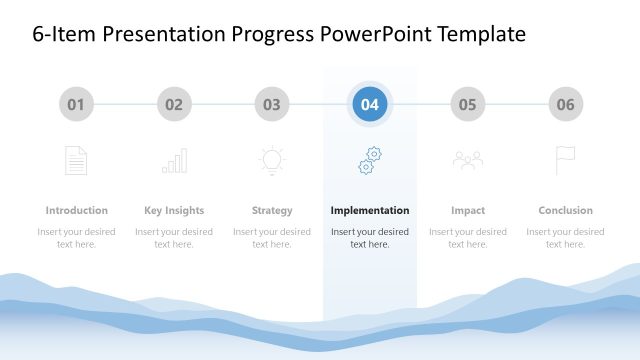
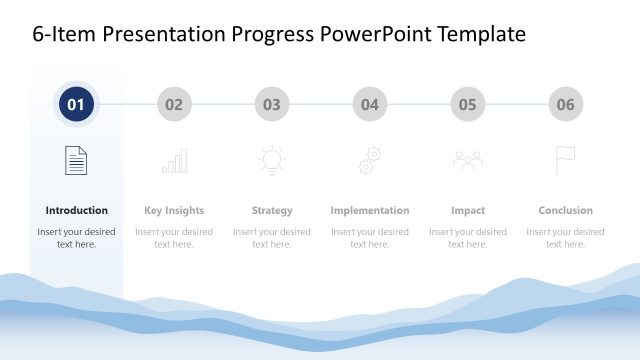
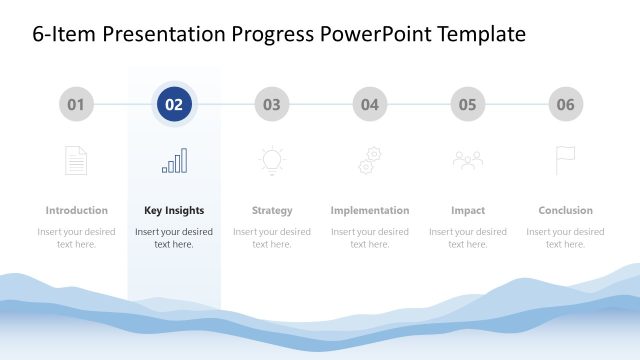
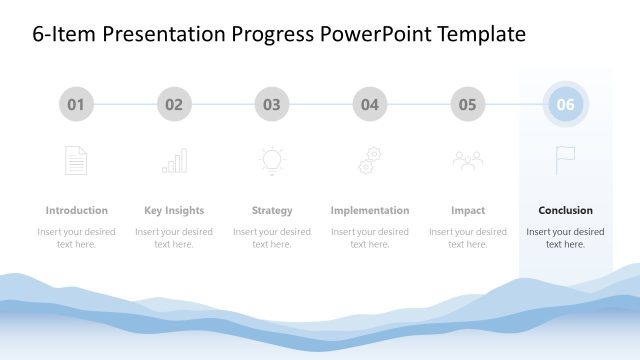
The Progress Chart with Steps slide from the 6-Item Presentation Progress PowerPoint Template offers a clear visual process layout ideal for project updates and strategic planning. This slide template uses editable shapes and vector icons arranged in a horizontal flow to highlight current phases, making it a practical choice for business presentations and implementation roadmaps within slide decks.
What’s on This Slide
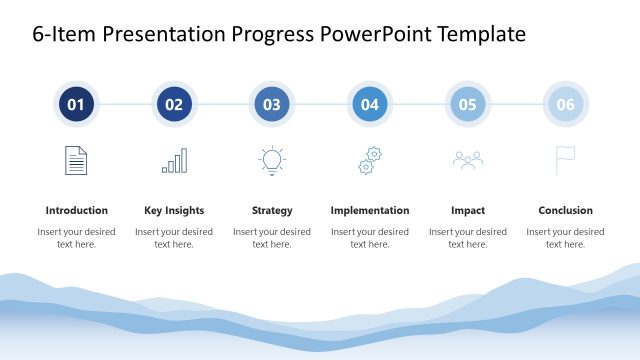
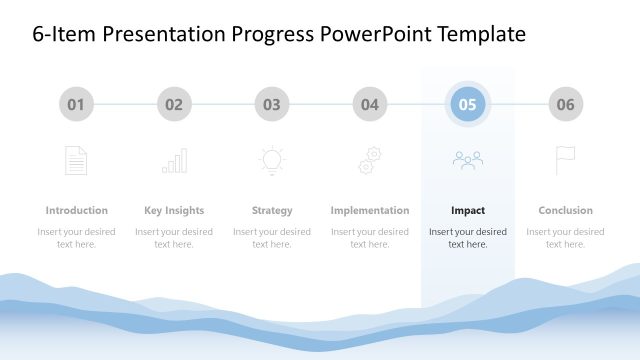
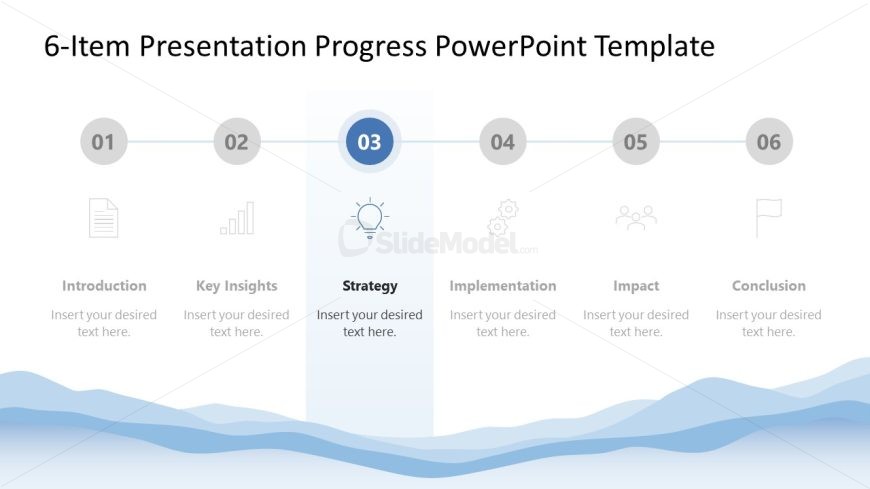
The layout features a horizontal progress chart with six segments. Each segment is represented by a circular icon and a label below it. The third segment is highlighted, indicating the current focus on 'Strategy.' The icons include a document, a bar chart, a light bulb, gears, people, and a flag. Text placeholders are present beneath each icon, aligned centrally. The background features a light gradient with a wave pattern at the bottom, creating a visual separation from the icons and text. The overall composition emphasizes the highlighted segment while maintaining a clear flow.
How to Use It
This layout serves as a progress chart, ideal for outlining steps in a process or strategy. It fits well in a presentation sequence to track milestones or phases, particularly in business strategy discussions. Use it to illustrate progress from introduction to conclusion, ensuring clarity in communication. This structure is suitable for project updates, strategic planning sessions, or implementation roadmaps, providing a clear visual representation of the journey.
Text Placeholders & Capacity
Keep your copy within these limits so it fits without resizing. Each node label can hold about 20 characters, while body text can accommodate roughly 30 characters.
| Placeholder | Count | Max characters (approx.) |
|---|---|---|
| Item heading | 6 | 20 |
| Item body | 6 | 30 |
Slide Keywords
Download unlimited PowerPoint templates, charts and graphics for your presentations with our annual plan.
DOWNLOAD