Slide 3 of 7 from 6-Item Presentation Progress PowerPoint Template
6-Item Progress Diagram Slide Layout
Key Insights Progress Chart Slide
- Diagram
- Comparison Split
- Context Slide
- 16:9
- 100% Editable
The Progress Chart with Key Insights slide from the 6-Item Presentation Progress PowerPoint Template offers a clear visual tool for business presentation contexts. This slide template features editable shapes and vector icons arranged in a horizontal progress chart, making it suitable for project updates, strategic planning, and performance reviews. It integrates seamlessly into slide decks focused on sequential progress, providing a structured way to emphasize key insights within a corporate presentation or pitch deck template.
What’s on This Slide
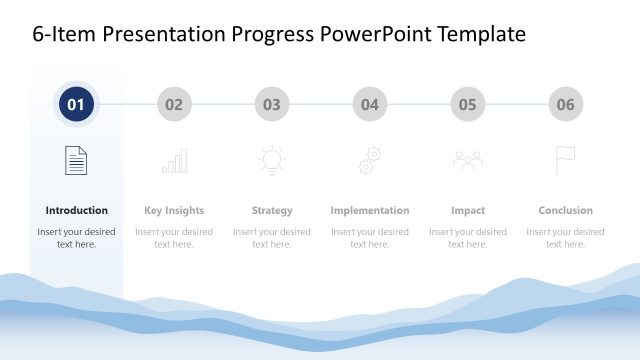
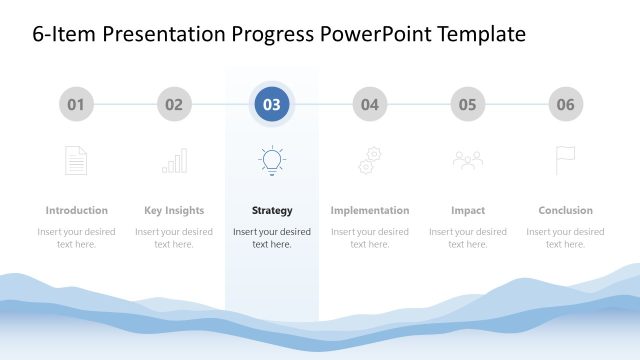
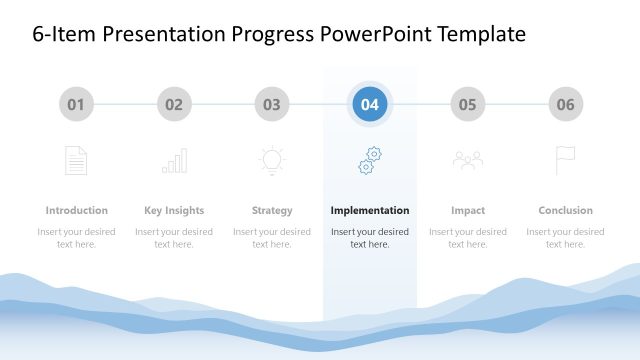
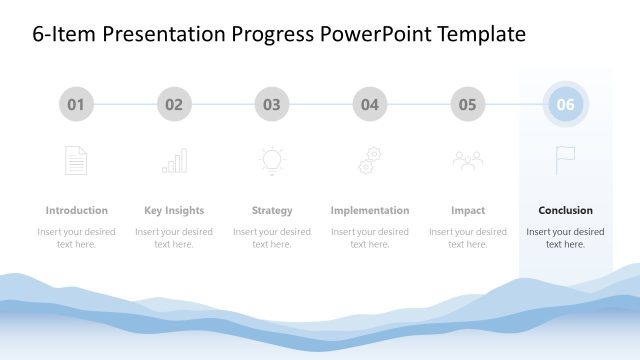
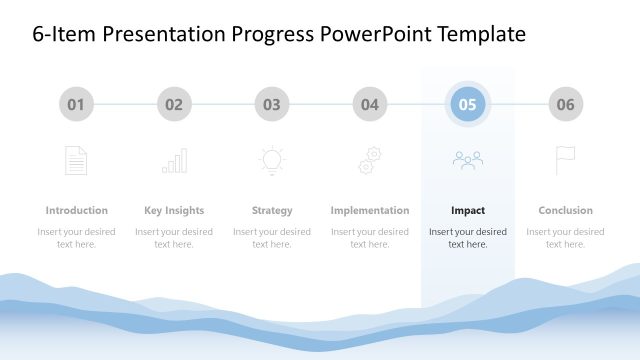
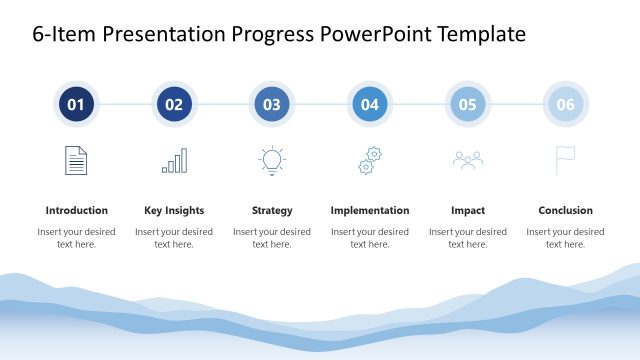
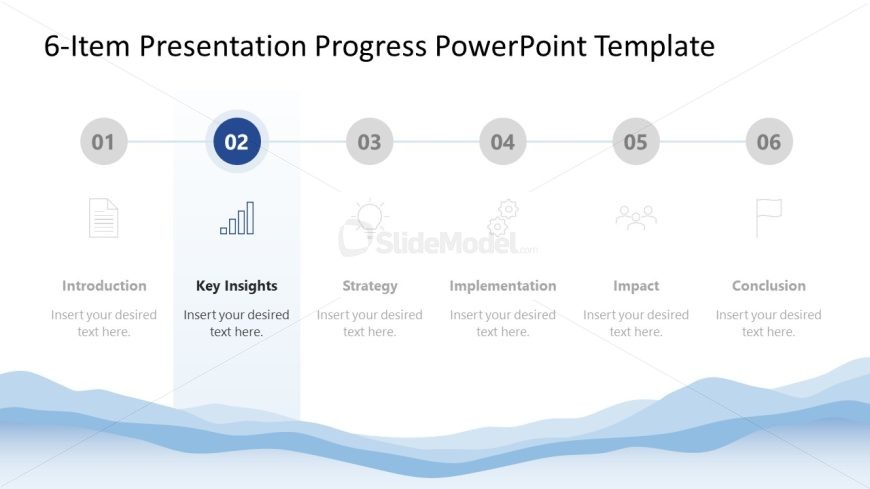
The layout features a horizontal progress chart with six segments. Each segment is represented by a circular icon with a number, positioned evenly across the top. The second segment is highlighted with a blue background and contains the label 'Key Insights' in bold text. Below this, there is a text placeholder for additional content. The icons for the other segments include a document, light bulb, gear, people, and flag. The background has a wave pattern in light blue, enhancing the visual flow.
How to Use It
This layout serves as a progress chart, ideal for presenting key insights in a sequential manner. It fits well in a presentation sequence after an introduction slide and before strategy or implementation slides. This structure is useful for business contexts such as project updates, strategic planning sessions, or performance reviews, where highlighting specific insights is essential.
Text Placeholders & Capacity
Keep your copy within these limits so it fits without resizing. Node body slots can hold about 8-10 words each.
| Placeholder | Count | Max characters (approx.) |
|---|---|---|
| Slide title | 1 | 30 |
| Item heading | 6 | 20 |
| Item body | 6 | 50 |
Slide Keywords
Download unlimited PowerPoint templates, charts and graphics for your presentations with our annual plan.
DOWNLOAD