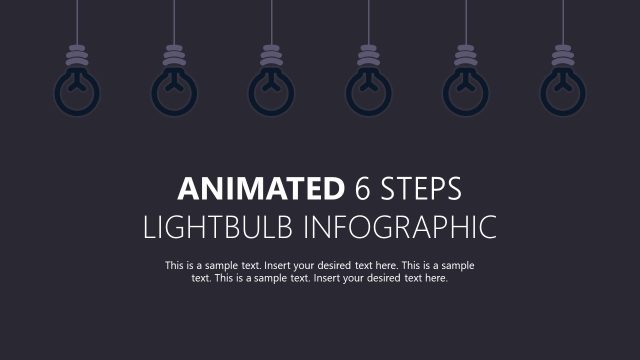
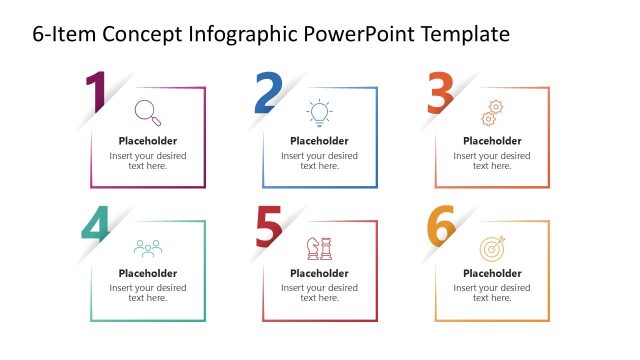
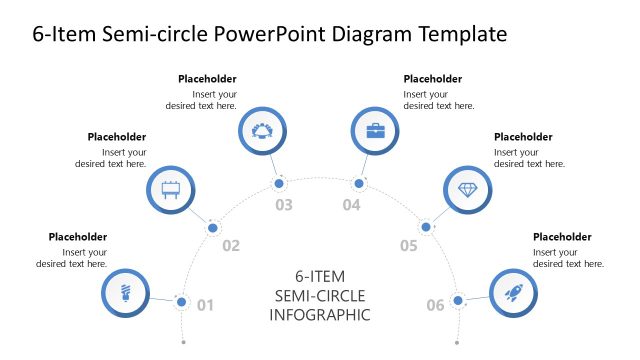
Share your unique ideas for new strategic initiatives in board presentations with our 6-Item Idea Infographic PowerPoint Template. The lightbulb represents new ideas and innovative thoughts. Startup founders use this single-slide design in their pitch decks to showcase their product’s core value propositions to investors. The color-coded points help the audience grasp the ideas more easily. A marketing director in his team presentation uses our lightbulb diagram to outline six ad creative formats for their next campaign. Business consultants edit the six shapes around the bulb to visualize areas for improvement to boost business sales and revenue. Financial experts can use this template to present multiple tax-saving strategies. In addition, we have a collection of infographic templates that you can check and select the one that best fits your presentation needs.
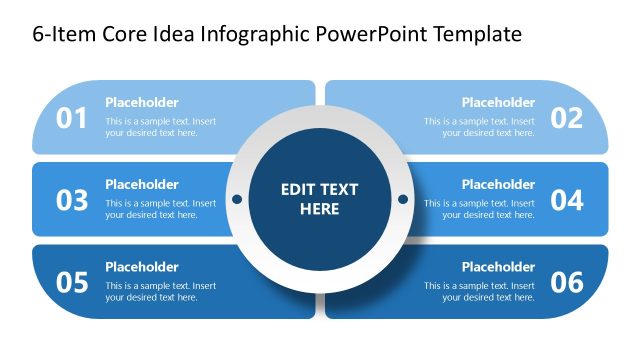
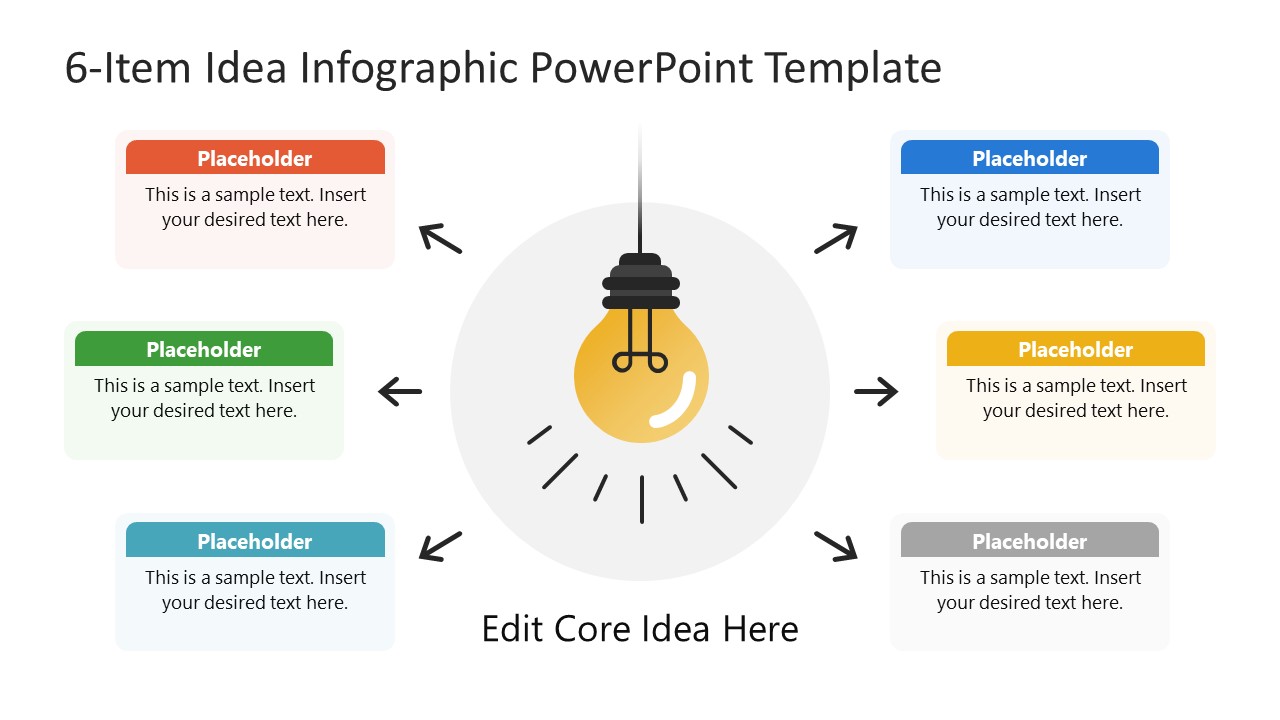
The 6-Item Idea Infographic PowerPoint Template features a lightbulb visual in the center of the slide. Around the bulb, project managers use the color-coded labels to mention key points or ideas in their team presentations. There are six boxes in total, three on each side. Each box around the central diagram has a title text bar and a description box with placeholder text. In educational presentations, coaches or mentors discuss the key takeaways from a hands-on training or workshop using the six-lightbulb-and-text-boxes diagram. Further, users can modify the shapes, icons, or infographics in the layout to match their theme. They can change the color labels to communicate their thoughts efficiently. Download the 6-item idea infographic PPT template to highlight complex ideas in an organized format. Try it with Google Slides and other PowerPoint versions.
What’s inside this template
Example presentation scenarios
- A startup founder can use the lightbulb infographic to present a product idea to investors and connect it to six value propositions in the surrounding callout boxes.
- A marketing director can use the six color-coded boxes to explain campaign concepts to a creative team and keep each format visually separate.
- A business consultant can use the central core idea text and arrows to frame a recommendation, then list six improvement areas around it.
- A trainer or coach can use the title-and-description callouts to summarize six workshop takeaways while keeping the main learning theme centered.
Features
- 100% editable presentation template
- Compatible with Microsoft PowerPoint and Google Slides
- 16:9 aspect ratio slides
- Scalable vector shapes, icons and illustrations
- AI-Ready for Microsoft Copilot and Claude
- Instant access and download
Frequently asked questions
Q: How should a presenter use this lightbulb infographic without overloading the audience?
A: Start with the core idea below the bulb, then introduce the six callouts as parallel reasons, actions, or takeaways. Keep each title short and use the description area for one supporting sentence. The layout works best when all six points share the same level of importance instead of mixing strategies, details, and metrics.
Q: For which business messages is this 6-item layout the best fit?
A: This slide is strongest for idea pitches, campaign summaries, consulting recommendations, and workshop recaps where one central concept needs six concise explanations. It is useful for founders, managers, and trainers who need a quick one-slide structure rather than a full report or a data-heavy dashboard.
Q: Why does the central lightbulb metaphor improve the communication?
A: The lightbulb instantly signals idea generation, making the audience look first at the central concept. The outward arrows and mirrored callout boxes then guide attention to the six supporting points. This visual hierarchy turns a simple list into a connected explanation without implying a strict step-by-step sequence.
6-Item Idea Infographic PowerPoint Template
1-slide presentation template with a lightbulb infographic and six color-coded idea callouts
The 6-Item Idea Infographic PowerPoint Template is a 1-slide diagram for presenting a core idea with six supporting points. The slide shows a central lightbulb infographic, six color-coded callout boxes, and directional arrows. It is suited to strategy, marketing, training, and consulting presentations in Microsoft PowerPoint and Google Slides.
- Category
- Diagrams
- Rating

 Loading...
- Aspect ratio
- 16:9
- Item ID
- 23698-01
- Colors
 Microsoft PowerPoint
  Microsoft Copilot
  Claude for PowerPoint
 Other formats supported
Subscribe today and get immediate
access to download our PowerPoint templates.