Slide 2 of 3 from 6 Arrows Circular Diagram PowerPoint Template
6 Steps Arrow PowerPoint Diagram Template
6 Arrows Circular Diagram for PowerPoint
- Diagram
- Circular Cycle
- Process Slide
- 16:9
- 100% Editable
What’s on This Slide
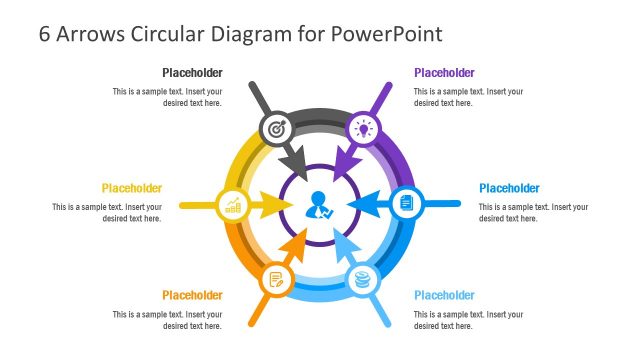
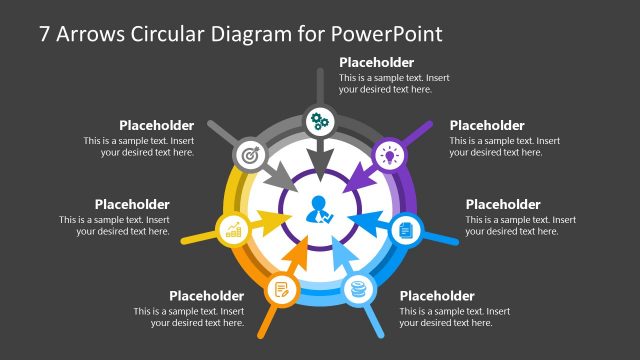
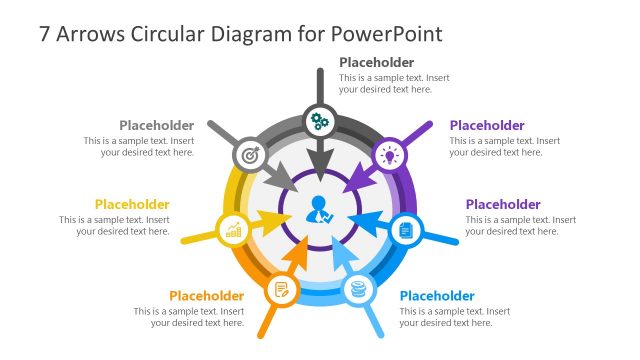
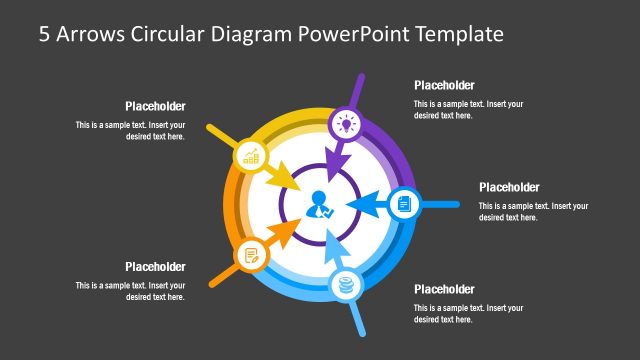
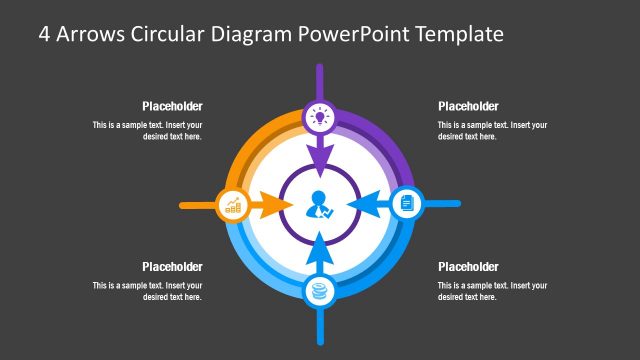
The layout features a circular diagram with six arrows pointing outward from a central node. Each arrow leads to a colored segment that contains a text placeholder. The arrows are arranged evenly around the circle, with a central circular node that also has a placeholder. The colors of the segments include yellow, orange, blue, purple, gray, and black, creating a visually distinct separation. The background is dark gray, enhancing the visibility of the colored elements. Each placeholder is aligned centrally within its segment, ensuring a balanced visual hierarchy.
How to Use It
This layout serves as a process flow diagram, illustrating six interconnected steps or components. It is suitable for presentations that require a visual representation of a cyclical process or impact analysis. This format can be used in business contexts such as project management, strategic planning, or marketing strategies. It fits well after a problem statement slide, providing a clear transition to proposed solutions or actions. The circular design emphasizes the relationship between the steps, making it ideal for discussions on continuous improvement or iterative processes.
Text Placeholders & Capacity
Keep your copy within these limits so it fits without resizing. Node body slots can hold about 10 words each, while the title can accommodate a short phrase.
| Placeholder | Count | Max characters (approx.) |
|---|---|---|
| Item body | 6 | 50 |
| Slide title | 1 | 40 |
Slide Keywords
Download unlimited PowerPoint templates, charts and graphics for your presentations with our annual plan.
DOWNLOAD