Slide 1 of 3 from 6 Arrows Circular Diagram PowerPoint Template
6 Arrows PowerPoint Circular Diagram
6 Arrows Circular Diagram for PowerPoint
- Diagram
- Circular Cycle
- Process Slide
- 16:9
- 100% Editable
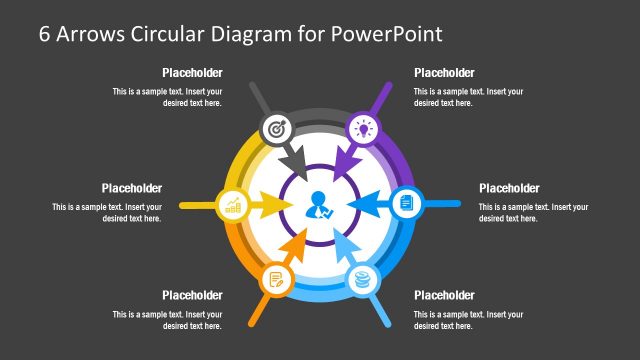
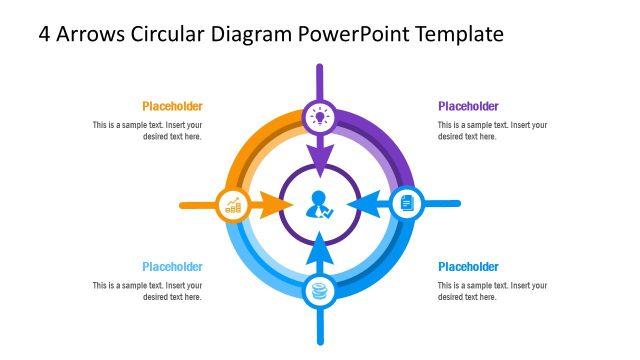
The 6 Arrows Circular Diagram slide from the 6 Arrows Circular Diagram PowerPoint Template provides a clear process illustration using editable shapes and vector icons. This slide layout is ideal for visualizing workflows and strategies within business presentations or pitch deck templates, enhancing communication with a structured circular flow design.
What’s on This Slide
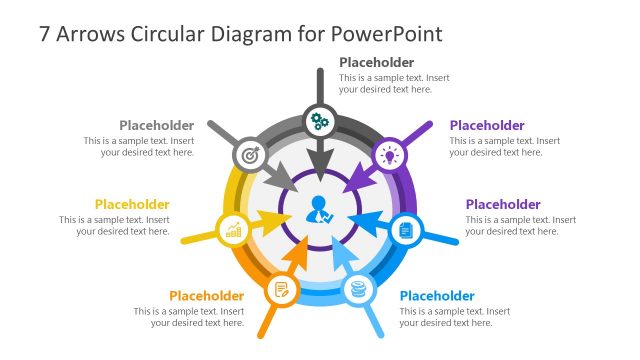
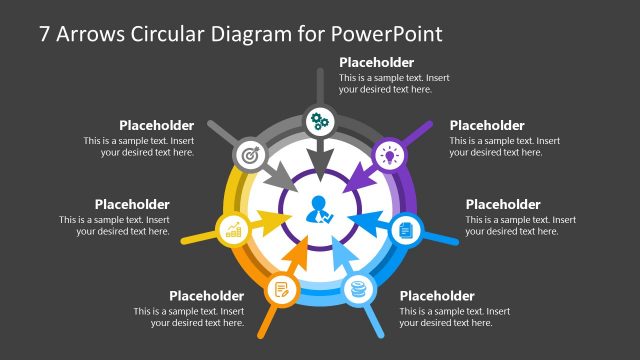
The layout features a central circular node surrounded by six arrows pointing outward. Each arrow leads to a circular node that contains a text placeholder. The arrows are colored in a gradient scheme, transitioning from yellow to purple. The central node is visually distinct, with a larger size compared to the outer nodes. Text placeholders are positioned within each node, aligned centrally. The overall composition is circular, emphasizing flow and connection between elements. Background is white, enhancing clarity and focus on the diagram.
How to Use It
This layout serves as a process flow diagram, illustrating relationships among six distinct elements. It fits well in presentations discussing strategies, workflows, or impact analyses. This structure is useful for business scenarios such as project planning, marketing strategies, or operational processes. It can effectively communicate complex ideas in a simplified manner, making it suitable for both team meetings and client presentations.
Text Placeholders & Capacity
Keep your copy within these limits so it fits without resizing. Node slots can hold about 40 characters each.
| Placeholder | Count | Max characters (approx.) |
|---|---|---|
| Item body | 6 | 40 |
| Slide title | 1 | 50 |
Slide Keywords
Download unlimited PowerPoint templates, charts and graphics for your presentations with our annual plan.
DOWNLOAD