Slide 2 of 3 from 7 Arrows Circular Diagram PowerPoint Template
Infographic 7 Arrows Template
7 Arrows Circular Diagram for Presentations
- Diagram
- Circular Cycle
- Process Slide
- 16:9
- 100% Editable
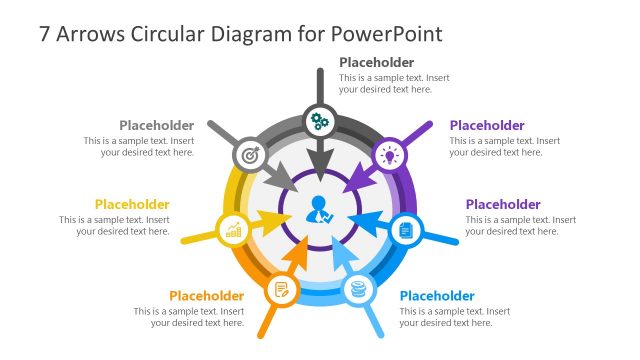
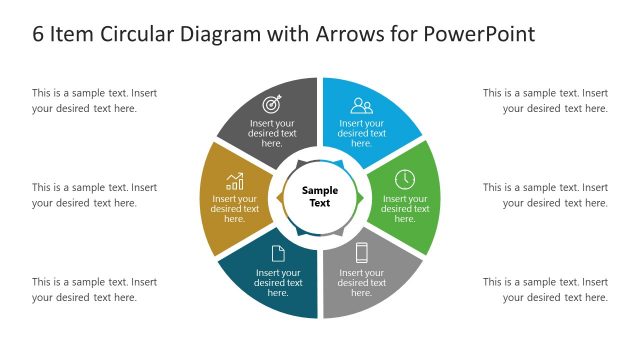
The 7 Arrows Circular Diagram slide from the 7 Arrows Circular Diagram PowerPoint Template provides a clear visual for process illustration using editable shapes and vector icons arranged in a circular flow. This slide layout is suitable for business presentations and project management, offering a structured way to present step-by-step guides or marketing strategies within a professional slide deck.
What’s on This Slide
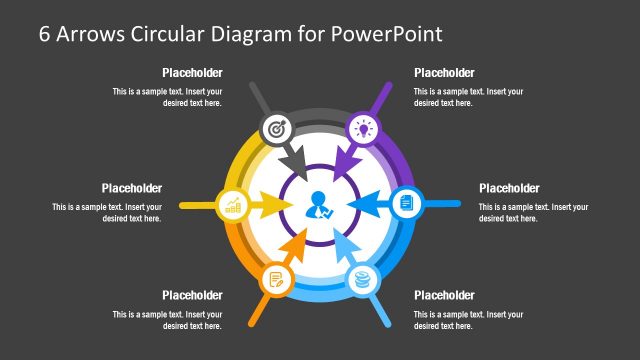
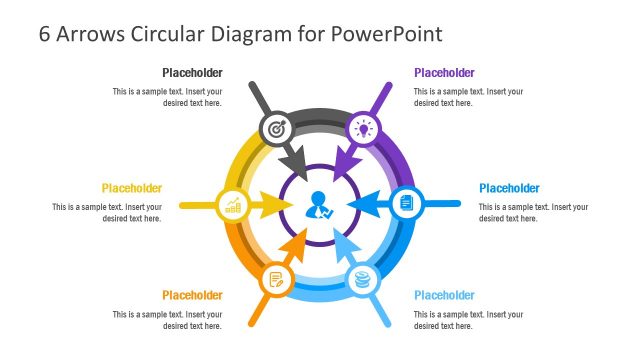
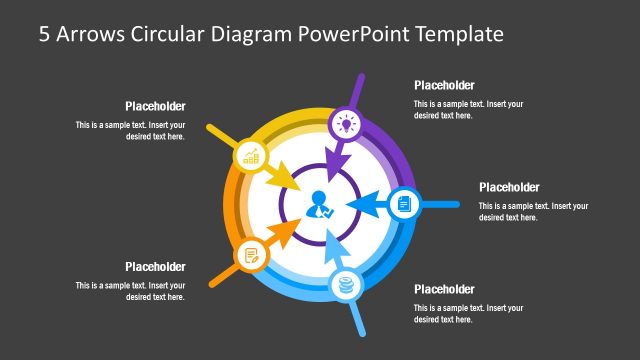
The layout features a circular diagram with seven arrows radiating outward from a central icon. Each arrow points to a placeholder for text, positioned around the circle. The arrows vary in color, with a gradient effect enhancing visual appeal. The central area contains a larger icon, surrounded by smaller icons at the ends of each arrow. Text placeholders are aligned in a circular fashion, allowing for clear visibility. The background is dark, which contrasts with the vibrant colors of the arrows and icons, creating a structured and organized visual hierarchy.
How to Use It
This layout serves as a process flow or step-by-step guide, ideal for illustrating sequential actions or concepts. It fits well in presentations that require a visual representation of processes or strategies. Common scenarios include project management, marketing strategies, or educational content where multiple steps are outlined. The circular format emphasizes continuity and connection among the steps, making it suitable for discussions on iterative processes or cyclical models.
Text Placeholders & Capacity
Keep your copy within these limits so it fits without resizing. Node body slots can hold about 10 words each.
| Placeholder | Count | Max characters (approx.) |
|---|---|---|
| Item body | 7 | 50 |
| Slide title | 1 | 50 |
Slide Keywords
Download unlimited PowerPoint templates, charts and graphics for your presentations with our annual plan.
DOWNLOAD