Slide 2 of 3 from 4 Arrows Circular Diagram PowerPoint Template
4 Arrows PowerPoint Circular Diagram
4 Arrows Circular Diagram PowerPoint Template
- Diagram
- Circular Cycle
- Process Slide
- 16:9
- 100% Editable
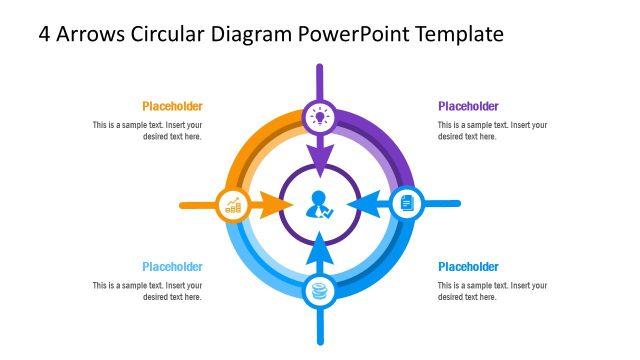
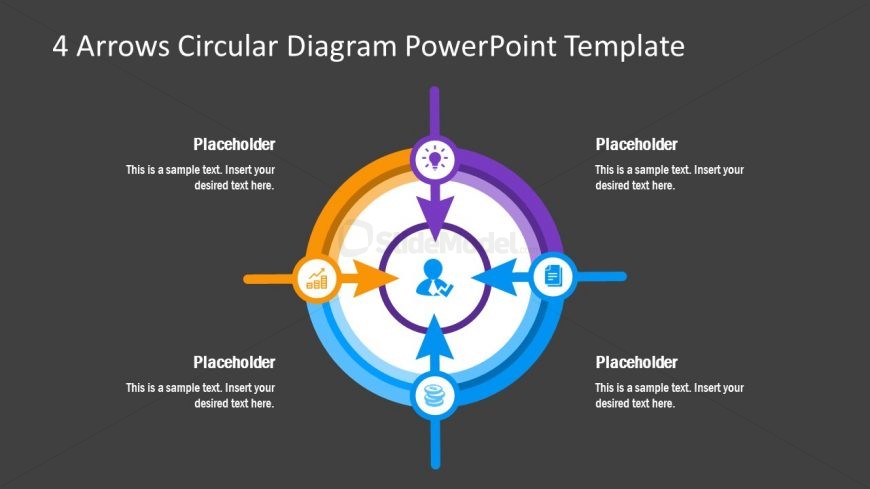
The 4 Arrows Circular Diagram slide from the 4 Arrows Circular Diagram PowerPoint Template offers a clear visualization of processes using editable shapes and vector icons. Ideal for strategic planning and project management, this slide layout enhances corporate presentations by illustrating interconnected steps in a circular flow. Its design supports business presentations and pitch deck templates that require effective process visualization within slide decks.
What’s on This Slide
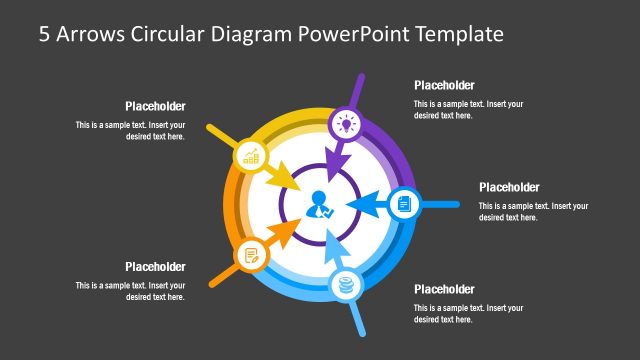
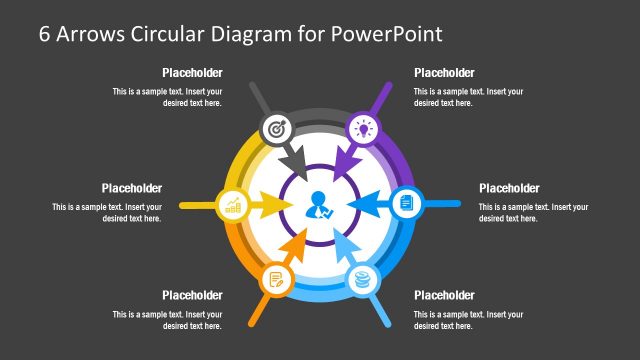
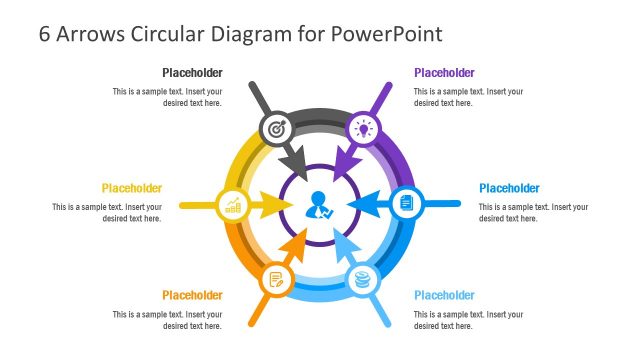
The layout features a central circular node surrounded by four arrows pointing outward. Each arrow is colored differently, transitioning from orange to purple, and connects to a circular node at the center. There are four text placeholders positioned at the ends of each arrow, aligned to the left and right. The background is a dark gray, enhancing the visibility of the colorful arrows and icons. The central node contains an icon representing a person, while each arrow has an associated icon above its respective placeholder. The overall composition is circular and symmetrical.
How to Use It
This layout serves as a process flow diagram, illustrating relationships or steps in a circular format. It is suitable for presentations that require a visual representation of interconnected concepts or processes. This slide fits well after a problem statement and before a solution roadmap, making it useful in business contexts such as strategic planning, project management, or process optimization. It can effectively summarize key points or actions in a visually engaging manner.
Text Placeholders & Capacity
Keep your copy within these limits so it fits without resizing. Node body slots can hold about 8-10 words each.
| Placeholder | Count | Max characters (approx.) |
|---|---|---|
| Item body | 4 | 40 |
| Item heading | 4 | 20 |
Slide Keywords
Download unlimited PowerPoint templates, charts and graphics for your presentations with our annual plan.
DOWNLOAD