Slide 1 of 3 from 4 Arrows Circular Diagram PowerPoint Template
4 Steps Arrows Circular PowerPoint
4 Arrows Circular Diagram Template Overview
- Diagram
- Circular Cycle
- Process Slide
- 16:9
- 100% Editable
What’s on This Slide
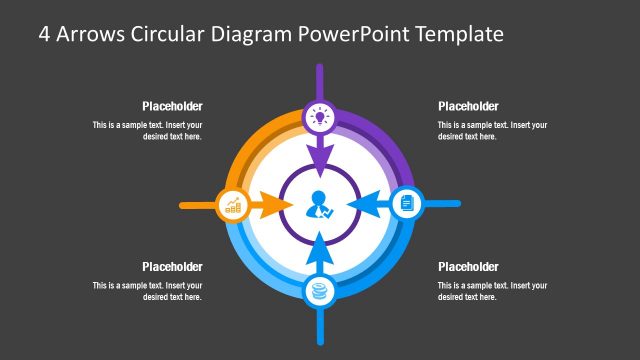
The layout features a central circular node surrounded by four arrows pointing outward. Each arrow is in a different color: orange, purple, blue, and light blue. Each arrow has a circular end node that contains an icon. Text placeholders are positioned at the end of each arrow, aligned to the right, with a consistent font size. The central node contains a figure icon, visually emphasizing its importance. The overall composition is symmetrical, with a clear visual hierarchy established by color and positioning.
How to Use It
This layout serves as a circular diagram, illustrating processes or concepts with four distinct components. It is suitable for presentations that require a visual representation of interconnected ideas or steps. This slide fits well after an introductory problem slide, leading into a detailed explanation or roadmap. It can be used in business contexts to depict workflows, strategies, or project phases, allowing for easy understanding of complex relationships.
Text Placeholders & Capacity
Keep your copy within these limits so it fits without resizing. Node labels can hold up to 39 characters each, while body text can accommodate 66 characters.
| Placeholder | Count | Max characters (approx.) |
|---|---|---|
| Item heading | 4 | 39 |
| Body paragraph | 4 | 66 |
| Slide title | 1 | 36 |
Slide Keywords
Download unlimited PowerPoint templates, charts and graphics for your presentations with our annual plan.
DOWNLOAD