The 5 Why’s PowerPoint Template is a professional presentation created for Root Cause Analysis. It is designed to present the Five Why’s Framework.
The 5 Why’s is an iterative interrogative framework, applied to analyze cause and effect relationships of a particular problem or situation. The main goal of the framework is to determine the root cause of a problem; repeating the question Why? through different dimensions of the problem the analyst drills down into the facts. The name derives from the empirical observation that root cause analysis of a problem ends up with a plausible cause through the fifth iteration. Also, 5 the analysis is bound to 5 steps in order to reformulate the question or dimensions in case a cause is not found after the 5th iteration. It is used as a control variable.
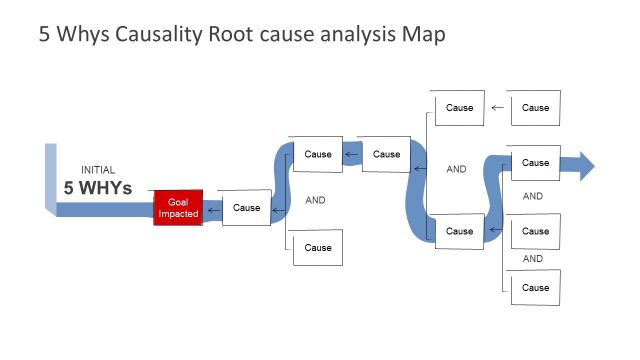
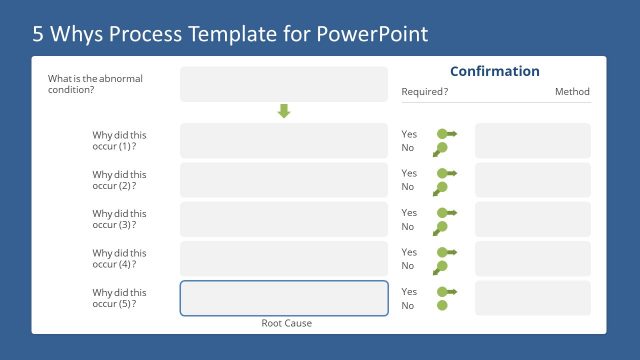
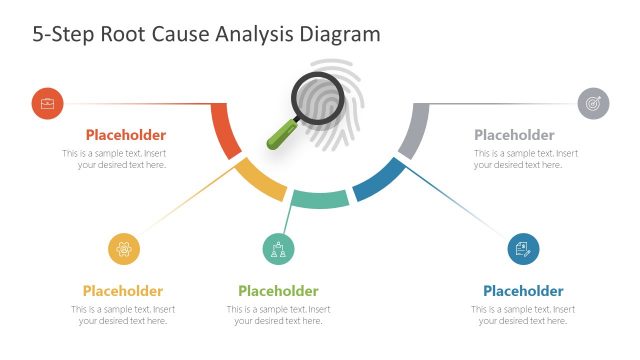
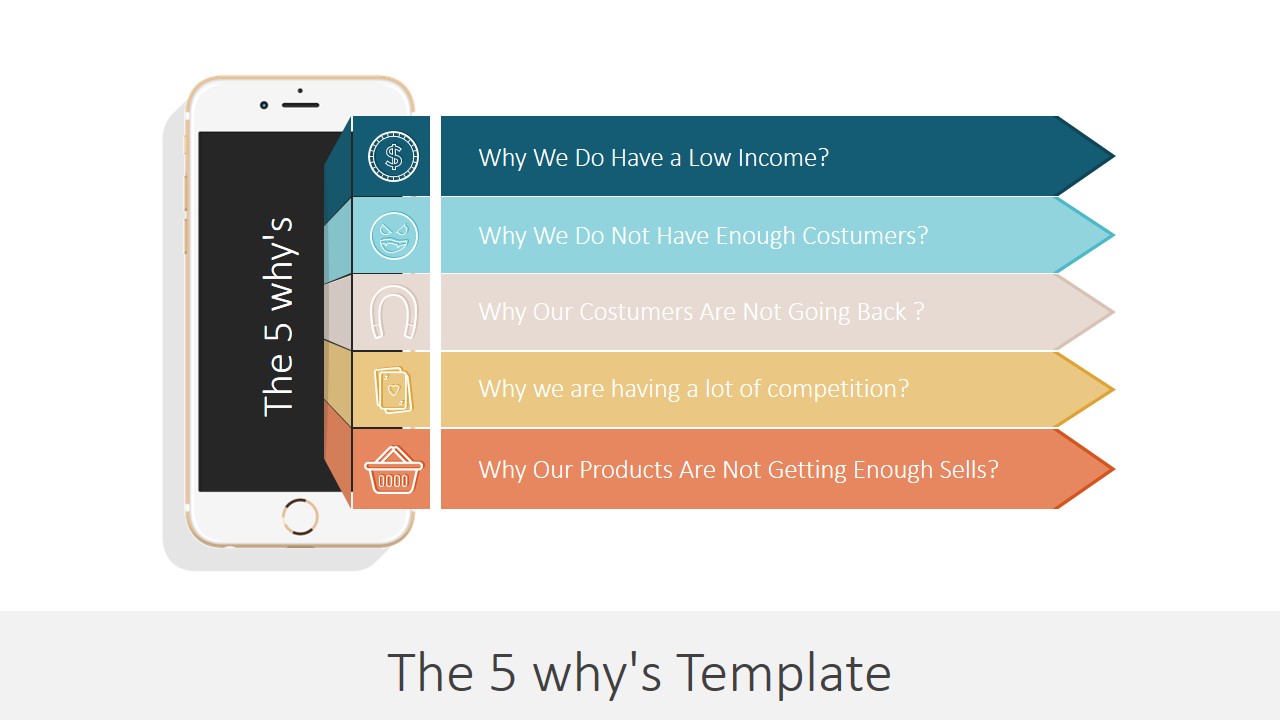
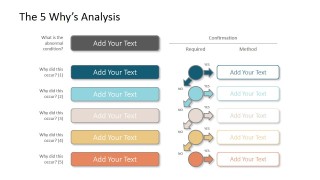
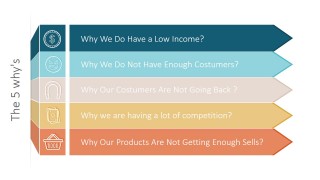
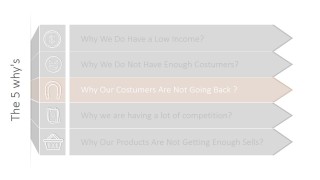
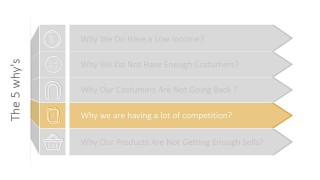
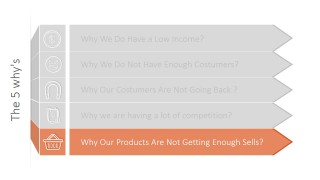
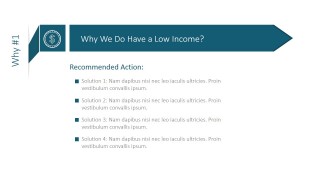
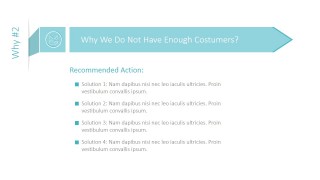
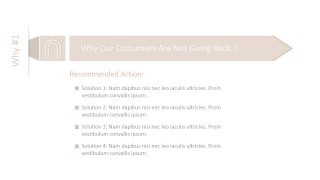
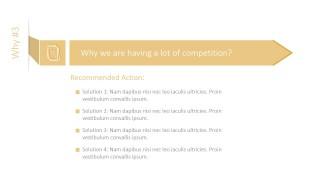
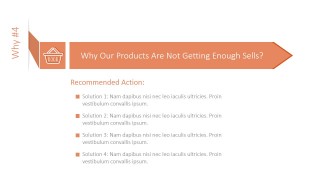
The 5 Why’s PowerPoint Template provides three (3) set of slides. The first slide is the frameworks working diagram. The user can present how each dimension was traversed and the pertinent drill down applied. Also, how was the next question formulated based on the previous questions analysis. The second set of slides is an Icon Decorated set of 5 Horizontal banners. The presenter can mention each question of the analysis i order to provide context to the cause. The third set of slides, generally used to more descriptive presentations, provides a title placeholder where the question is presented and a centered tile where the presenter can textually describe the analysis of the questions. Mainly used for handover or for published materials.
Each of the PowerPoint Icons and PowerPoint Shapes used in the 5 whys template are 100% editable.
What’s inside this template
Example presentation scenarios
- An operations manager can use the stacked arrow banner to walk stakeholders through why a recurring production issue happened and where the cause chain breaks down.
- A quality assurance lead can use the analysis worksheet to document each why, confirmation point, and method before proposing corrective actions.
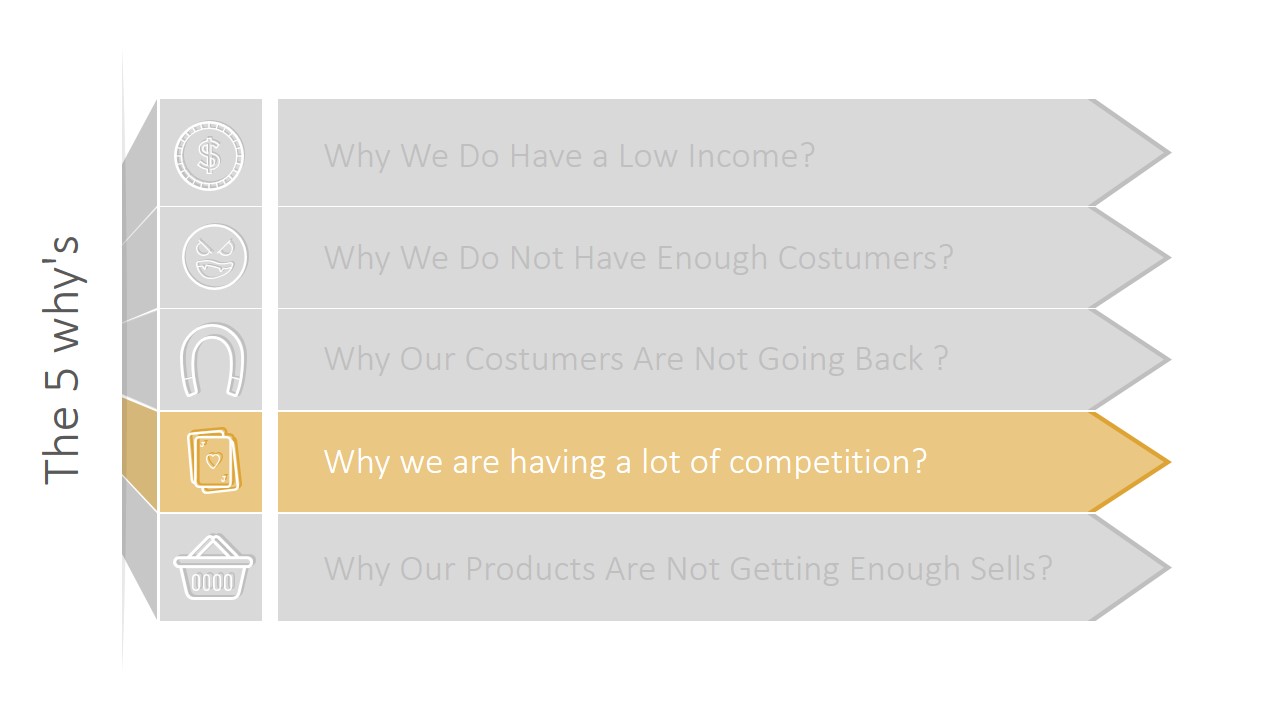
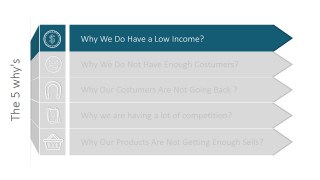
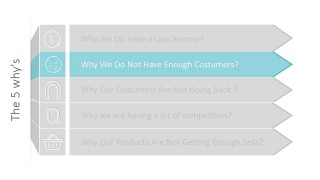
- A consultant can use the highlighted question slides to facilitate a client workshop where the group discusses one cause level at a time.
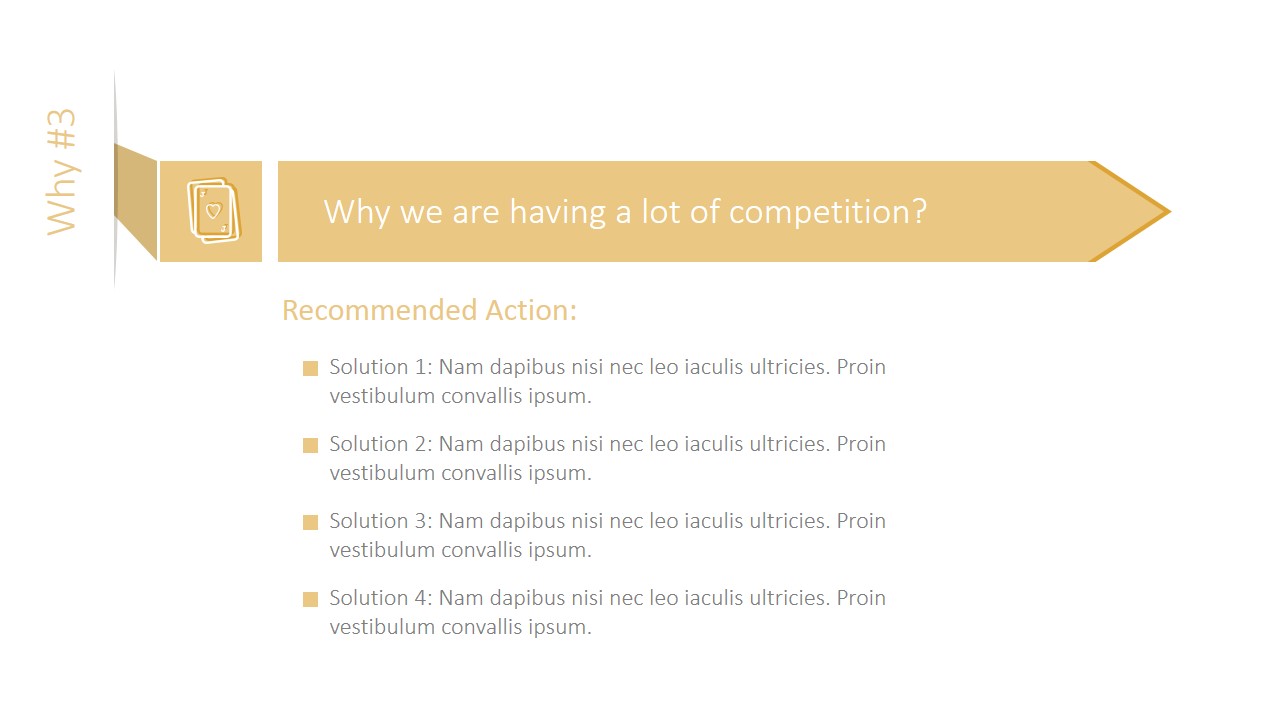
- A project manager can use the recommended action slides to assign follow-up work after the team agrees on the most likely root cause.
Features
- 100% editable presentation template
- Compatible with Microsoft PowerPoint and Google Slides
- 16:9 aspect ratio slides
- Scalable vector shapes, icons and illustrations
- AI-Ready for Microsoft Copilot and Claude
- Instant access and download
Frequently asked questions
Q: How should a presenter explain the 5 Why's method with this template?
A: Start with the full stacked arrow diagram so the audience sees the complete cause path. Then move through the highlighted question slides to discuss one why at a time. Use the individual action slides after the discussion to translate each finding into a recommendation, owner, or next step.
Q: Who is this template best suited for in a business setting?
A: It fits teams that need a clear problem-solving conversation, such as operations, quality, customer support, project management, or consulting groups. The layout works best when the presenter has a defined problem statement and wants to guide the audience from symptom to likely root cause before listing corrective actions.
Q: Why does the design use stacked arrows and repeated highlights?
A: The arrows create a visual chain, which matches the logic of asking why repeatedly. The highlight slides reduce distraction by showing one active question while the other levels fade into gray. That sequencing helps the audience stay focused on the current reasoning step before moving to the next cause.





The 5 Why’s PowerPoint Template
13-slide root cause analysis presentation template with 5 Why's banners and question breakdowns
The 5 Why's PowerPoint Template is a 13-slide root cause analysis deck for Microsoft PowerPoint and Google Slides. It includes a phone-style cover, a 5 Why's analysis workflow, stacked arrow banners, highlighted question states, and individual recommended action slides for presenting causes and corrective actions.
- Category
- Models
- Rating


 Loading...
- Aspect ratio
- 16:9, 4:3
- Item ID
- 0024-02
- Colors
 Microsoft PowerPoint
  Microsoft Copilot
  Claude for PowerPoint
 Other formats supported
Subscribe today and get immediate
access to download our PowerPoint templates.