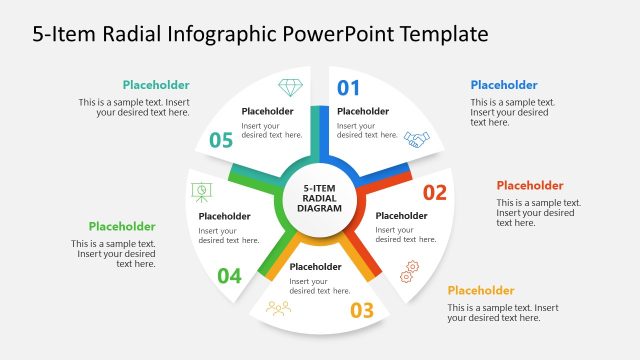
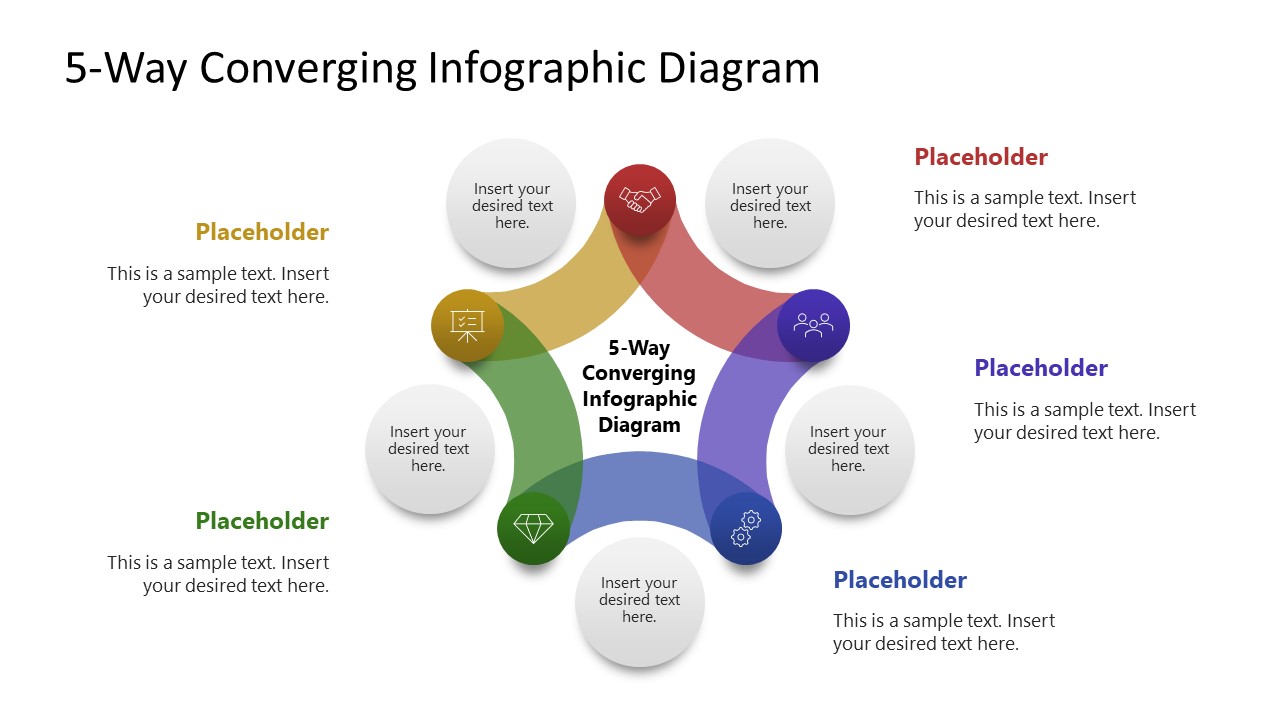
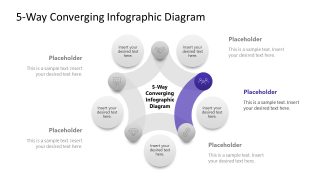
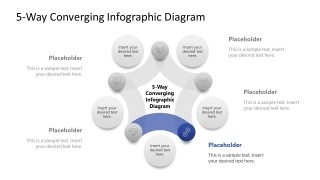
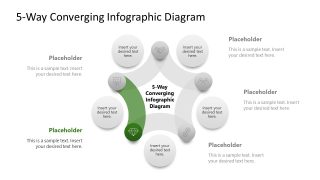
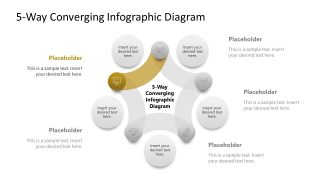
Use our 5-Way Converging Infographic PowerPoint Template in a business planning presentation to clearly demonstrate the factors contributing to overall efficiency. The converging diagram illustrates five factors that act simultaneously rather than sequentially to achieve a specific outcome. But users can also repurpose the design to showcase a series of steps. The five curved bars of the pentagon shape help project managers communicate the key actions for each milestone. They can use circular infographics to visually display content in their team presentations. There is a circular shape with text at the center of the curve, along with placeholder text sections for each step. In the following slides, the converging diagram focuses on one point at a time, enabling the audience to grasp each program area effectively.
For instance, digital marketing strategists can use the converging diagram template to highlight paid and organic marketing channels that contribute to brand success. In a management consultation presentation, the presenter shares the five-step transformative roadmap to improve customer experience and product delivery. The 5-Way Converging Infographic PowerPoint Template helps him clearly outline each step to leadership. The chief operational officer can use the converging diagram to illustrate how the efficiency of five parallel workstreams can contribute to a single cost-reduction goal. In academic research, the five curved sides of the diagram depict collaboration across multiple departments to achieve the overall research outcome. Also, we provide the users with the ability to customize the design on any version of Microsoft PowerPoint.
Download the 5-way converging infographic diagram template to illustrate the five pillars of the new strategic initiative in your business presentations. Alternatively, download other converging arrow diagrams for PowerPoint and Google Slides.
What’s inside this template
Example presentation scenarios
- A project manager can use the full-color pentagon diagram to introduce five workstreams that contribute to a delivery milestone, then use the highlighted segment slides to explain each workstream.
- A strategy consultant can present a five-pillar transformation model to executives, using the central outcome label and surrounding text callouts to connect each pillar to the overall recommendation.
- A marketing strategist can map five channel types or campaign drivers, using the radial convergence layout to show how separate activities support a single brand or growth objective.
- An operations leader can explain cost reduction or efficiency drivers, assigning each curved segment to a department, process, or initiative that contributes to the shared target.
Features
- 100% editable presentation template
- Compatible with Microsoft PowerPoint
- 16:9 aspect ratio slides
- Scalable vector shapes, icons and illustrations
- AI-Ready for Microsoft Copilot and Claude
- Instant access and download
Frequently asked questions
Q: How should a presenter explain the 5-way convergence without making the slide feel repetitive?
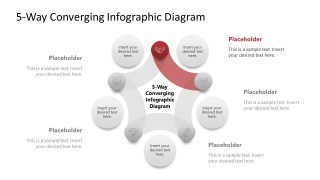
A: Start with Slide 1 as the overview and name the shared outcome in the center before discussing any segment. Then move through the highlighted slides and limit each section to one point, one implication, and one action. The muted segments preserve context, while the colored segment tells the audience where to focus.
Q: Who is this template best suited for in a business presentation?
A: This template fits presenters who need to show how five independent inputs support one result, such as consultants, project managers, operations leaders, or marketing teams. It works best for planning, alignment, and explanation rather than detailed reporting. The radial diagram is useful when the factors act together instead of in a strict order.
Q: Why use a converging pentagon diagram instead of a numbered list?
A: The pentagon metaphor shows balance and simultaneity: all five curved segments visually point toward the center outcome. A list can imply priority or sequence, while this diagram communicates interdependence. The follow-up slides then provide controlled emphasis, helping the presenter move from the whole framework to each individual factor.


5-Way Converging Infographic PowerPoint Template
6-slide PowerPoint diagram template with a 5-way converging pentagon, radial arrows, and icon callouts
This 6-slide PowerPoint template presents a 5-way converging pentagon infographic for showing five inputs that meet at one outcome. It includes a full-color radial diagram, five single-focus segment slides, icon markers, and outer text callouts for business planners, consultants, project managers, and teams using Microsoft PowerPoint.
- Category
- Diagrams
- Rating

 Loading...
- Aspect ratio
- 16:9
- Item ID
- 23619-01
- Colors
 Microsoft PowerPoint
  Microsoft Copilot
  Claude for PowerPoint
 Other formats supported
Subscribe today and get immediate
access to download our PowerPoint templates.