Slide 5 of 6 from 5-Way Converging Infographic PowerPoint Template
5-Way Converging Infographic Diagram Layout
5-Way Converging Infographic Diagram
- Diagram
- Radial Hub
- Process Slide
- 16:9
- 100% Editable
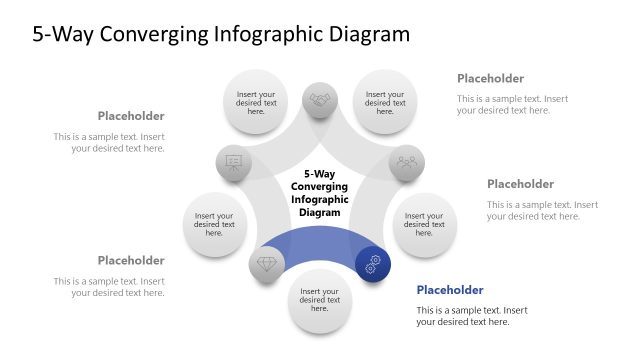
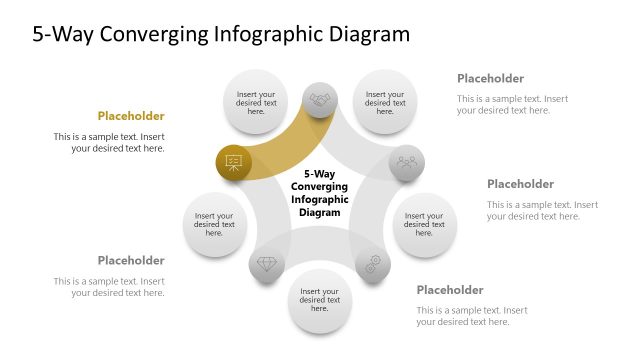
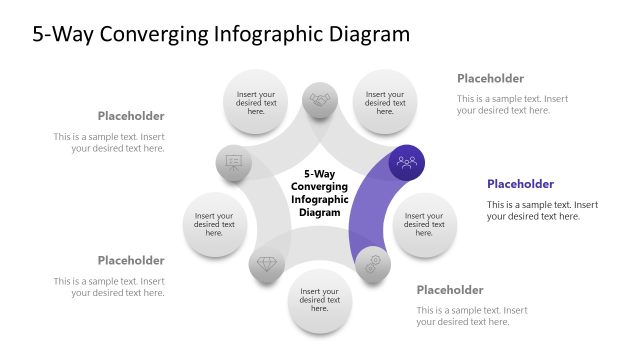
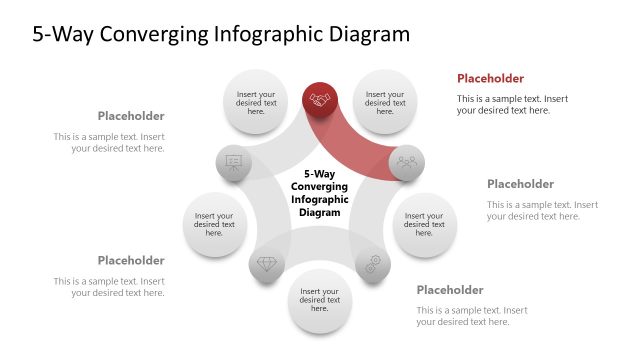
The 5-Way Converging Infographic Diagram slide from the 5-Way Converging Infographic PowerPoint Template offers a radial hub layout ideal for visualizing processes where five distinct inputs merge into a unified outcome. This slide is designed for business presentations and strategic planning, featuring editable shapes and vector icons that enhance clarity in project management and team brainstorming sessions within professional slide decks.
What’s on This Slide
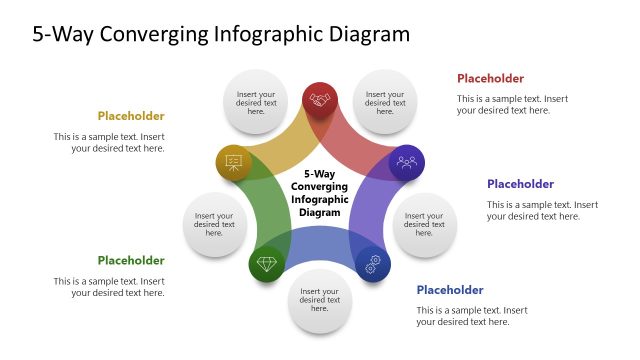
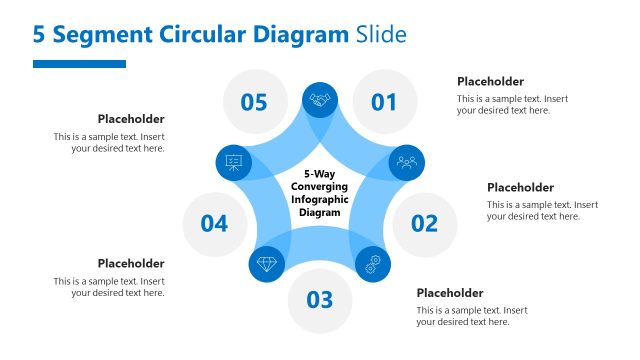
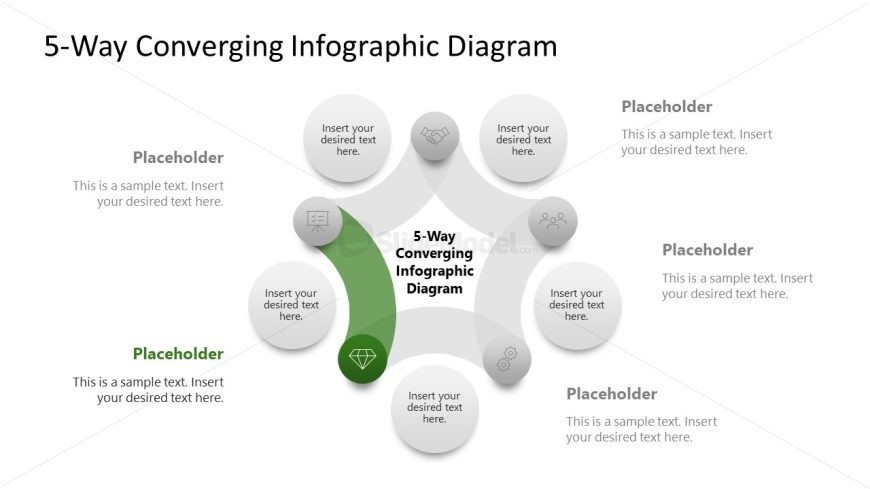
The layout features a central pentagon shape with a diamond icon, surrounded by five circular nodes. Each node is positioned at the outer edges, connected to the central shape by curved lines. The central pentagon is highlighted in green, while the surrounding nodes are gray. Each node contains a text placeholder aligned centrally, with additional text placeholders below them. The title is prominently displayed at the top center. The overall composition is radial, emphasizing convergence towards the center.
How to Use It
This layout serves as a visual representation of five inputs converging into a single outcome. It is suitable for illustrating processes, strategies, or concepts in business presentations. This slide fits well after problem identification slides, leading into solutions or action plans. It can be used in contexts such as project planning, strategic analysis, or team brainstorming sessions, where multiple ideas or inputs are synthesized into a cohesive outcome.
Text Placeholders & Capacity
Keep your copy within these limits so it fits without resizing. Node labels can hold about 30 characters each, while body text can accommodate around 50 characters each.
| Placeholder | Count | Max characters (approx.) |
|---|---|---|
| Slide title | 1 | 30 |
| Item heading | 5 | 30 |
| Item body | 5 | 50 |
Slide Keywords
Download unlimited PowerPoint templates, charts and graphics for your presentations with our annual plan.
DOWNLOAD