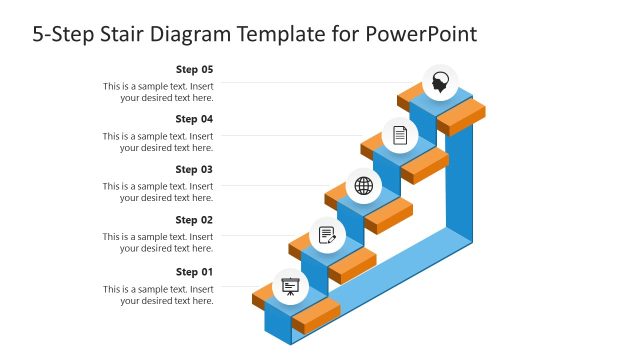
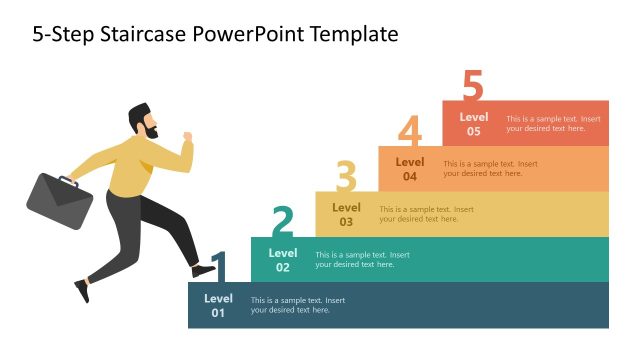
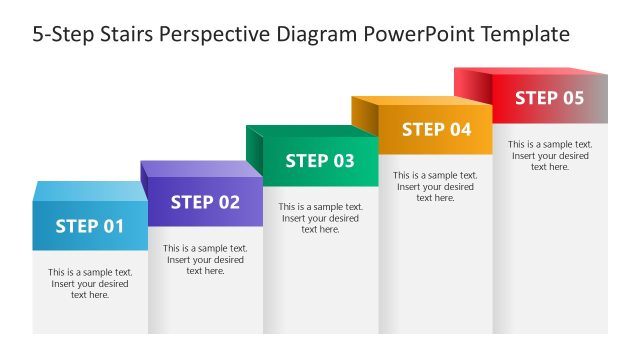
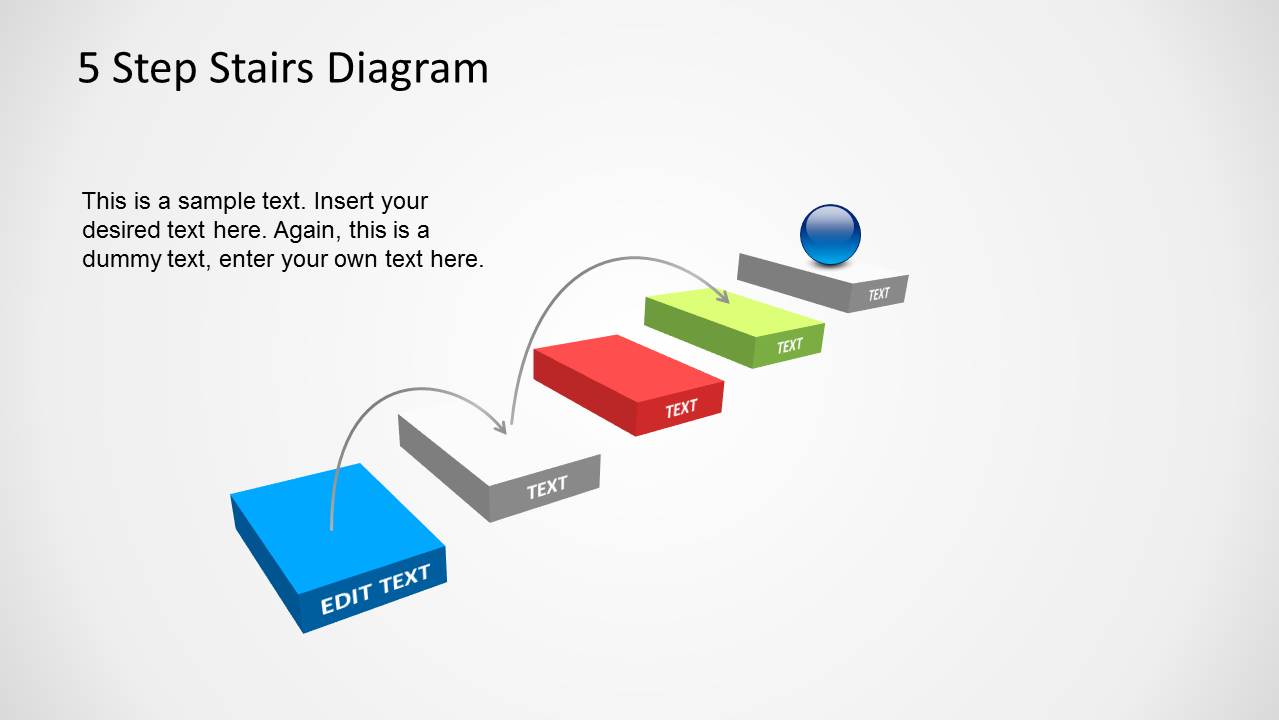
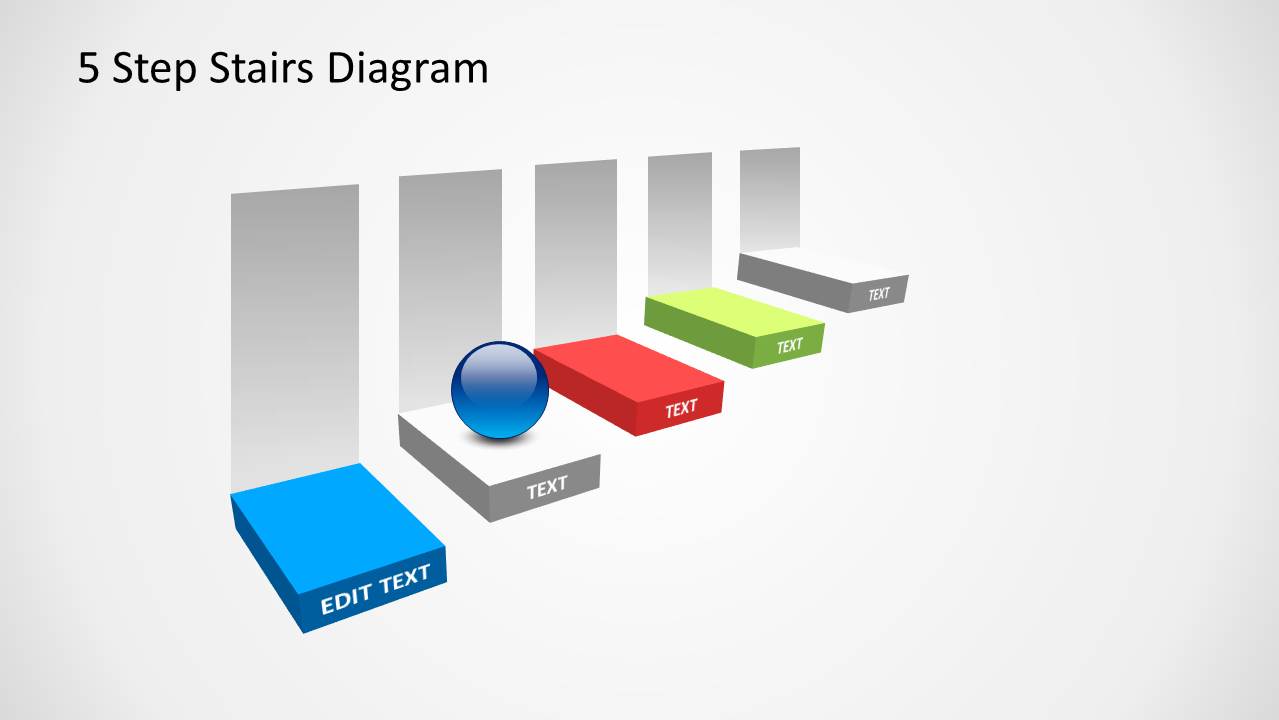
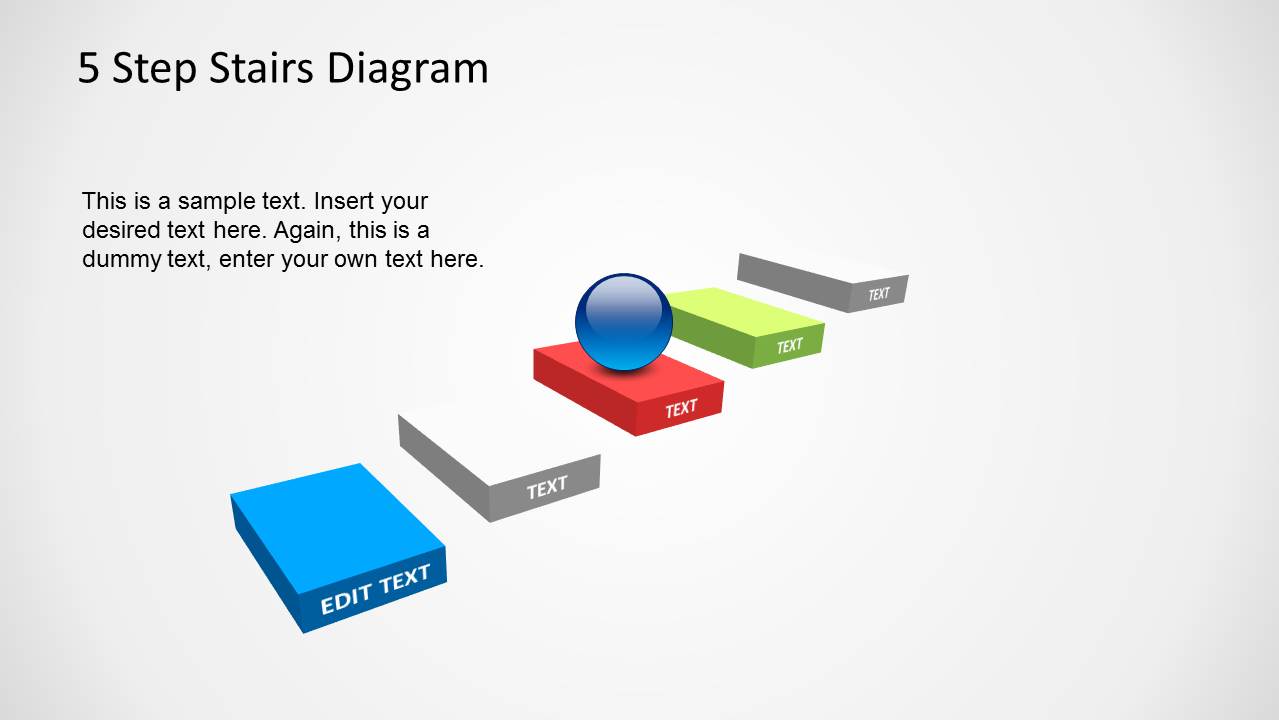
5 Step Stairs Diagram Template for PowerPoint. This multi-purpose template can be used for a number of presentation topics related to business, finance, marketing, success, career coaching, project management, etc.
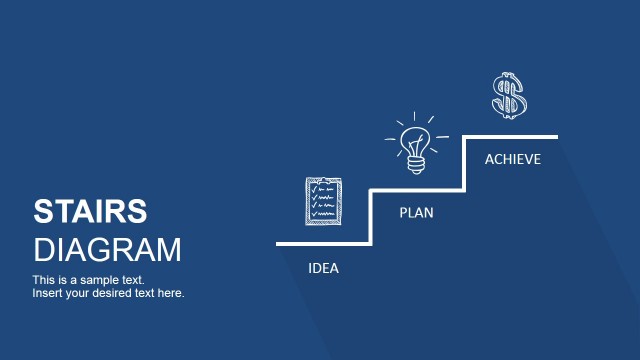
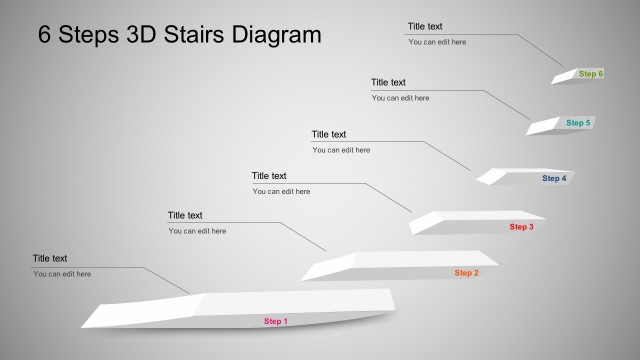
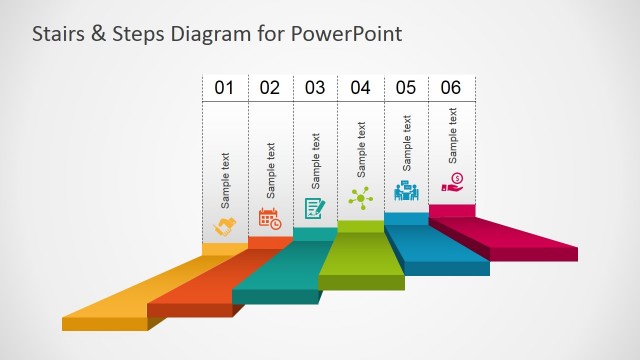
Using the five step diagrams within the given editable slides, you can create a professional looking presentation to present a sequence of events, ideas, milestones and the like.
With this template you can create presentations related to business ventures, project, timelines, quarterly financial comparisons, sales plans and more.
What’s inside this template
Example presentation scenarios
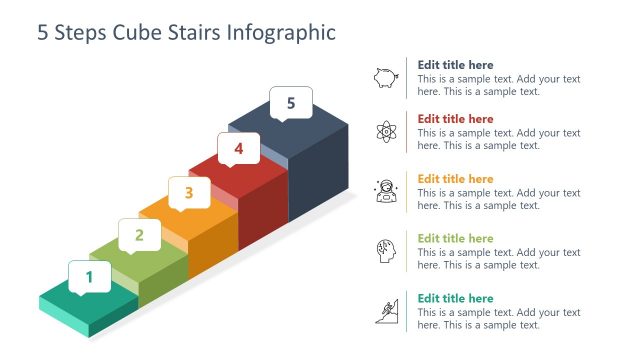
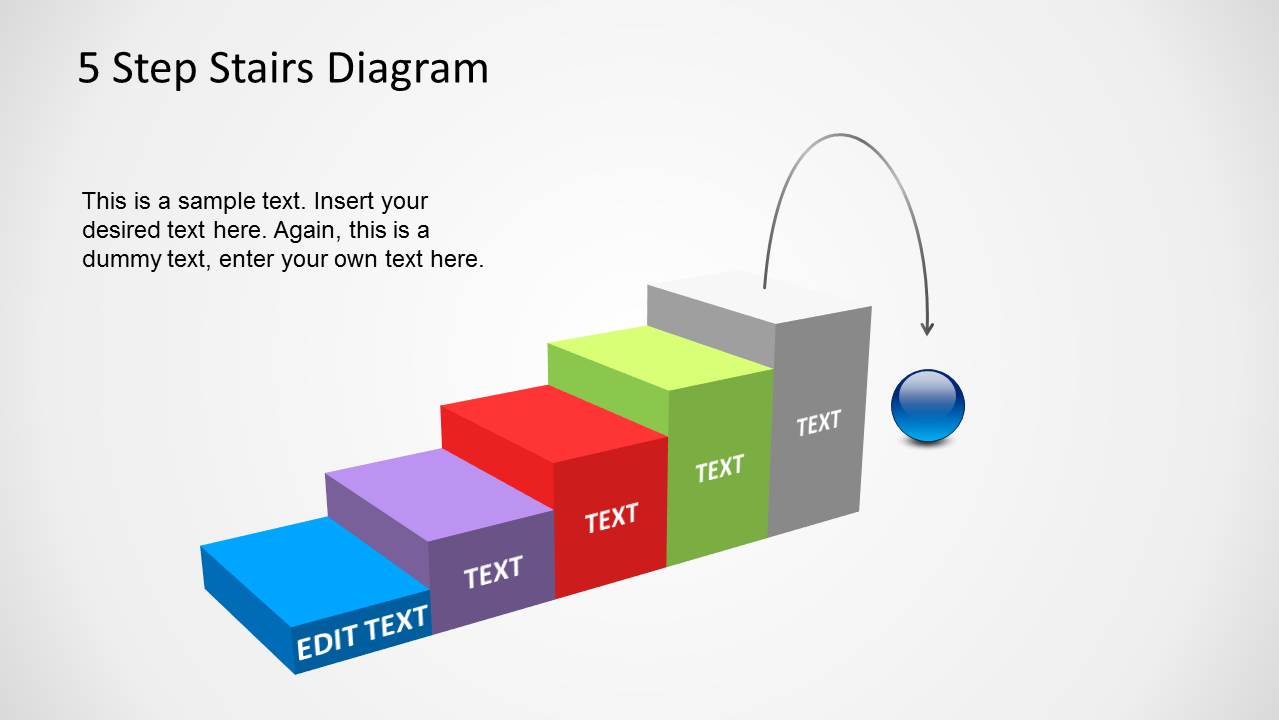
- A project manager can use the five-step staircase to explain key milestones, with each colored stair representing one phase of delivery.
- A sales leader can present a sales plan by mapping prospecting, qualification, proposal, negotiation, and closing to the stair labels and upward goal marker.
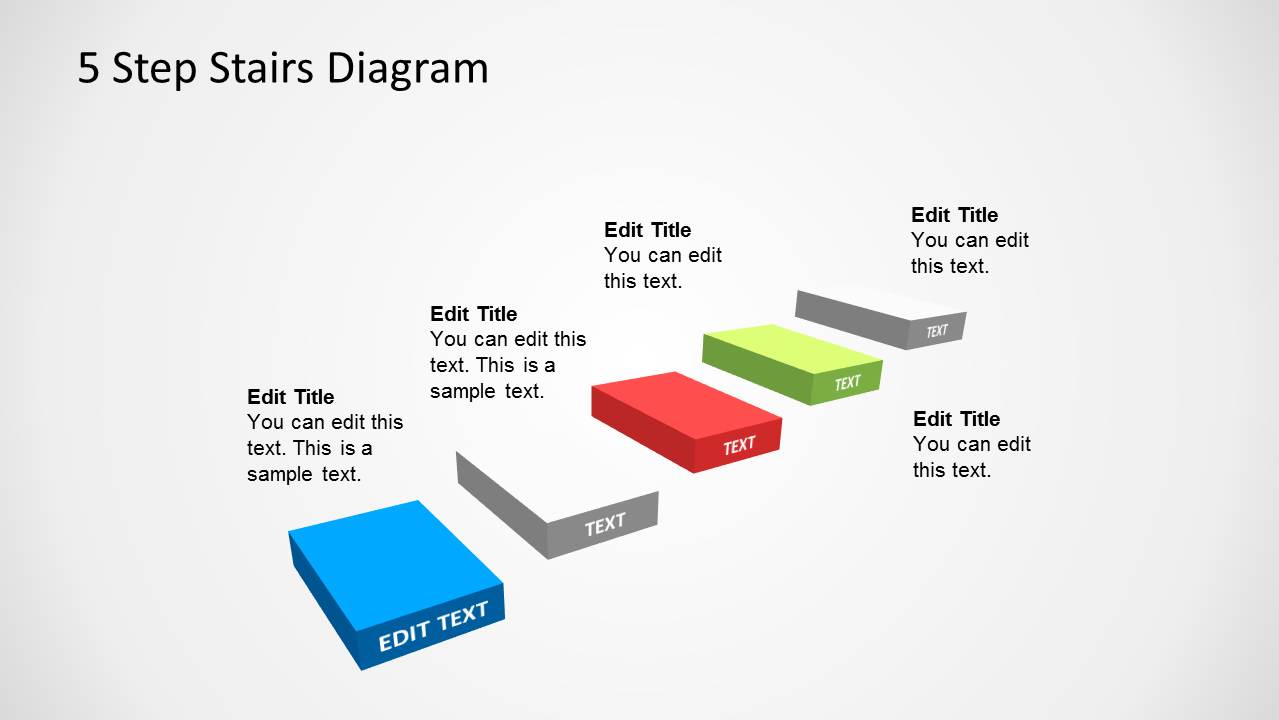
- A career coach can use the callout slide to describe a client development path, assigning each editable text block to a skill, behavior, or achievement.
- A trainer can introduce a five-part learning sequence by using the compact staircase and curved arrow to show how each module builds toward the final outcome.
Features
- 100% editable presentation template
- Compatible with Microsoft PowerPoint and Google Slides
- Scalable vector shapes, icons and illustrations
- AI-Ready for Microsoft Copilot and Claude
- Instant access and download
Frequently asked questions
Q: How should I present the five-step staircase so it communicates a clear process?
A: Treat each stair as one decision, milestone, or action, not as a text container for long paragraphs. Start with the blue base step, explain why the order matters, then move upward one step at a time. Use the callout slide when the audience needs short explanations beside each stage.
Q: Who is this template best suited for in a business presentation?
A: This template fits presenters who need to explain progress without a complex roadmap. Project managers, sales managers, consultants, trainers, and coaches can use it when the main message is sequential growth, such as moving from setup to execution, from prospect to customer, or from current skill to target behavior.
Q: Why does the stair metaphor work for this type of message?
A: Stairs imply effort, order, and upward movement, so the audience understands that each stage builds on the previous one. The blue sphere adds a visual marker for current position or destination. Curved arrows make the motion explicit, helping the presenter show transition rather than listing disconnected steps.





5 Step Stairs Diagram Template for PowerPoint
6-slide PowerPoint diagram template with 5-step stairs, milestone sequence, and upward progress visuals
The 5 Step Stairs Diagram Template for PowerPoint is a 6-slide diagram template for explaining ordered progress. It includes five-step stair sequences, milestone labels, curved-arrow movement, callout annotations, and a goal-marker sphere. Business, project, sales, coaching, and training presenters can use it to show staged advancement in PowerPoint.


 Loading...
 Microsoft PowerPoint
  Microsoft Copilot
  Claude for PowerPoint
 Other formats supported
Subscribe today and get immediate
access to download our PowerPoint templates.