Slide 5 of 6 from 5 Steps Funnel With Section Details PowerPoint Diagram
Funnel Graphics for 5 Steps PowerPoint Diagram
5 Steps Funnel with Section Details Diagram
- Diagram
- Funnel
- Process Slide
- 16:9
- 100% Editable
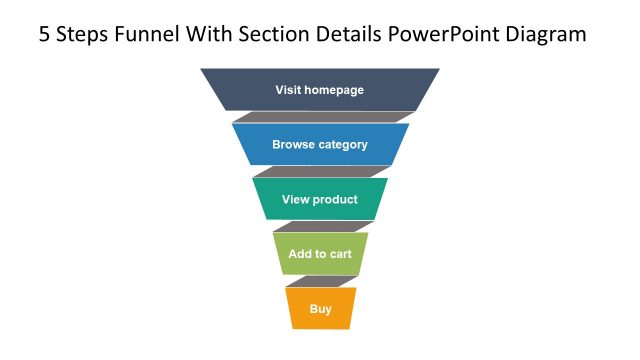
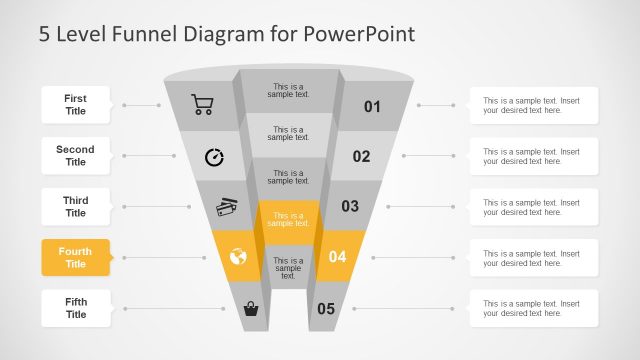
The Funnel Steps with Details slide from the 5 Steps Funnel With Section Details PowerPoint Diagram template visually breaks down each phase of a marketing funnel, highlighting key actions like visiting a homepage and adding to cart. This slide layout is ideal for business presentations and pitch deck templates that require clear depiction of sales processes and customer journey mapping using editable slides and vector icons.
What’s on This Slide
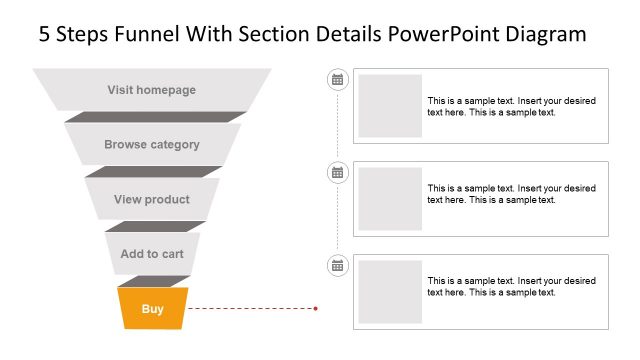
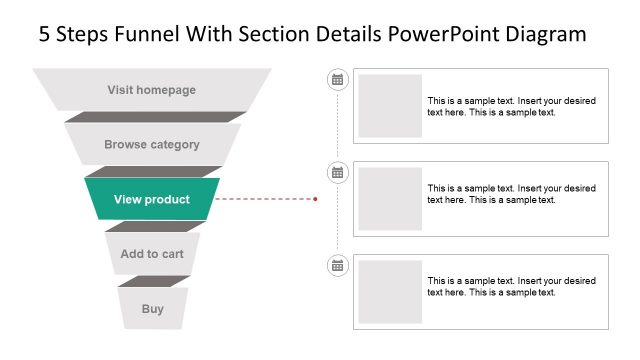
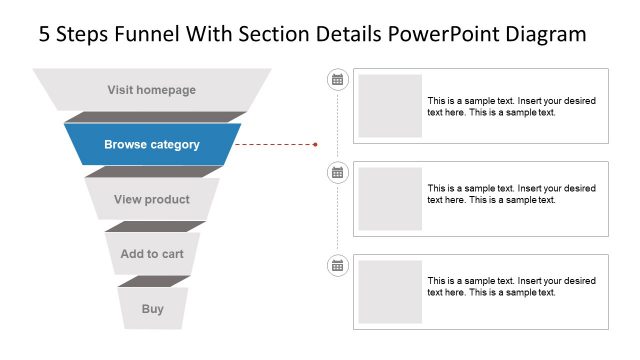
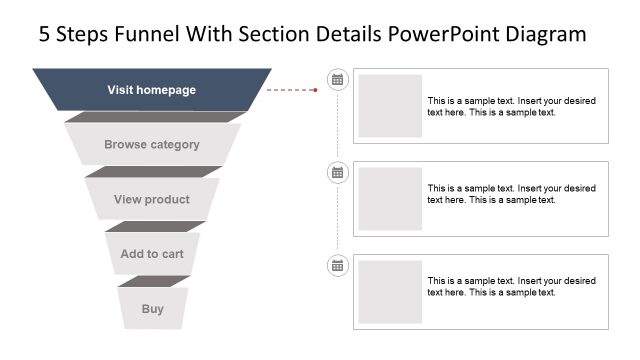
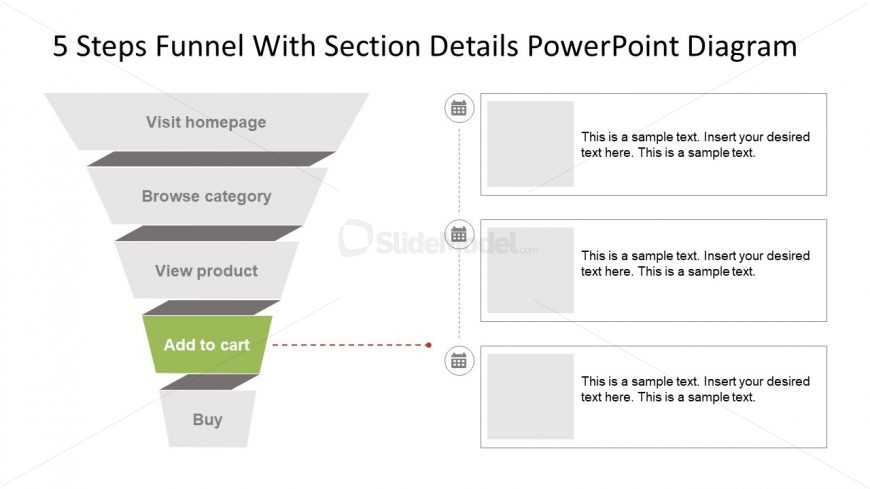
The slide features a funnel diagram on the left, composed of five horizontal segments labeled 'Visit homepage', 'Browse category', 'View product', 'Add to cart', and 'Buy'. The 'Add to cart' segment is highlighted in green. To the right, there are three rectangular text placeholders stacked vertically, each with a sample text prompt. The placeholders are aligned to the right of the funnel, with a dotted line connecting the highlighted segment to the first placeholder. The overall layout is structured to emphasize the funnel's flow and corresponding details.
How to Use It
This layout serves as a visual representation of a marketing funnel, detailing each step in a lead generation process. It is suitable for presentations focused on sales strategies or customer journey analysis. Positioned after introductory slides, it effectively illustrates the progression from initial engagement to conversion. This structure is useful for businesses looking to outline their marketing strategies or analyze customer behavior at each stage of the funnel.
Text Placeholders & Capacity
Keep your copy within these limits so it fits without resizing. Node labels can hold up to 20 characters each, while body slots can accommodate about 100 characters.
| Placeholder | Count | Max characters (approx.) |
|---|---|---|
| Item heading | 5 | 20 |
| Item body | 3 | 100 |
Slide Keywords
Download unlimited PowerPoint templates, charts and graphics for your presentations with our annual plan.
DOWNLOADReturn to 5 Steps Funnel With Section Details PowerPoint Diagram.