Slide 1 of 6 from 5 Steps Funnel With Section Details PowerPoint Diagram
5 Steps Funnel PowerPoint Diagram
5 Steps Funnel Diagram for Presentations
- Diagram
- Funnel
- Process Slide
- 16:9
- 100% Editable
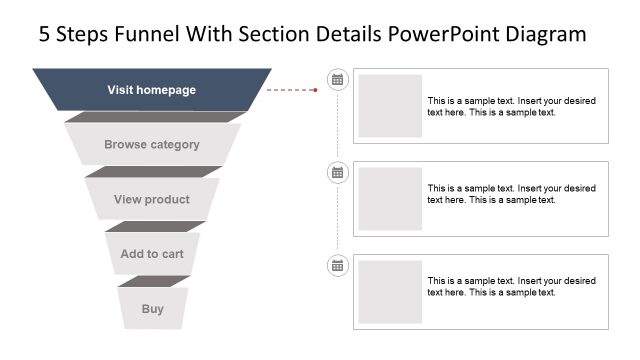
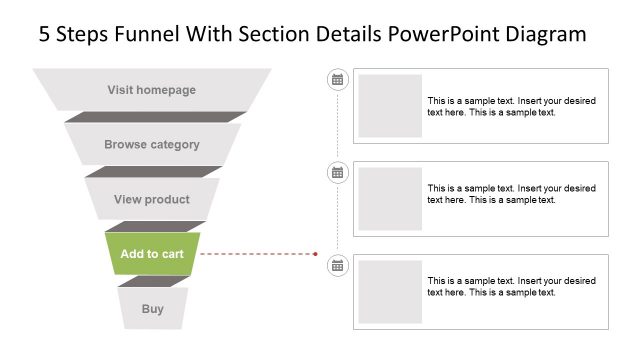
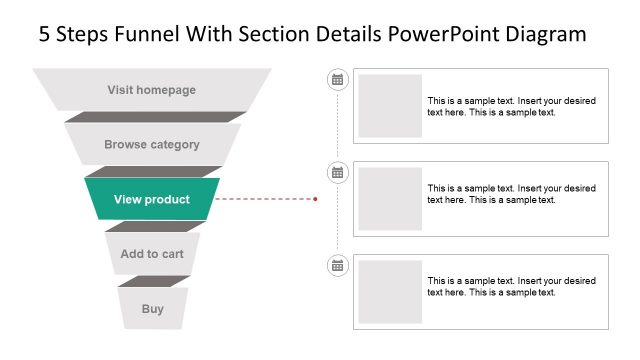
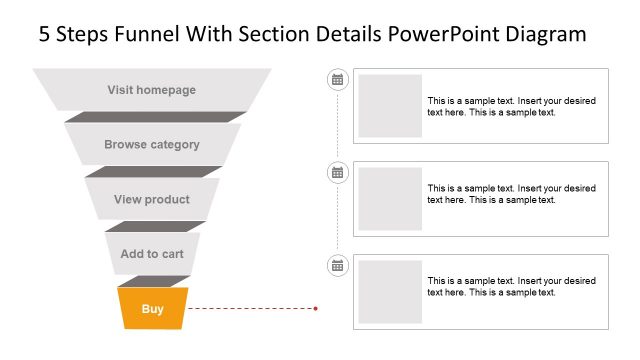
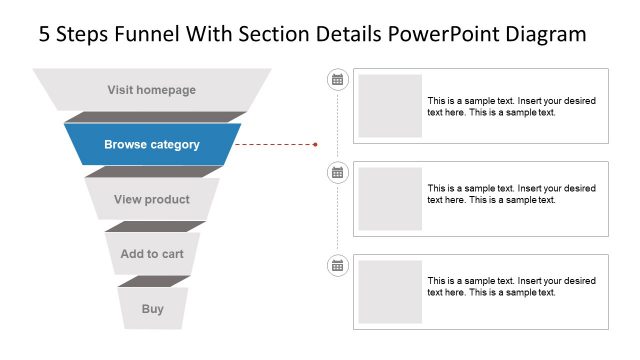
The 5 Steps Funnel Diagram slide from the 5 Steps Funnel With Section Details PowerPoint Diagram template visually represents the customer journey through a five-layer funnel. This slide layout is designed for business presentations to clearly demonstrate sales processes and marketing funnels using editable shapes and vector icons. It supports effective communication of conversion stages, making it a practical choice for corporate presentation slide decks focused on lead generation and customer engagement strategies.
What’s on This Slide
The slide features a funnel diagram with five horizontal layers. Each layer is a different color, arranged from top to bottom in a narrowing shape. The top layer is dark gray, labeled 'Visit homepage,' followed by a blue layer for 'Browse category,' a green layer for 'View product,' a light green layer for 'Add to cart,' and an orange layer at the bottom labeled 'Buy.' The title is prominently displayed at the top center. Text placeholders exist for each layer, aligned centrally within their respective sections.
How to Use It
This layout serves as a step-by-step funnel representation, ideal for illustrating a customer journey in marketing or sales contexts. It fits well at the beginning of a presentation to outline the process of lead generation. This structure is useful for businesses aiming to visualize conversion stages, making it suitable for discussions on sales strategies, marketing funnels, or customer engagement processes.
Text Placeholders & Capacity
Keep your copy within these limits so it fits without resizing. Node labels can accommodate roughly 5-6 words each.
| Placeholder | Count | Max characters (approx.) |
|---|---|---|
| Slide title | 1 | 40 |
| Item heading | 5 | 30 |
Slide Keywords
Download unlimited PowerPoint templates, charts and graphics for your presentations with our annual plan.
DOWNLOADReturn to 5 Steps Funnel With Section Details PowerPoint Diagram.