Slide 2 of 2 from 5-Step Numbered Infographic PowerPoint Template
Editabe 5-Step Numbered Infographic PPT Template
5-Step Numbered Infographic Template Overview
- Diagram
- Other
- Process Slide
- 16:9
- 100% Editable
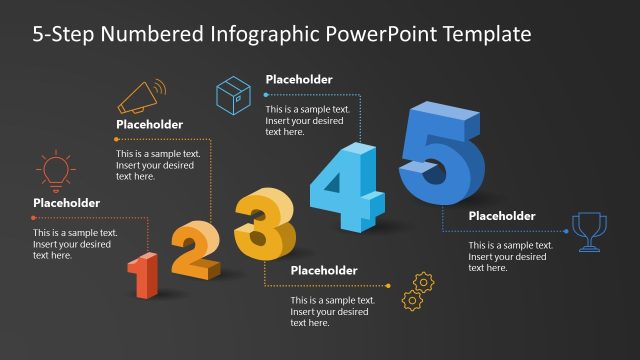
The 5-Step Numbered Infographic slide from the 5-Step Numbered Infographic PowerPoint Template offers a clear visual layout to present project milestones or workflow stages. Featuring editable shapes and vector icons aligned with each step, this slide template supports effective communication in business presentations and pitch decks. Its horizontal design and distinct color coding enhance the clarity of sequential information, making it suitable for corporate presentations requiring structured process explanations.
What’s on This Slide
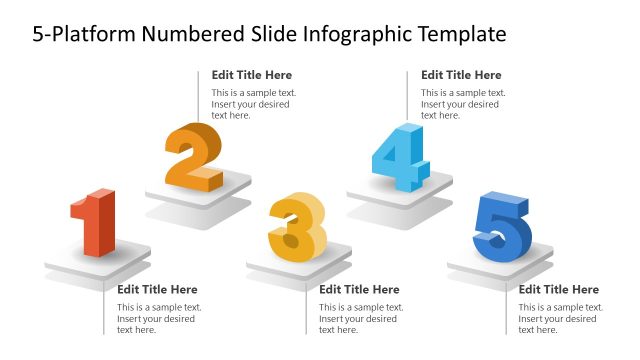
The slide features a horizontal layout with five large, isometric numbers positioned from left to right. Each number is accompanied by a dotted-line icon callout and a text placeholder below. The numbers are colored in shades of blue, orange, and red, creating a visually distinct hierarchy. Icons include a light bulb, box, gear, and trophy, each aligned with their respective number. Text placeholders are centrally aligned beneath each number and icon, allowing for clear visual separation. The background is white, enhancing the overall clarity of the design.
How to Use It
This layout serves as a numbered infographic to illustrate a five-step process or stages in a project. It is suitable for presentations that require clear sequential information, such as project milestones or deliverables. This structure fits well in a presentation sequence after an introduction slide, providing a visual breakdown of key points. It can be used in business contexts to explain workflows, strategies, or timelines effectively.
Text Placeholders & Capacity
Keep your copy within these limits so it fits without resizing. Node body slots can hold roughly 15-20 words each.
| Placeholder | Count | Max characters (approx.) |
|---|---|---|
| Item heading | 5 | 30 |
| Item body | 5 | 100 |
Slide Keywords
Download unlimited PowerPoint templates, charts and graphics for your presentations with our annual plan.
DOWNLOAD