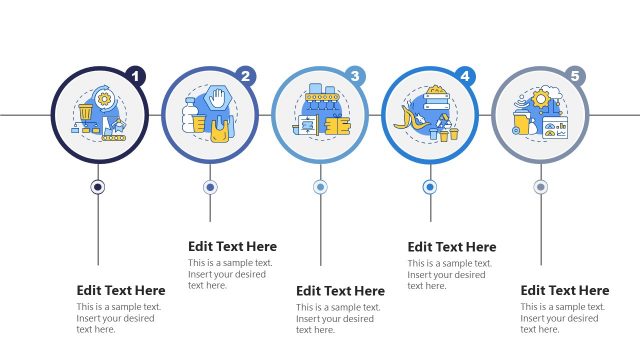
Slide 6 of 6 from 5-Step Horizontal Infographic Diagram for PowerPoint
Wireless Control System for Waste Management Monitoring Slide Template – 5 Step Infographic Template
5-Step Process Diagram for Presentations
- Diagram
- Process Flow
- Process Slide
- 16:9
- 100% Editable
What’s on This Slide
The slide features a circular graphic positioned on the left, containing an illustration of environmental elements like a gear, trash bin, and data chart. The number '5' is prominently displayed within the circle. To the right, there is a rectangular text placeholder with a light background, aligned vertically. This placeholder includes sample text indicating where the user can input their content. The overall layout emphasizes the circular graphic as the focal point, with a clear separation between the visual and text elements.
How to Use It
This layout serves as a concluding step in a process diagram, ideal for summarizing key points or actions. It fits well in presentations focused on environmental topics, project timelines, or process overviews. Use this structure to highlight the final step of a series, ensuring clarity and engagement. It is suitable for business scenarios involving waste management, sustainability initiatives, or educational content on ecological practices.
Text Placeholders & Capacity
Keep your copy within these limits so it fits without resizing. The body text slot can accommodate around 15-20 words comfortably.
| Placeholder | Count | Max characters (approx.) |
|---|---|---|
| Item body | 1 | 100 |
| Item heading | 1 | 10 |
Slide Keywords
Download unlimited PowerPoint templates, charts and graphics for your presentations with our annual plan.
DOWNLOADReturn to 5-Step Horizontal Infographic Diagram for PowerPoint.