Slide 3 of 5 from 5-Item Vertical Step-by-Step Cards PowerPoint Template
Vertical Step-by-Step Cards Template for Presentation
Step 03 Card Layout for Presentations
- Diagram
- Other
- Process Slide
- 16:9
- 100% Editable
The Step 03 Card with Icons slide from the 5-Item Vertical Step-by-Step Cards PowerPoint Template offers a clear layout for process explanations and project updates. This slide template features editable shapes and vector icons arranged to highlight sequential steps, making it suitable for business presentations and instructional slide decks. Its design supports concise communication of step-by-step instructions within professional slide templates.
What’s on This Slide
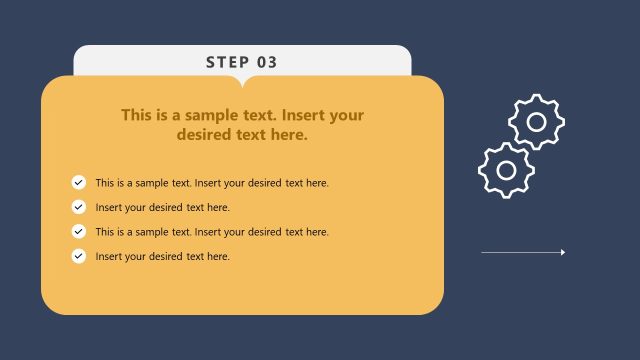
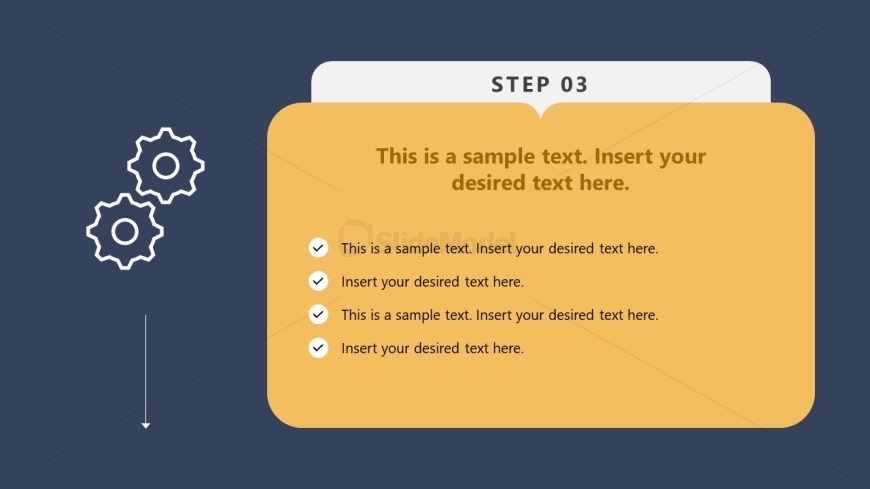
The slide features a dark blue background with a prominent yellow card on the right side. The card contains a header labeled 'STEP 03' at the top, followed by a bold text placeholder for a description. Below this, there are four bullet points with checkmarks, arranged vertically. To the left, there are two gear icons, positioned near the center of the slide. The overall layout emphasizes the card's content, with a clear visual hierarchy that directs attention to the step and its details. The design includes ample space for text input.
How to Use It
This layout serves as a step-by-step card, ideal for outlining processes or instructions. It fits well in a presentation sequence where sequential steps are discussed, particularly after introducing a problem or concept. This format is useful for business scenarios such as project updates, training sessions, or product demonstrations, where clear, actionable steps are needed. It allows for easy comprehension and engagement from the audience, making it suitable for instructional contexts.
Text Placeholders & Capacity
Keep your copy within these limits so it fits without resizing. Node body slots are tight, roughly 10 words each.
| Placeholder | Count | Max characters (approx.) |
|---|---|---|
| Slide title | 1 | 30 |
| Item body | 4 | 50 |
| Item heading | 4 | 20 |
| Body paragraph | 1 | 100 |
Slide Keywords
Download unlimited PowerPoint templates, charts and graphics for your presentations with our annual plan.
DOWNLOADReturn to 5-Item Vertical Step-by-Step Cards PowerPoint Template.