5-Step Central Idea PowerPoint Template
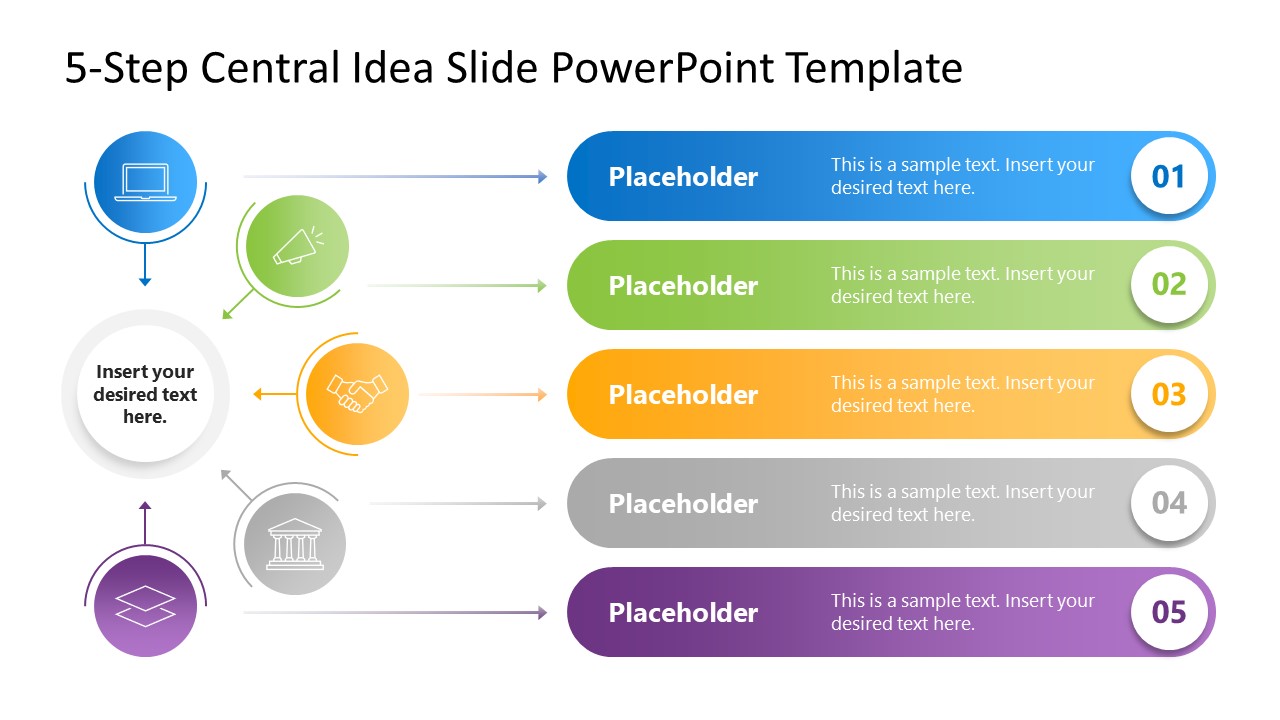
Showcase multiple dimensions of a concept in business meetings with our 5-Step Central Idea PowerPoint Template. Professionals communicate their ideas in unique formats so that the audience can understand the details effectively. To serve this purpose, we have designed a 5-step central idea template layout with editable PowerPoint elements. Users from multiple domains can edit this template in their meetups:
- After brainstorming sessions, this central idea diagram template helps presenters list their ideas and discuss their significance.
- In project meetings, managers can visualize the five key steps in the project lifecycle.
- Software engineers, IT experts, data analysts, and other professionals can use our central idea diagram template to present the five stages in the process execution.
- This layout is also helpful for marketers to mention different marketing channels that can help their brand grow rapidly.
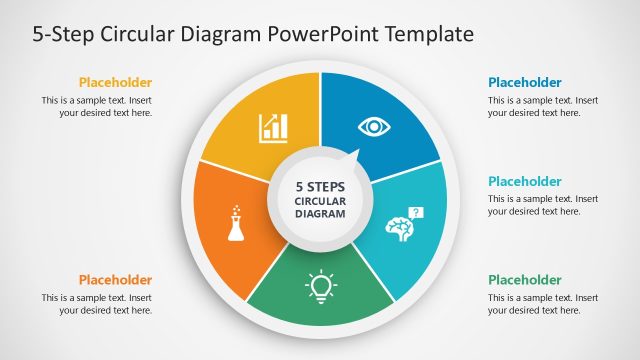
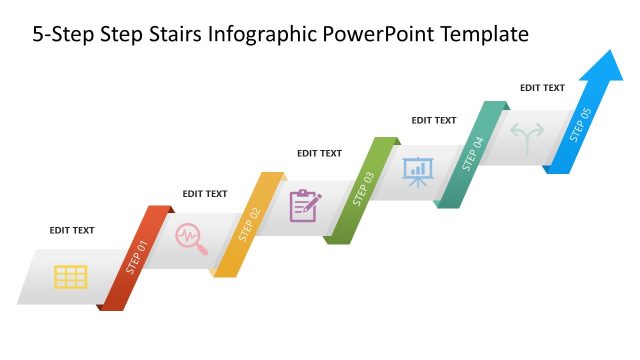
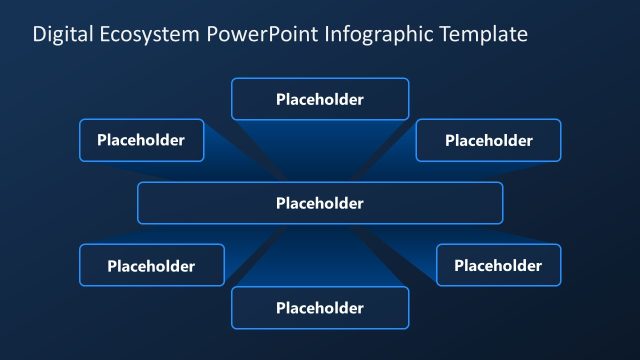
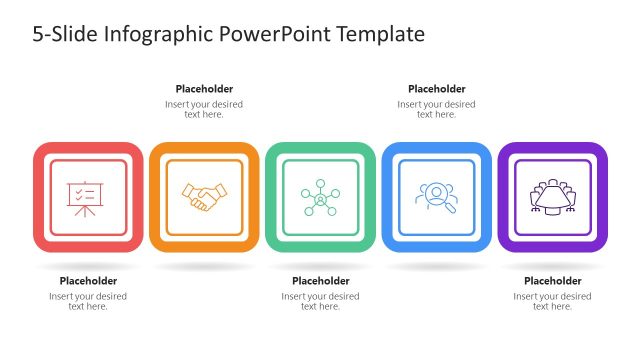
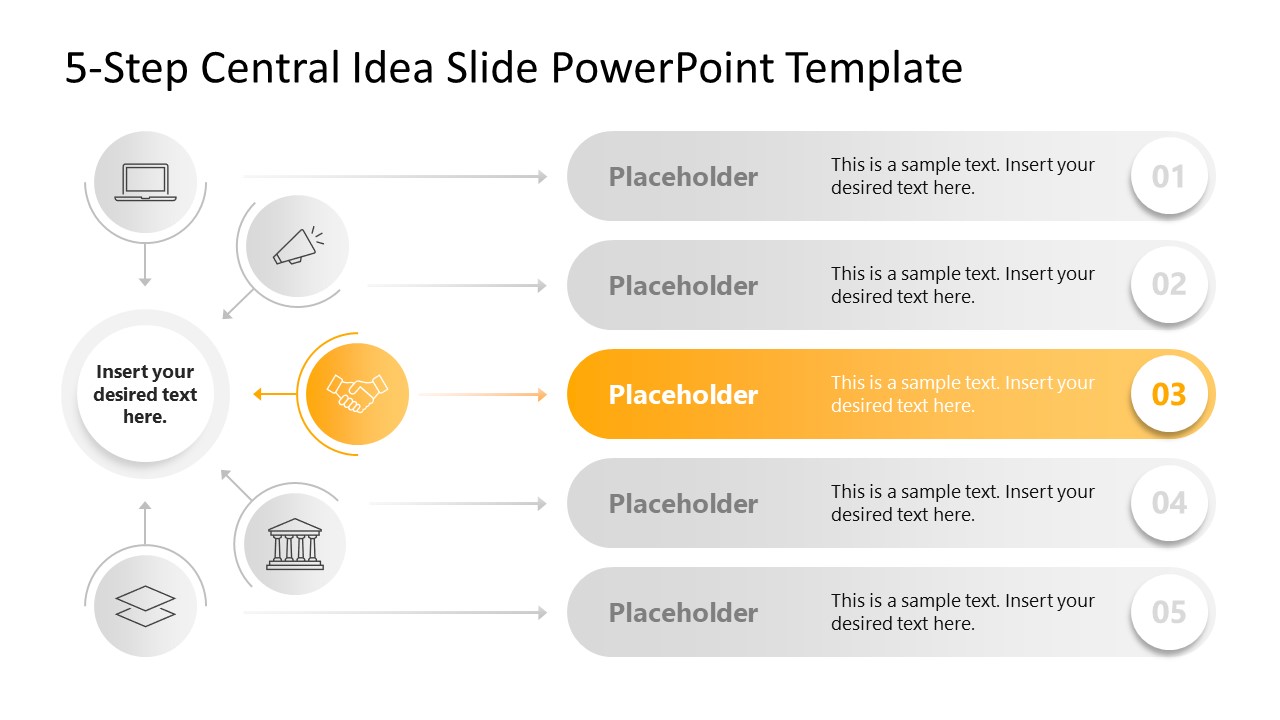
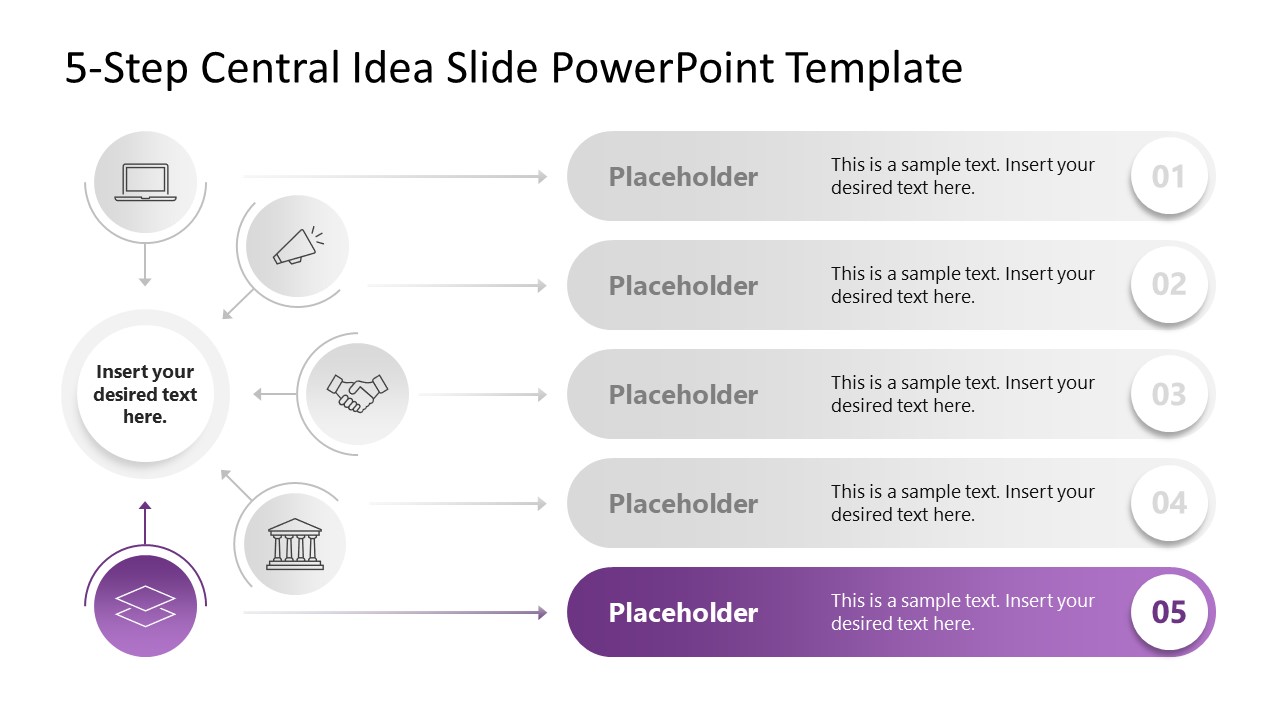
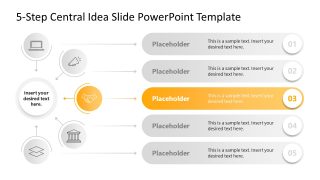
Users can also customize the 5-Step Central Idea PowerPoint Template with any version of Microsoft PowerPoint. The template features a diagram with five circles, each containing an infographic, placed around the central text with a title. Small arrows from the icons point towards the central figure. Moreover, single-line arrows connect the infographics to their corresponding horizontal bars on the right side of the slide. Each bar has a numerical digit indicating the step number and placeholder text so that the professionals can display the content correctly. Next, in the following slides, we have provided a similar diagram in grey. Only one point is highlighted in color, allowing the audience to focus on each topic in turn. Adjust the PPT features like shapes, icons, or infographics in the design based on your theme. Download the 5-step central idea presentation template today!



You must be logged in to download this file.
DOWNLOAD- Category
- Diagrams
- Rating

 Loading...
- Size
- 16x9
- Item ID
- 23356-01
- Colors
Subscribe today and get immediate
access to download our PowerPoint templates.