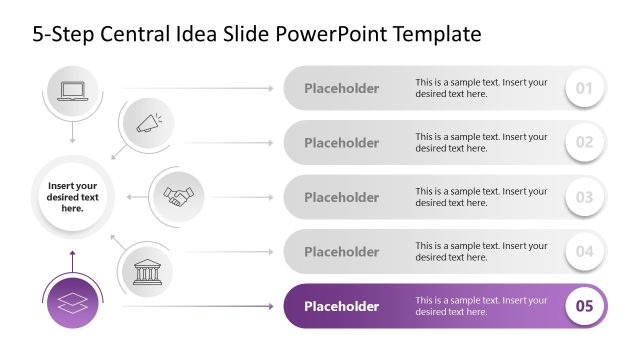
Slide 2 of 6 from 5-Step Central Idea PowerPoint Template
Customizable 5-Step Central Idea PPT Template
5-Step Central Idea Layout for Presentations
- Diagram
- Process Flow
- Concept Explanation Slide
- 16:9
- 100% Editable
The 5-Step Central Idea Layout from the 5-Step Central Idea PowerPoint Template offers a clear and organized diagram for breaking down complex concepts into five sequential components. This slide template is ideal for business presentations and project overviews, providing editable shapes and vector icons that enhance clarity in explaining processes or strategies within a corporate presentation or pitch deck template.
What’s on This Slide
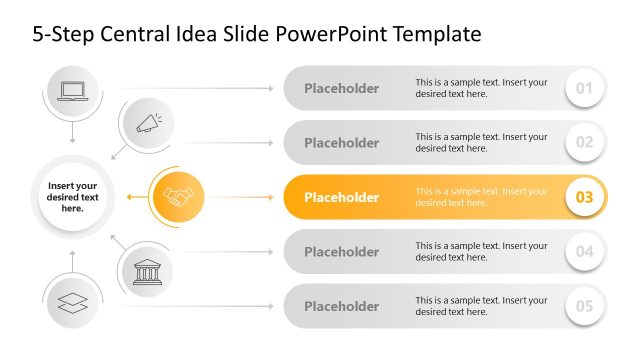
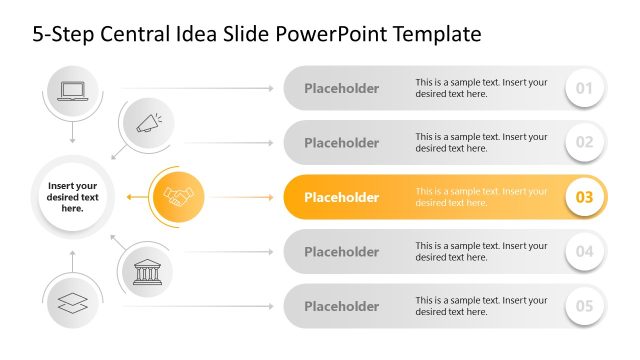
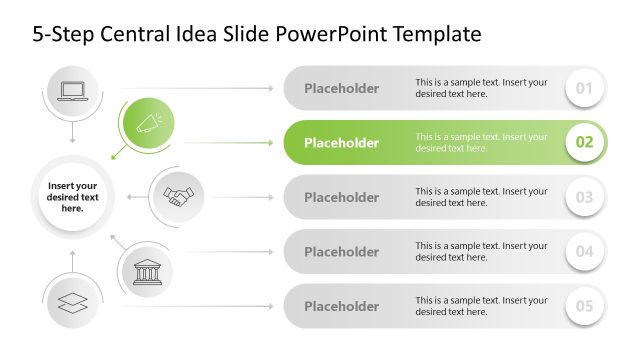
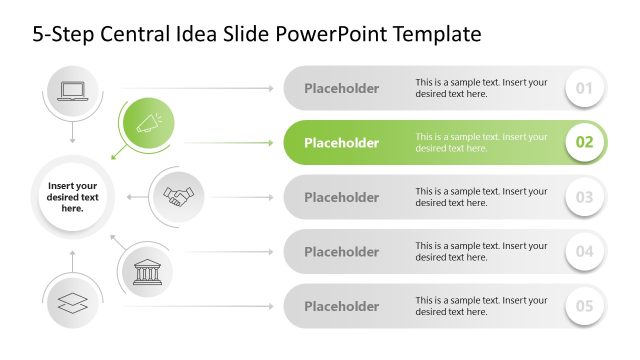
The layout features a central icon on the left, with five horizontal sections extending to the right. Each section contains a circular icon aligned vertically, with connecting arrows pointing towards text placeholders. The first section is highlighted in blue, while the others are in shades of gray. Each placeholder is positioned beneath its respective icon, with a consistent size and alignment. The overall structure is organized and visually clear, facilitating easy comprehension of the central idea and its components.
How to Use It
This layout serves as a sequential representation of a central idea broken into five components. It is suitable for presentations that aim to explain processes, concepts, or strategies in a clear, step-by-step manner. This format is particularly effective in business contexts, such as project proposals, strategic planning sessions, or educational presentations, where clarity and organization are essential for audience understanding.
Text Placeholders & Capacity
Keep your copy within these limits so it fits without resizing. Node body slots can accommodate roughly 15-20 words each.
| Placeholder | Count | Max characters (approx.) |
|---|---|---|
| Item heading | 5 | 50 |
| Item body | 5 | 100 |
Slide Keywords
Download unlimited PowerPoint templates, charts and graphics for your presentations with our annual plan.
DOWNLOADReturn to 5-Step Central Idea PowerPoint Template.