Slide 5 of 6 from 5-Step Central Idea PowerPoint Template
5-Step Central Idea Template Slide with Infographics
5-Step Central Idea Diagram for Presentations
- Diagram
- Arrow Sequence
- Process Slide
- 16:9
- 100% Editable
The 5-Step Central Idea Diagram from the 5-Step Central Idea PowerPoint Template offers a clear vertical arrow sequence ideal for illustrating step-by-step processes in business presentations or educational frameworks. This slide layout supports effective communication of multi-phase concepts using editable shapes and vector icons, making it a practical choice for corporate presentations and pitch deck templates.
What’s on This Slide
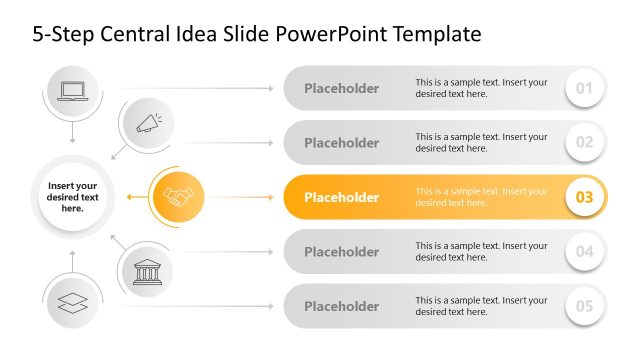
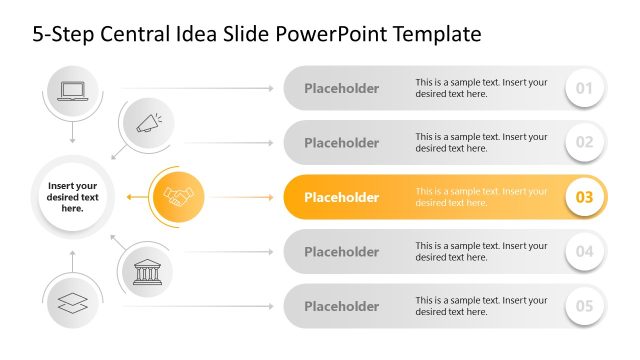
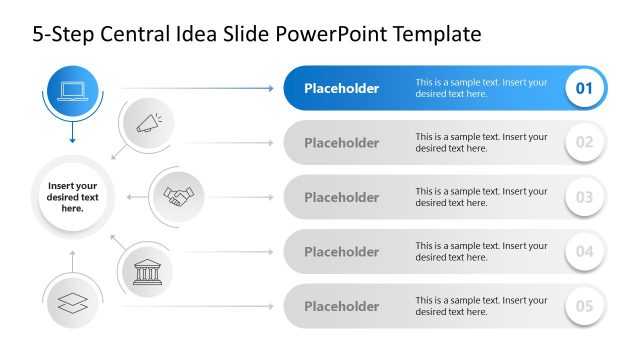
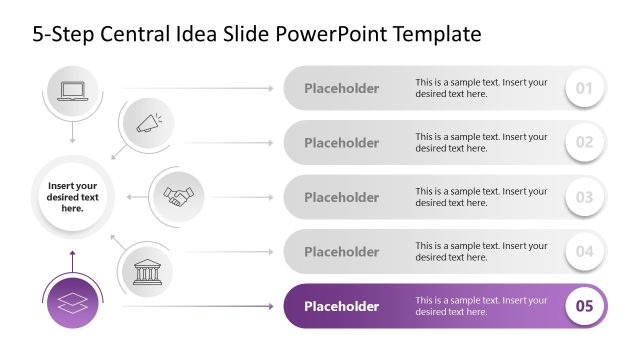
The layout features a vertical arrangement of five circular nodes aligned left, each connected by arrows. The first node contains an icon of a laptop, the second a megaphone, the third a handshake, the fourth a building, and the fifth a layered shape. Each node has a placeholder for text, centered within the circle. The arrows point downward from one node to the next, indicating a sequence. The background is light, with a gradient effect on the node containers, enhancing visual separation. The slide title is prominently placed at the top.
How to Use It
This layout serves as a sequential diagram to present a five-step process or concept. It fits well in a presentation where a central idea is broken down into distinct phases or components. Common applications include business strategies, project plans, or educational frameworks. The clear visual flow aids in audience comprehension, making it suitable for both formal and informal settings. It is particularly effective when illustrating processes that require step-by-step guidance.
Text Placeholders & Capacity
Keep your copy within these limits so it fits without resizing. Node text slots can hold approximately 30 characters each, including spaces.
| Placeholder | Count | Max characters (approx.) |
|---|---|---|
| Item body | 5 | 30 |
| Slide title | 1 | 50 |
Slide Keywords
Download unlimited PowerPoint templates, charts and graphics for your presentations with our annual plan.
DOWNLOADReturn to 5-Step Central Idea PowerPoint Template.