Slide 2 of 7 from 5 Segments Light Bulb Puzzle Diagram for PowerPoint
5 Segment PowerPoint of Light Bulb Puzzle
Light Bulb Puzzle Diagram for Presentations
- Diagram
- Other
- Concept Explanation Slide
- 16:9
- 100% Editable
What’s on This Slide
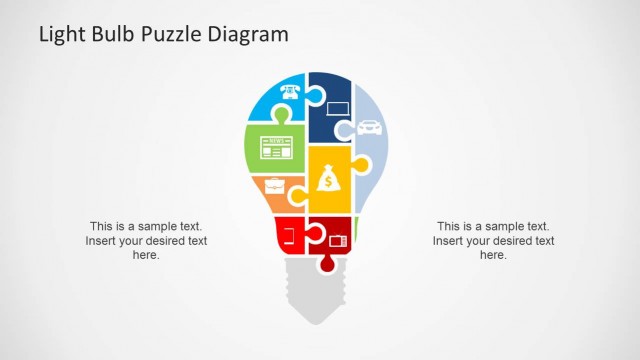
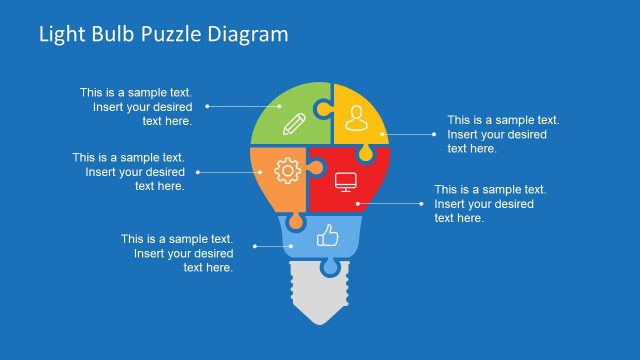
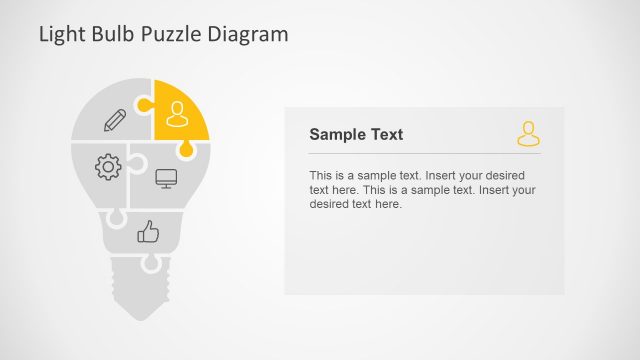
The layout features a light bulb shape composed of five colorful puzzle pieces arranged in a circular format. Each segment contains an icon representing different concepts, such as a pencil, person, gear, computer, and thumbs-up. The bulb's base is a light bulb socket. Text placeholders are located on the left and right sides of the bulb, aligned vertically, allowing for additional descriptions or titles. The background is a light gray, enhancing the visibility of the colorful segments and icons.
How to Use It
This layout serves as a visual representation of interconnected ideas or steps, suitable for illustrating concepts in a creative manner. It fits well in presentations discussing innovation, brainstorming sessions, or project planning. The structure allows for clear segmentation of information, making it ideal for business scenarios where multiple components contribute to a single idea. It can be effectively used to summarize key points or to present collaborative efforts.
Text Placeholders & Capacity
Keep your copy within these limits so it fits without resizing. Body slots can hold roughly 8-10 words each.
| Placeholder | Count | Max characters (approx.) |
|---|---|---|
| Slide title | 1 | 30 |
| Body paragraph | 2 | 50 |
Slide Keywords
Download unlimited PowerPoint templates, charts and graphics for your presentations with our annual plan.
DOWNLOADReturn to 5 Segments Light Bulb Puzzle Diagram for PowerPoint.